
Draw Picture 3d for PC
BooBoo Games Pvt Ltd
GameLoop एमुलेटर के साथ पीसी पर Draw Picture 3d डाउनलोड करें
पीसी पर Draw Picture 3d
Draw Picture 3d, डेवलपर BooBoo Games Pvt Ltd से आ रहा है, अतीत में Android सिस्टर्म पर चल रहा है।
अब, आप Draw Picture 3d को पीसी पर GameLoop के साथ आसानी से खेल सकते हैं।
इसे GameLoop लाइब्रेरी या खोज परिणामों में डाउनलोड करें। अब और गलत समय पर बैटरी या निराशाजनक कॉलों पर ध्यान नहीं देना चाहिए।
बस मुफ्त में बड़ी स्क्रीन पर Draw Picture 3d पीसी का आनंद लें!
Draw Picture 3d परिचय
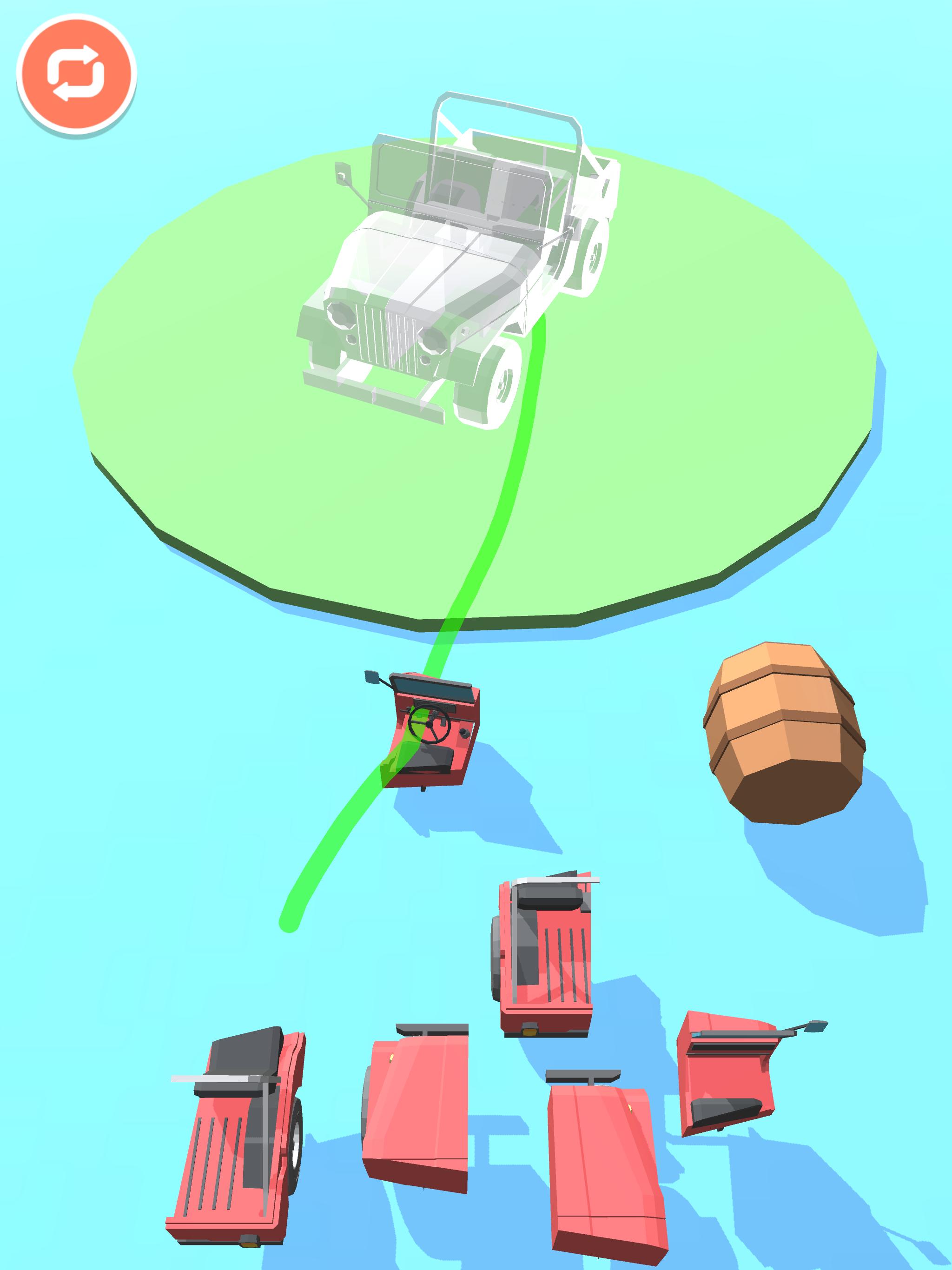
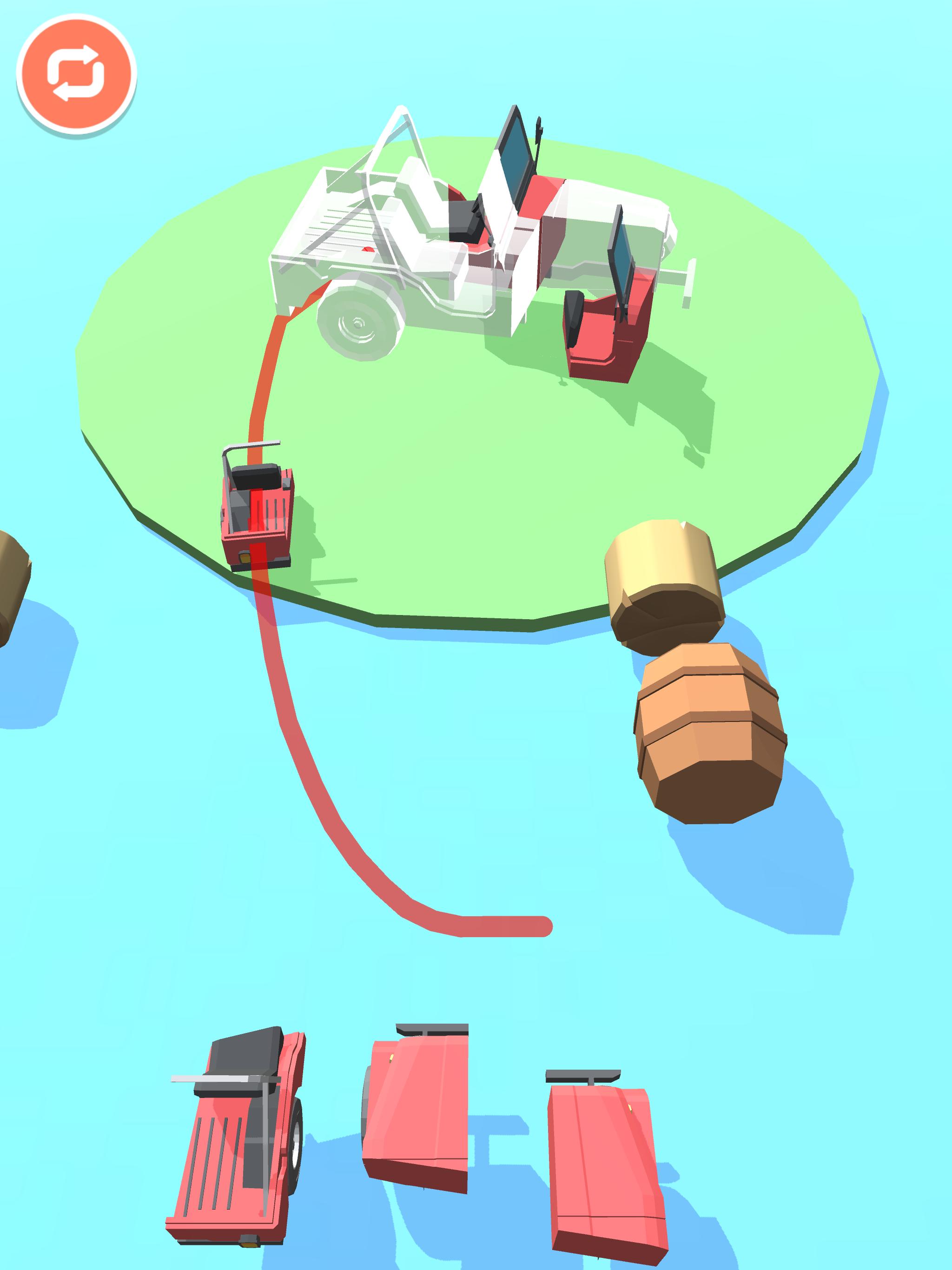
Draw the path originating from the parts to the model to move them in the right place. Enjoy multiple objects in this super fancy 3d puzzle.
पूर्वावलोकन
जानकारी
डेवलपर
BooBoo Games Pvt Ltd
नवीनतम संस्करण
0.0.112
आखरी अपडेट
2020-08-12
श्रेणी
पहेली
पर उपलब्ध
Google Play
और दिखाओ
पीसी पर गेमलूप के साथ Draw Picture 3d कैसे खेलें
1. आधिकारिक वेबसाइट से GameLoop डाउनलोड करें, फिर GameLoop को स्थापित करने के लिए exe फ़ाइल चलाएँ।
2. गेमलूप खोलें और "Draw Picture 3d" खोजें, खोज परिणामों में Draw Picture 3d खोजें और "इंस्टॉल करें" पर क्लिक करें।
3. GameLoop पर Draw Picture 3d खेलने का आनंद लें।
Minimum requirements
OS
Windows 8.1 64-bit or Windows 10 64-bit
GPU
GTX 1050
CPU
i3-8300
Memory
8GB RAM
Storage
1GB available space
Recommended requirements
OS
Windows 8.1 64-bit or Windows 10 64-bit
GPU
GTX 1050
CPU
i3-9320
Memory
16GB RAM
Storage
1GB available space