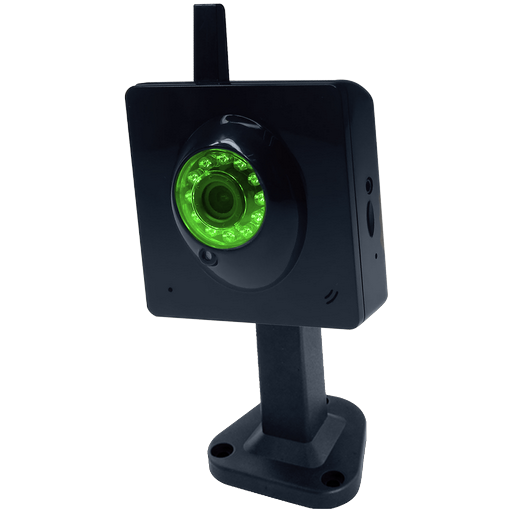
Viewer for AVTech IP cameras for PC
CamViewer.mobi
GameLoop एमुलेटर के साथ पीसी पर Viewer for AVTech IP cameras डाउनलोड करें
पीसी पर Viewer for AVTech IP cameras
Viewer for AVTech IP cameras, डेवलपर CamViewer.mobi से आ रहा है, अतीत में Android सिस्टर्म पर चल रहा है।
अब, आप Viewer for AVTech IP cameras को पीसी पर GameLoop के साथ आसानी से खेल सकते हैं।
इसे GameLoop लाइब्रेरी या खोज परिणामों में डाउनलोड करें। अब और गलत समय पर बैटरी या निराशाजनक कॉलों पर ध्यान नहीं देना चाहिए।
बस मुफ्त में बड़ी स्क्रीन पर Viewer for AVTech IP cameras पीसी का आनंद लें!
Viewer for AVTech IP cameras परिचय
Remotely view and control your AVTech IP cameras. This app supports the followings models:
DVR
DVR 2
7xx DVR Series
AVx 322/AVx 252
IVS DVR
AVC708H
AVC792PV
AVN801
This app is designed for AVTech cameras and includes the following features:
- Guaranteed to work with all AVTech camera models listed above.
- Free to try. Receive a full refund within 30 days if you are not satisfied with our app.
- Remotely view and control all AVTech IP camera models .
- User-friendly interface. Fast loading .
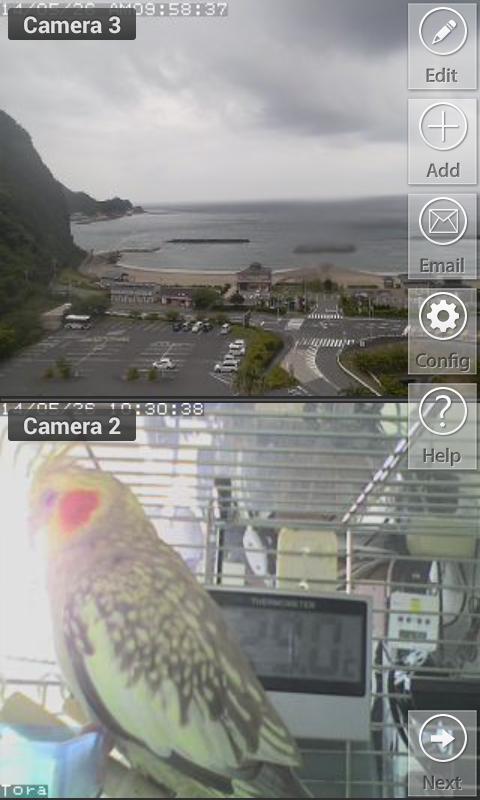
- Record videos and take snapshots from your IP cameras and share videos via email
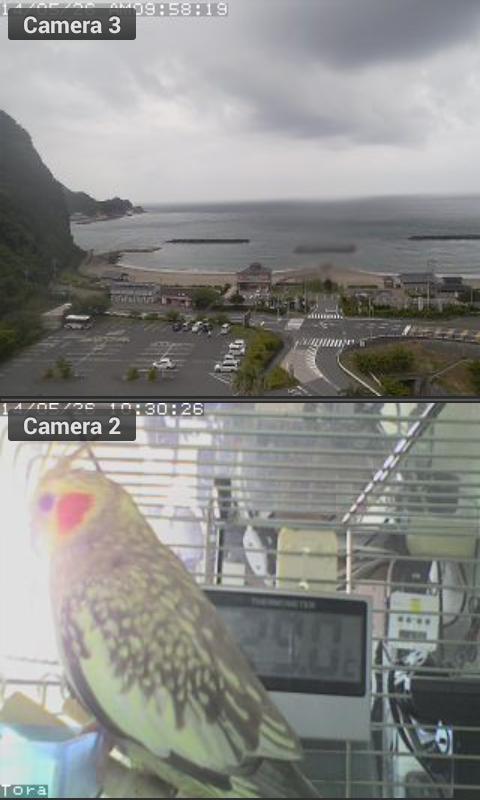
- Unlimited number of cameras. View up to 4 cameras on screen at a time .
- Instantly capture camera's screen and send via email
- Perfect for home security, pet-cam or workplaces.
- Designed for both phones and tablets .
- Pan, tilt, zoom (PTZ) (available on selected models)
- Developed by 3rd party developers. We are not affiliated with or endorsed by AVTech Corp.
- This app does not support audio streaming. You can see video.
See video demo on YouTube http://www.youtube.com/watch?v=fnh4JGgjsFo .
पूर्वावलोकन
जानकारी
डेवलपर
CamViewer.mobi
नवीनतम संस्करण
3.6
आखरी अपडेट
2017-04-05
श्रेणी
उत्पादकता
पर उपलब्ध
Google Play
और दिखाओ
पीसी पर गेमलूप के साथ Viewer for AVTech IP cameras कैसे खेलें
1. आधिकारिक वेबसाइट से GameLoop डाउनलोड करें, फिर GameLoop को स्थापित करने के लिए exe फ़ाइल चलाएँ।
2. गेमलूप खोलें और "Viewer for AVTech IP cameras" खोजें, खोज परिणामों में Viewer for AVTech IP cameras खोजें और "इंस्टॉल करें" पर क्लिक करें।
3. GameLoop पर Viewer for AVTech IP cameras खेलने का आनंद लें।
Minimum requirements
OS
Windows 8.1 64-bit or Windows 10 64-bit
GPU
GTX 1050
CPU
i3-8300
Memory
8GB RAM
Storage
1GB available space
Recommended requirements
OS
Windows 8.1 64-bit or Windows 10 64-bit
GPU
GTX 1050
CPU
i3-9320
Memory
16GB RAM
Storage
1GB available space