
Ultimate Alexa Voice Assistant for PC
Custom Solutions
GameLoop एमुलेटर के साथ पीसी पर Ultimate Alexa Voice Assistant डाउनलोड करें
पीसी पर Ultimate Alexa Voice Assistant
Ultimate Alexa Voice Assistant, डेवलपर Custom Solutions से आ रहा है, अतीत में Android सिस्टर्म पर चल रहा है।
अब, आप Ultimate Alexa Voice Assistant को पीसी पर GameLoop के साथ आसानी से खेल सकते हैं।
इसे GameLoop लाइब्रेरी या खोज परिणामों में डाउनलोड करें। अब और गलत समय पर बैटरी या निराशाजनक कॉलों पर ध्यान नहीं देना चाहिए।
बस मुफ्त में बड़ी स्क्रीन पर Ultimate Alexa Voice Assistant पीसी का आनंद लें!
Ultimate Alexa Voice Assistant परिचय
Ultimate Alexa is a full-featured voice assistant that uses the Amazon Alexa voice service, and is the first app on Google Play to support Alexa’s Display Card technology – like the Amazon Echo Show. Hear and see weather forecasts, to-do and shopping lists, news headlines, Wikipedia entries, and much more. Support is included for both phones and Wear OS watches. If your watch doesn't have a speaker, your connected phone's speaker will be used.
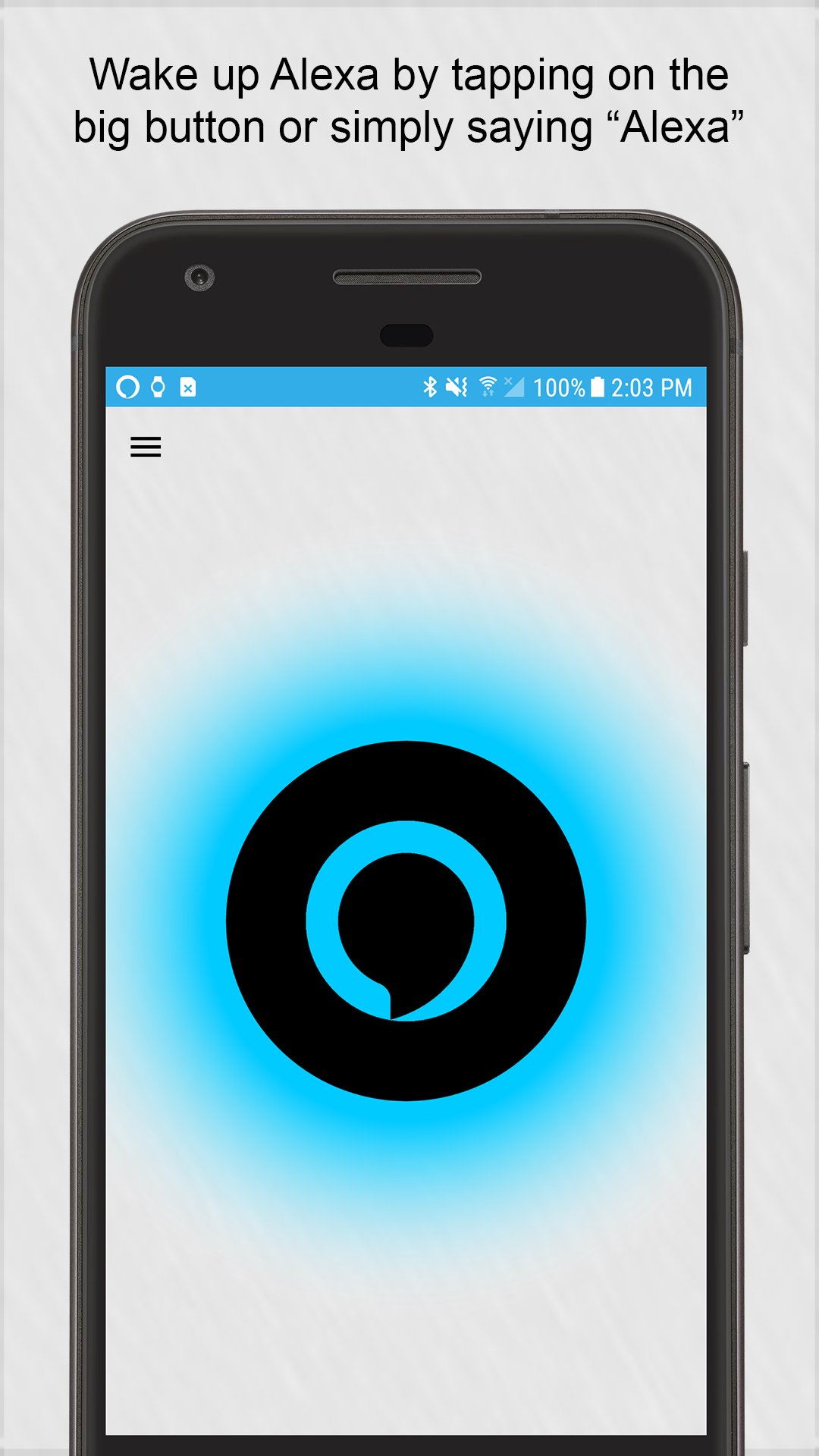
Wake up Alexa on your phone by either saying the “Alexa” wake word or tapping on the big button. You can also activate Alexa from your notification area, the resizable widget, or by saying "OK Google. Start Ultimate Alexa" using the Google Assistant.
You can even set Ultimate Alexa to be your default assistant, so that it listens for the wake word all of the time and can also be woken up by long-pressing your home button.
Upgrade to the Pro version and you can wake up Alexa by simply shaking your phone. If you have a Samsung device with a Bixby button, the Pro version also lets you use that button to talk to Alexa.
On your Wear OS watch, just tap on the big button and start talking. You can also use the Wear OS tile to launch the app and provide a voice command immediately.
You have full control over when the app will listen and respond to your commands. You can also choose from several different Alexa voices.
Support is included for every Alexa feature Amazon allows, including:
• Making phone calls.
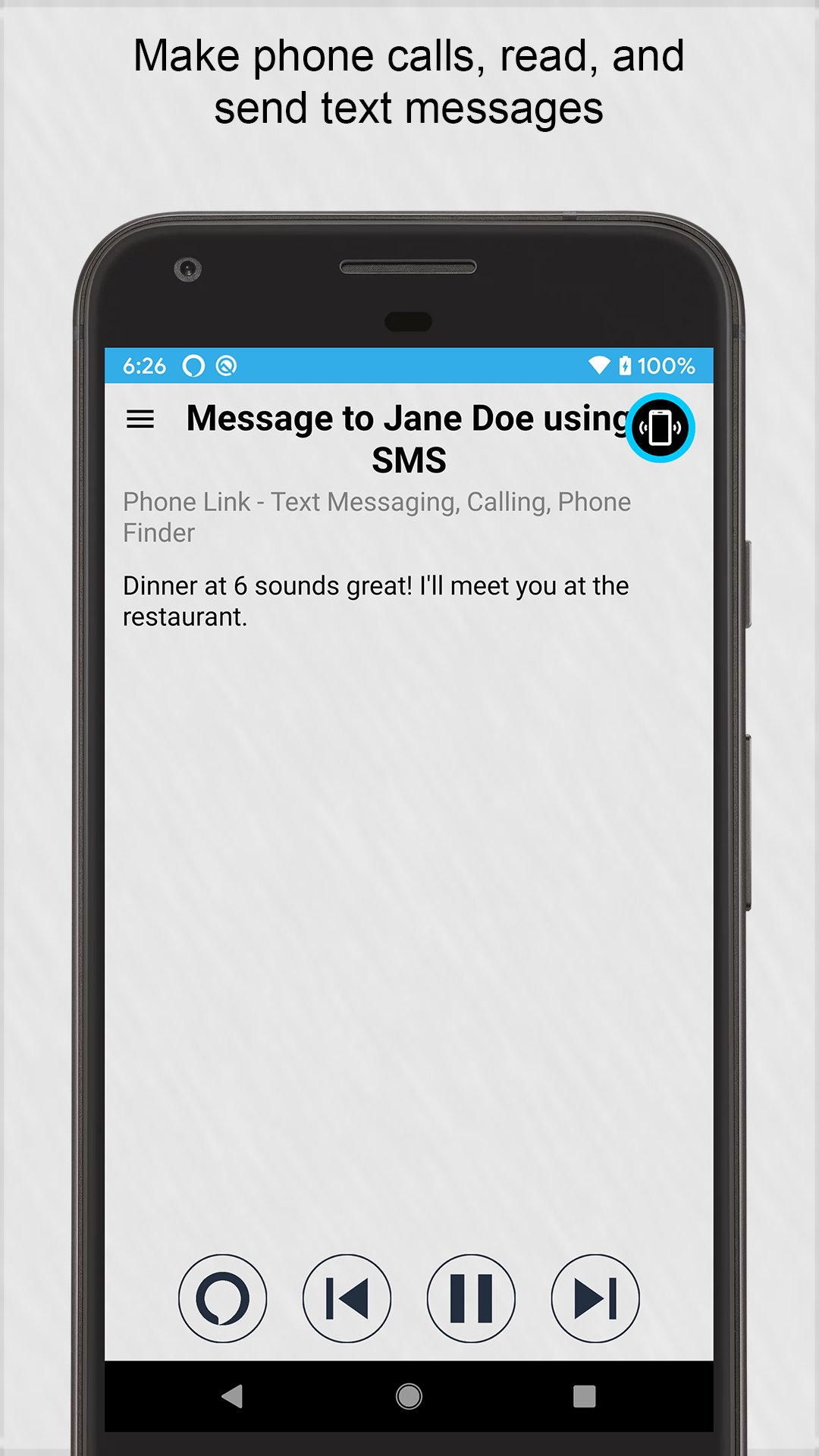
• Reading and sending text messages. Support is included for most messaging apps, including Facebook Messenger, WhatsApp, your phone's SMS app, and many more.
• Playback of music and audio files stored on your phone or tablet.
• Reminders, timers, and alarms.
• Repeating alarms. For example, you can have Alexa wake you up every morning.
• Calendar entries. Hear and see your calendar items.
• Smart home device control.
• Access to local information: businesses, restaurants, movies, phone numbers, and more.
• News, weather, sports, and traffic.
• Fun and games.
• General information: Wikipedia entries, math, unit conversions, and more.
• Access to your to-do and shopping lists.
• Shopping on Amazon.
• Access to thousands of third party skills.
• And much more!
Calling and Text Messaging Availability: These features are currently available in the US, UK, Ireland, Canada, Australia, and New Zealand. A separate Alexa skill is used, which can be enabled by installing the Phone Link app, at: https://play.google.com/store/apps/details?id=com.customsolutions.android.phonelink
Music Playback: Due to restrictions imposed by Amazon, music playback through voice commands is limited to music stored on your device as well as 3rd party skills that support music. Voice commands cannot be used to play music from Amazon and popular services such as Pandora and Spotify.
Amazon Echo Device Owners: If you are looking for Amazon's Alexa app, that provides remote control and settings for your device, download it here: https://play.google.com/store/apps/details?id=com.amazon.dee.app
Some optional features of the app use an accessibility service, and the app will prompt you to enable this service if necessary. When replacing the Bixby assistant with this app, the service keeps track of the current foreground app. When it detects the Bixby app in the foreground, it launches Ultimate Alexa to replace it. Additionally, on devices running Android 9 and lower, the service makes it possible for the app to share the microphone with other apps by pausing wake word listening whenever an app is in the foreground that may need microphone access.
पूर्वावलोकन
टैग
उत्पादकताबोर्डजानकारी
डेवलपर
Custom Solutions
नवीनतम संस्करण
3.9.1
आखरी अपडेट
2025-09-20
श्रेणी
उत्पादकता
पर उपलब्ध
Google Play
और दिखाओ
पीसी पर गेमलूप के साथ Ultimate Alexa Voice Assistant कैसे खेलें
1. आधिकारिक वेबसाइट से GameLoop डाउनलोड करें, फिर GameLoop को स्थापित करने के लिए exe फ़ाइल चलाएँ।
2. गेमलूप खोलें और "Ultimate Alexa Voice Assistant" खोजें, खोज परिणामों में Ultimate Alexa Voice Assistant खोजें और "इंस्टॉल करें" पर क्लिक करें।
3. GameLoop पर Ultimate Alexa Voice Assistant खेलने का आनंद लें।
Minimum requirements
OS
Windows 8.1 64-bit or Windows 10 64-bit
GPU
GTX 1050
CPU
i3-8300
Memory
8GB RAM
Storage
1GB available space
Recommended requirements
OS
Windows 8.1 64-bit or Windows 10 64-bit
GPU
GTX 1050
CPU
i3-9320
Memory
16GB RAM
Storage
1GB available space