
Sensitivity Finder for PC
Luke C Nelson
GameLoop एमुलेटर के साथ पीसी पर Sensitivity Finder डाउनलोड करें
पीसी पर Sensitivity Finder
Sensitivity Finder, डेवलपर Luke C Nelson से आ रहा है, अतीत में Android सिस्टर्म पर चल रहा है।
अब, आप Sensitivity Finder को पीसी पर GameLoop के साथ आसानी से खेल सकते हैं।
इसे GameLoop लाइब्रेरी या खोज परिणामों में डाउनलोड करें। अब और गलत समय पर बैटरी या निराशाजनक कॉलों पर ध्यान नहीं देना चाहिए।
बस मुफ्त में बड़ी स्क्रीन पर Sensitivity Finder पीसी का आनंद लें!
Sensitivity Finder परिचय
(This app is designed to be used with the game CS:GO, however, there is no affiliation between this app and Valve Corporation or Counter-Strike Global Offensive)
Need a better sensitivity in CS:GO, but don't where to start?
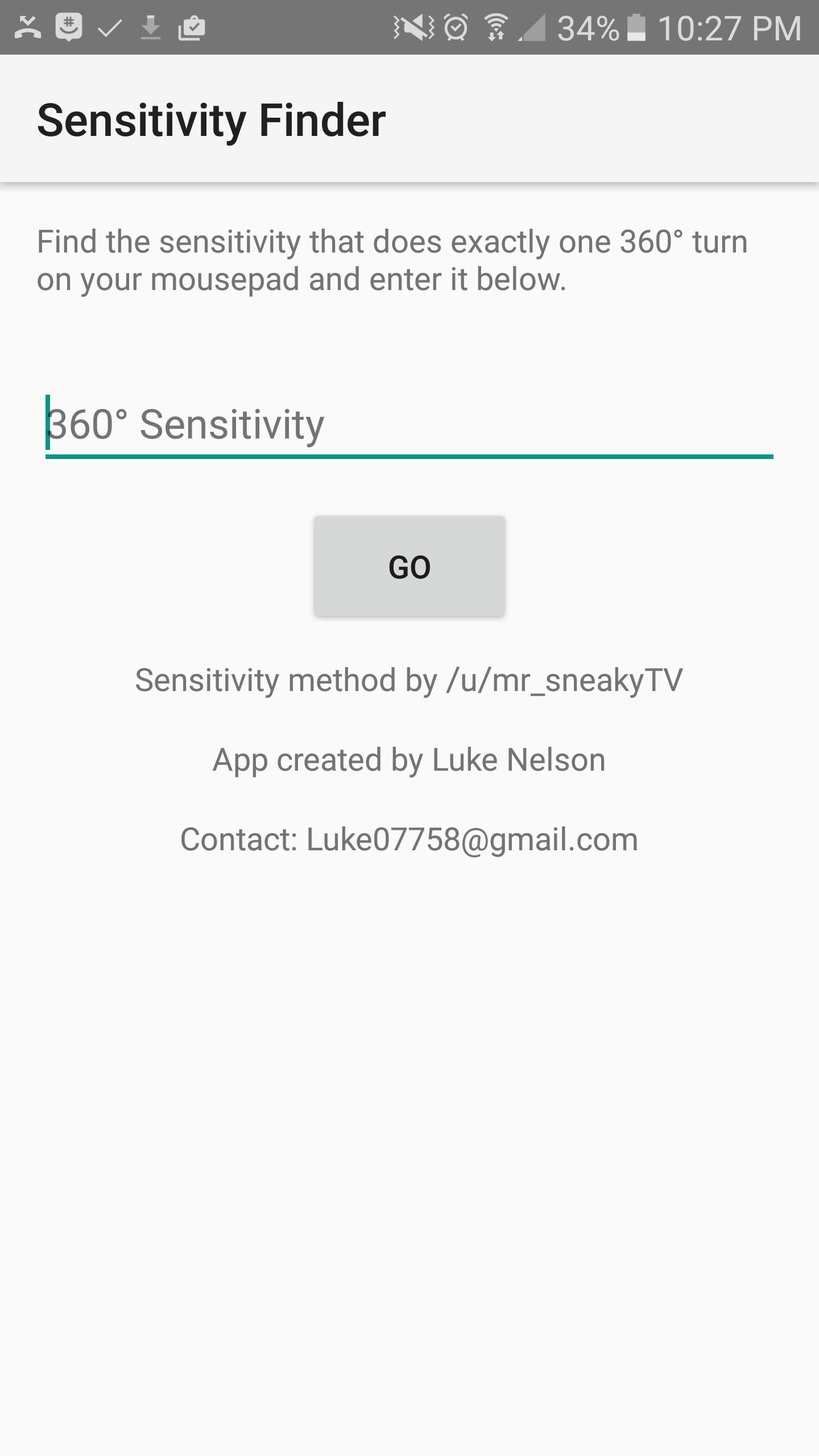
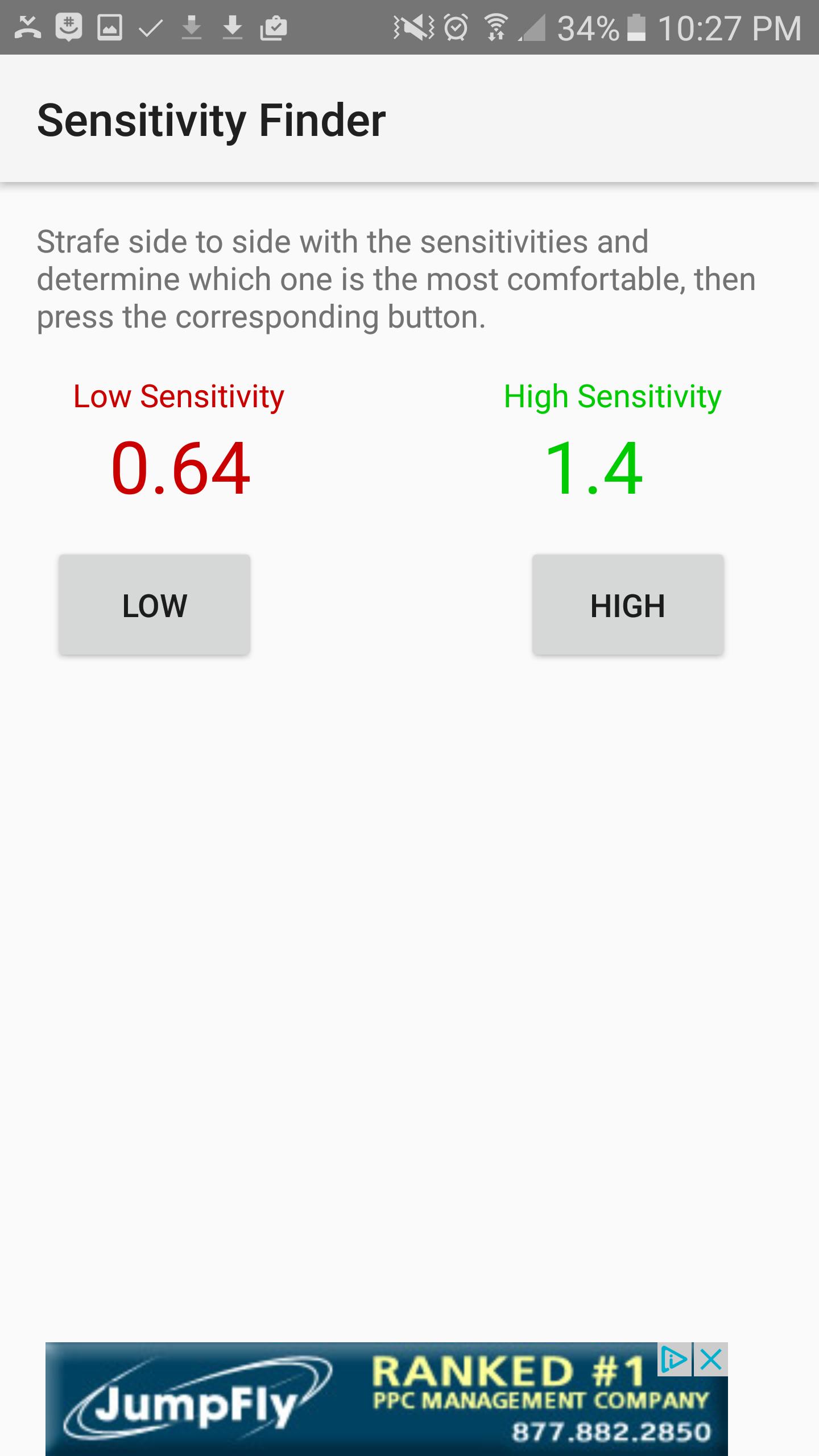
This app will help you find your PERFECT sensitivity to get better at the game. How it works is, you first open the game and find which sensitivity it is that does exactly one 360 degree turn from one side of your mouse pad to the other, and you will enter that sensitivity into the first screen. Next, the app will show you two sensitivities, a Low, colored in red, and a High colored in green. Try each of these sensitivities out and determine which one you like better. I recommend strafing back and forth and trying to keep your crosshair fixed on one point on a wall. Once you figure out which one you like better, select the corresponding High or low button, and the app will show you updated sensitivities, and then you try those sensitivities. Repeat the process over and over until the app finds the perfect sensitivity for you. The entire process takes up to an hour, but it is worth it, and your sensitivity will be much better.
पूर्वावलोकन
जानकारी
डेवलपर
Luke C Nelson
नवीनतम संस्करण
1.0
आखरी अपडेट
2017-01-28
श्रेणी
उत्पादकता
पर उपलब्ध
Google Play
और दिखाओ
पीसी पर गेमलूप के साथ Sensitivity Finder कैसे खेलें
1. आधिकारिक वेबसाइट से GameLoop डाउनलोड करें, फिर GameLoop को स्थापित करने के लिए exe फ़ाइल चलाएँ।
2. गेमलूप खोलें और "Sensitivity Finder" खोजें, खोज परिणामों में Sensitivity Finder खोजें और "इंस्टॉल करें" पर क्लिक करें।
3. GameLoop पर Sensitivity Finder खेलने का आनंद लें।
Minimum requirements
OS
Windows 8.1 64-bit or Windows 10 64-bit
GPU
GTX 1050
CPU
i3-8300
Memory
8GB RAM
Storage
1GB available space
Recommended requirements
OS
Windows 8.1 64-bit or Windows 10 64-bit
GPU
GTX 1050
CPU
i3-9320
Memory
16GB RAM
Storage
1GB available space