
UltraCamera: Zoom & Effects for PC
Akanemiro
GameLoop एमुलेटर के साथ पीसी पर UltraCamera: Zoom & Effects डाउनलोड करें
पीसी पर UltraCamera: Zoom & Effects
UltraCamera: Zoom & Effects, डेवलपर Akanemiro से आ रहा है, अतीत में Android सिस्टर्म पर चल रहा है।
अब, आप UltraCamera: Zoom & Effects को पीसी पर GameLoop के साथ आसानी से खेल सकते हैं।
इसे GameLoop लाइब्रेरी या खोज परिणामों में डाउनलोड करें। अब और गलत समय पर बैटरी या निराशाजनक कॉलों पर ध्यान नहीं देना चाहिए।
बस मुफ्त में बड़ी स्क्रीन पर UltraCamera: Zoom & Effects पीसी का आनंद लें!
UltraCamera: Zoom & Effects परिचय
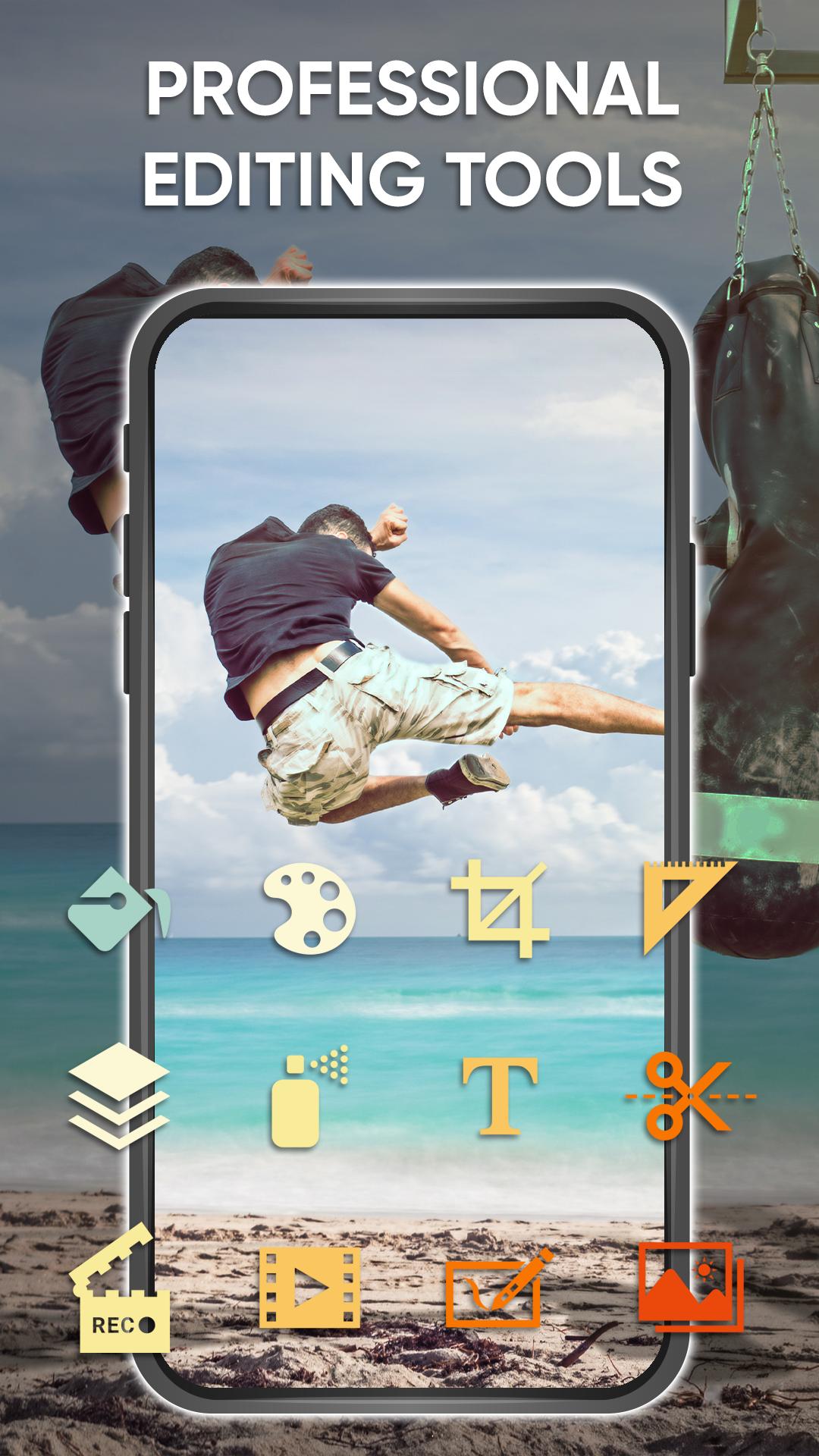
UltraCamera: Zoom & Effects is a full-featured app for creating beautiful selfies that supports fast shooting. It contains HD video capture, panorama, professional photo editing tools and all themed fun stickers and motion stickers, art filters, poster templates, photo collage and video effects.
Key Features:
- HD camera : support quick snap, HD video capture, panorama
- Amazing filter : more than 20 beautiful and fun filters
- Photo gallery : easy to view HD photos and HD videos
- Beautiful scene : sports, night, sunset, party
- White balance : auto, fluorescent, white, daylight, cloudy
- Easy to use : Set timer to take photos automatically
- Focus : Optical/digital zoom, press to focus, halo focus display
- Autofocus mode : Infinity, Macro
- Photo Resolution . Supports various resolutions of your choice
पूर्वावलोकन
टैग
फ़ोटोग्राफ़ीजानकारी
डेवलपर
Akanemiro
नवीनतम संस्करण
1.0.2
आखरी अपडेट
2022-08-04
श्रेणी
फ़ोटोग्राफ़ी
पर उपलब्ध
Google Play
और दिखाओ
पीसी पर गेमलूप के साथ UltraCamera: Zoom & Effects कैसे खेलें
1. आधिकारिक वेबसाइट से GameLoop डाउनलोड करें, फिर GameLoop को स्थापित करने के लिए exe फ़ाइल चलाएँ।
2. गेमलूप खोलें और "UltraCamera: Zoom & Effects" खोजें, खोज परिणामों में UltraCamera: Zoom & Effects खोजें और "इंस्टॉल करें" पर क्लिक करें।
3. GameLoop पर UltraCamera: Zoom & Effects खेलने का आनंद लें।
Minimum requirements
OS
Windows 8.1 64-bit or Windows 10 64-bit
GPU
GTX 1050
CPU
i3-8300
Memory
8GB RAM
Storage
1GB available space
Recommended requirements
OS
Windows 8.1 64-bit or Windows 10 64-bit
GPU
GTX 1050
CPU
i3-9320
Memory
16GB RAM
Storage
1GB available space