
Sketch Photo Editor And Pencil Sketch Art for PC
Daniel Malley
GameLoop एमुलेटर के साथ पीसी पर Sketch Photo Editor And Pencil Sketch Art डाउनलोड करें
पीसी पर Sketch Photo Editor And Pencil Sketch Art
Sketch Photo Editor And Pencil Sketch Art, डेवलपर Daniel Malley से आ रहा है, अतीत में Android सिस्टर्म पर चल रहा है।
अब, आप Sketch Photo Editor And Pencil Sketch Art को पीसी पर GameLoop के साथ आसानी से खेल सकते हैं।
इसे GameLoop लाइब्रेरी या खोज परिणामों में डाउनलोड करें। अब और गलत समय पर बैटरी या निराशाजनक कॉलों पर ध्यान नहीं देना चाहिए।
बस मुफ्त में बड़ी स्क्रीन पर Sketch Photo Editor And Pencil Sketch Art पीसी का आनंद लें!
Sketch Photo Editor And Pencil Sketch Art परिचय
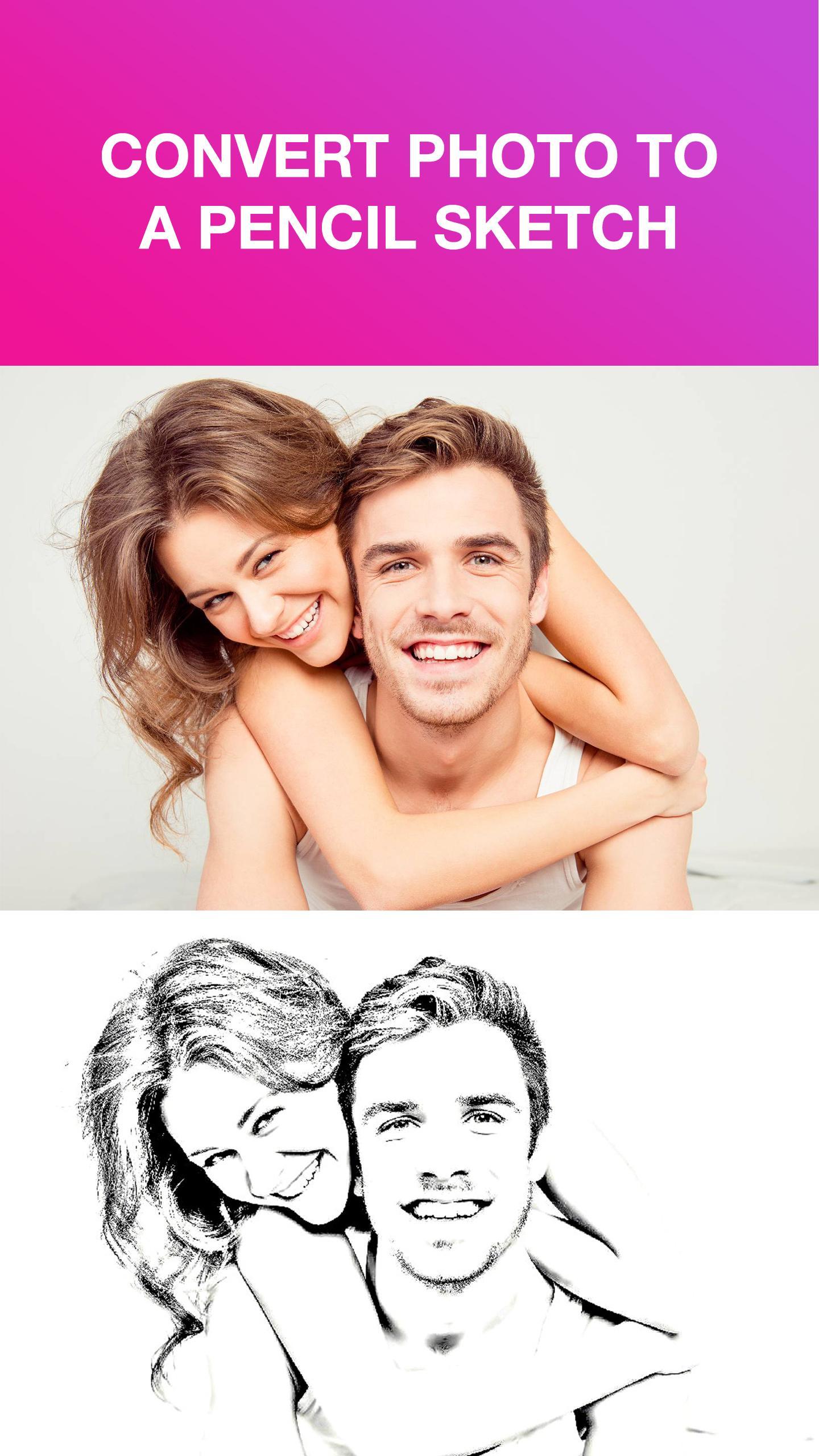
You want photo to pencil sketch converter. You do not know which photo drawing apps helps photo to pencil drawing converter in the easiest and most wonderful way. You have used many pencil sketch photo editor 2019 applications on the store but still not really satisfied. So our photo sketch app is a perfect choice for you.
Special things of the photo to sketch app
🍭 Photo to sketch converter with just a few simple steps
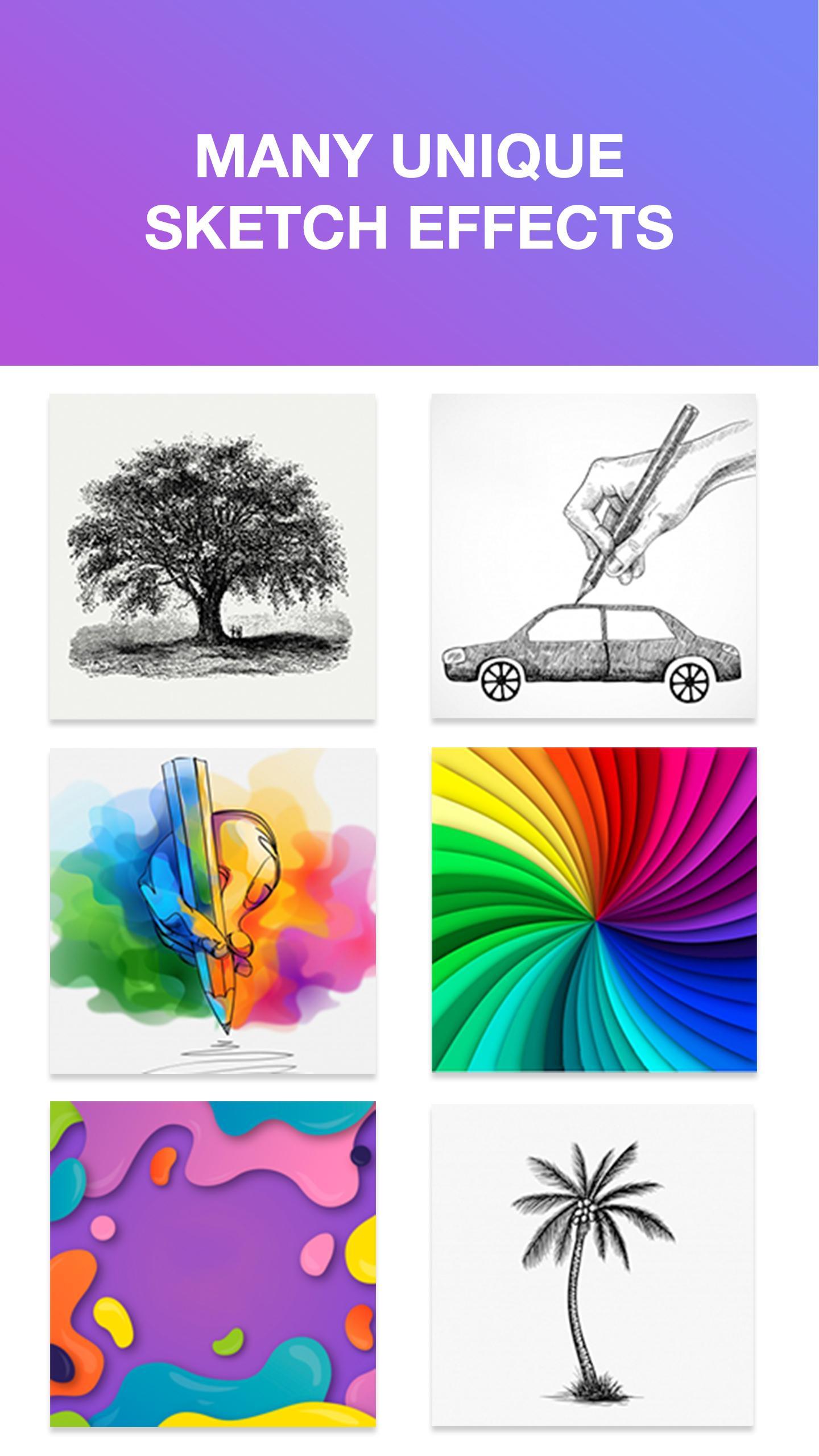
🍭 Many sketch effects for photo convert to pencil sketch outline
🍭 Combine artistic filters to make pencil photo sketch more unique
🍭 Easy to use
🍭 Small draw photo editor app capacity
🍭 Free
How to use the pencil photo setting application
- Take a picture for sketch photo editor
- Or choose a photo available in the library
- Edit the ratio before paintlab photo editor
- Select the desired photo pencil sketch art effect
- Add filter
- Edit: brightness, contrast, blur, ...
Are you ready to convert the image into a sketch? Download the app and create a masterpiece now!
If you have any sketch photo app requirements, please leave a comment below. If you find the app useful, introduce it to your friends.
Please rate 5* to support the developer!
पूर्वावलोकन
जानकारी
डेवलपर
Daniel Malley
नवीनतम संस्करण
2.0.2
आखरी अपडेट
2020-02-13
श्रेणी
फ़ोटोग्राफ़ी
पर उपलब्ध
Google Play
और दिखाओ
पीसी पर गेमलूप के साथ Sketch Photo Editor And Pencil Sketch Art कैसे खेलें
1. आधिकारिक वेबसाइट से GameLoop डाउनलोड करें, फिर GameLoop को स्थापित करने के लिए exe फ़ाइल चलाएँ।
2. गेमलूप खोलें और "Sketch Photo Editor And Pencil Sketch Art" खोजें, खोज परिणामों में Sketch Photo Editor And Pencil Sketch Art खोजें और "इंस्टॉल करें" पर क्लिक करें।
3. GameLoop पर Sketch Photo Editor And Pencil Sketch Art खेलने का आनंद लें।
Minimum requirements
OS
Windows 8.1 64-bit or Windows 10 64-bit
GPU
GTX 1050
CPU
i3-8300
Memory
8GB RAM
Storage
1GB available space
Recommended requirements
OS
Windows 8.1 64-bit or Windows 10 64-bit
GPU
GTX 1050
CPU
i3-9320
Memory
16GB RAM
Storage
1GB available space