
iPixel - Modern Image Editor for PC
oneAppz
GameLoop एमुलेटर के साथ पीसी पर iPixel - Modern Image Editor डाउनलोड करें
पीसी पर iPixel - Modern Image Editor
iPixel - Modern Image Editor, डेवलपर oneAppz से आ रहा है, अतीत में Android सिस्टर्म पर चल रहा है।
अब, आप iPixel - Modern Image Editor को पीसी पर GameLoop के साथ आसानी से खेल सकते हैं।
इसे GameLoop लाइब्रेरी या खोज परिणामों में डाउनलोड करें। अब और गलत समय पर बैटरी या निराशाजनक कॉलों पर ध्यान नहीं देना चाहिए।
बस मुफ्त में बड़ी स्क्रीन पर iPixel - Modern Image Editor पीसी का आनंद लें!
iPixel - Modern Image Editor परिचय
ipixel is a best free powerful photo editing application.
If you have some knowledge of photography, you can do a lot with ipixel,
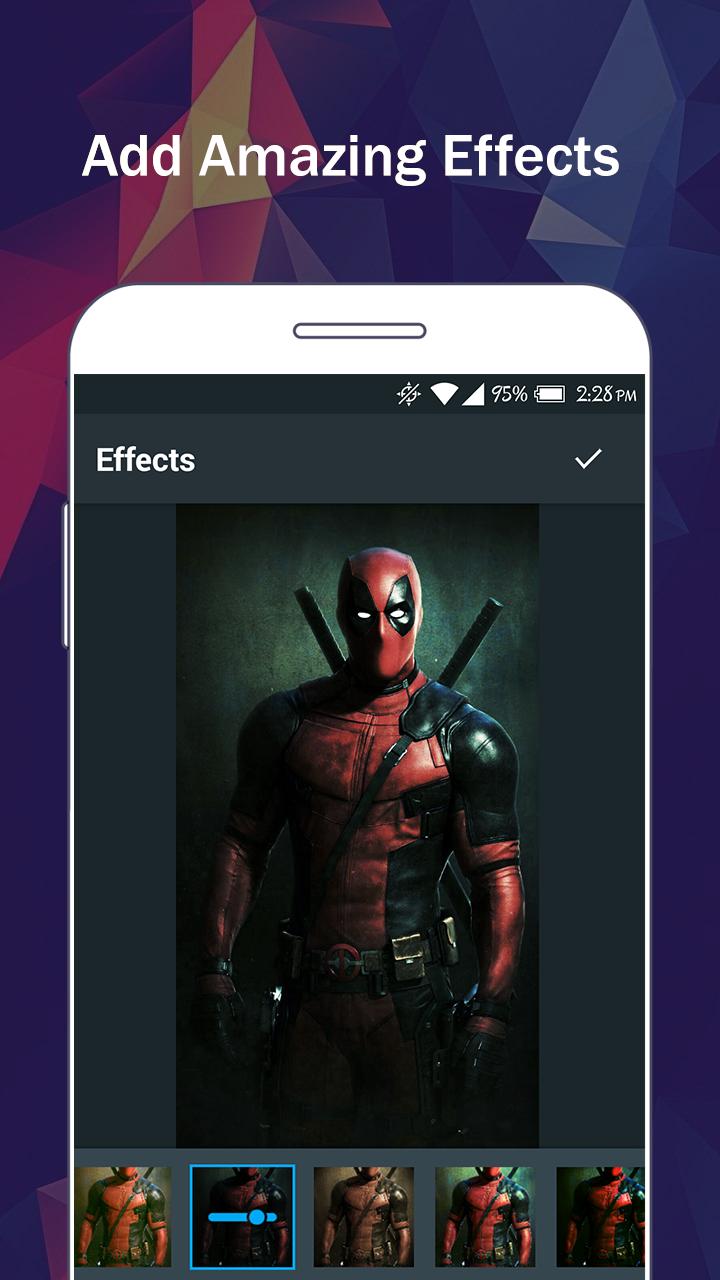
There are so many effects, stickers and features to apply to your photos!
Main Features:
- Photo filters
- Magic photo effects and frames
- Awesome stickers
- One-tap auto enhance
- Color balance
- Crop, rotate, and straighten your photo
- Adjust brightness, contrast, color temperature, and saturation
- Sharpen and blur
- Color : exposure, brightness, contrast, saturation, tint and hue
- Color temperature ("Warmth")
- Color Splash
- Easily edit with the touch and pinch-to-zoom interface
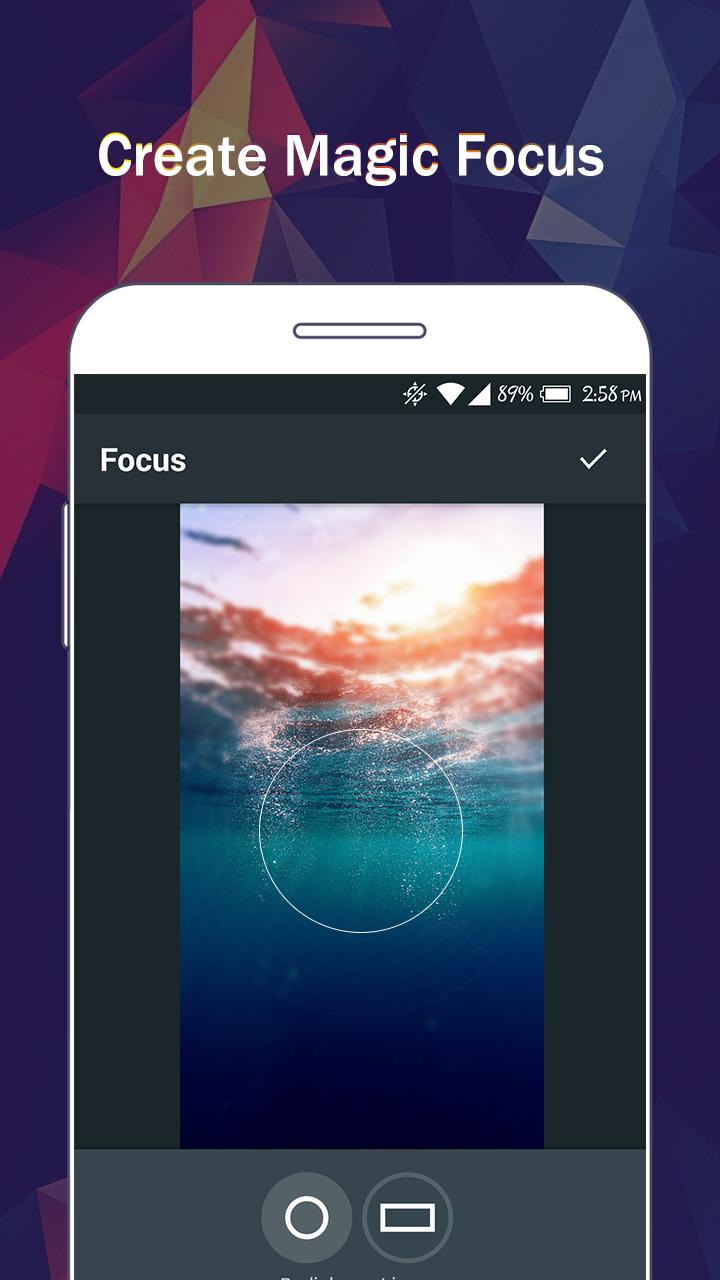
- Focus (Tilt Shift)
- Draw and add text
- Create your own memes
- Share photos with e-mail, SNS and more
पूर्वावलोकन
टैग
फ़ोटोग्राफ़ीजानकारी
डेवलपर
oneAppz
नवीनतम संस्करण
1.2.2000
आखरी अपडेट
2019-12-23
श्रेणी
फ़ोटोग्राफ़ी
पर उपलब्ध
Google Play
और दिखाओ
पीसी पर गेमलूप के साथ iPixel - Modern Image Editor कैसे खेलें
1. आधिकारिक वेबसाइट से GameLoop डाउनलोड करें, फिर GameLoop को स्थापित करने के लिए exe फ़ाइल चलाएँ।
2. गेमलूप खोलें और "iPixel - Modern Image Editor" खोजें, खोज परिणामों में iPixel - Modern Image Editor खोजें और "इंस्टॉल करें" पर क्लिक करें।
3. GameLoop पर iPixel - Modern Image Editor खेलने का आनंद लें।
Minimum requirements
OS
Windows 8.1 64-bit or Windows 10 64-bit
GPU
GTX 1050
CPU
i3-8300
Memory
8GB RAM
Storage
1GB available space
Recommended requirements
OS
Windows 8.1 64-bit or Windows 10 64-bit
GPU
GTX 1050
CPU
i3-9320
Memory
16GB RAM
Storage
1GB available space