Inkboard for PC
Doodle.ly, Inc.
GameLoop एमुलेटर के साथ पीसी पर Inkboard डाउनलोड करें
पीसी पर Inkboard
Inkboard, डेवलपर Doodle.ly, Inc. से आ रहा है, अतीत में Android सिस्टर्म पर चल रहा है।
अब, आप Inkboard को पीसी पर GameLoop के साथ आसानी से खेल सकते हैं।
इसे GameLoop लाइब्रेरी या खोज परिणामों में डाउनलोड करें। अब और गलत समय पर बैटरी या निराशाजनक कॉलों पर ध्यान नहीं देना चाहिए।
बस मुफ्त में बड़ी स्क्रीन पर Inkboard पीसी का आनंद लें!
Inkboard परिचय
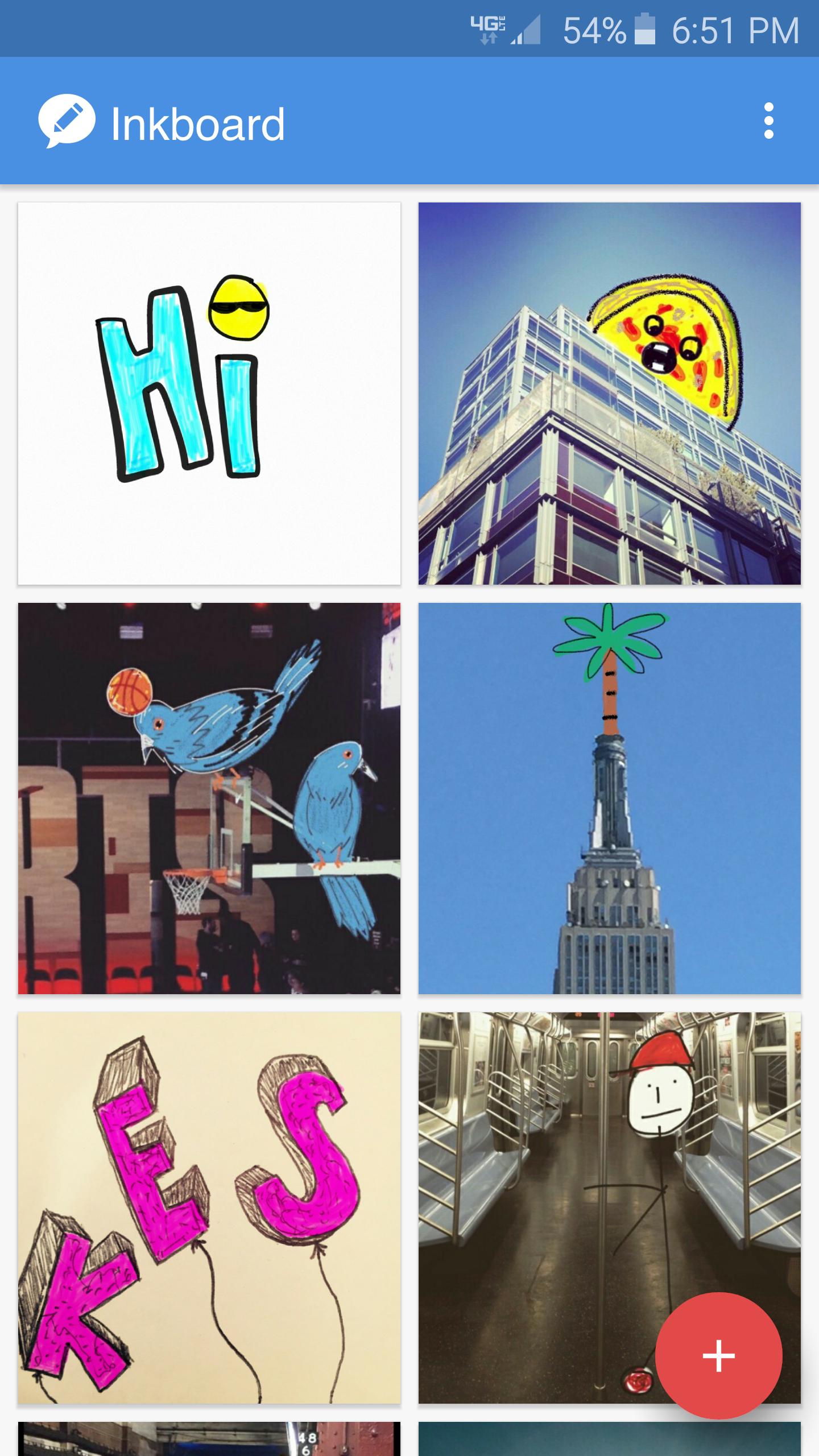
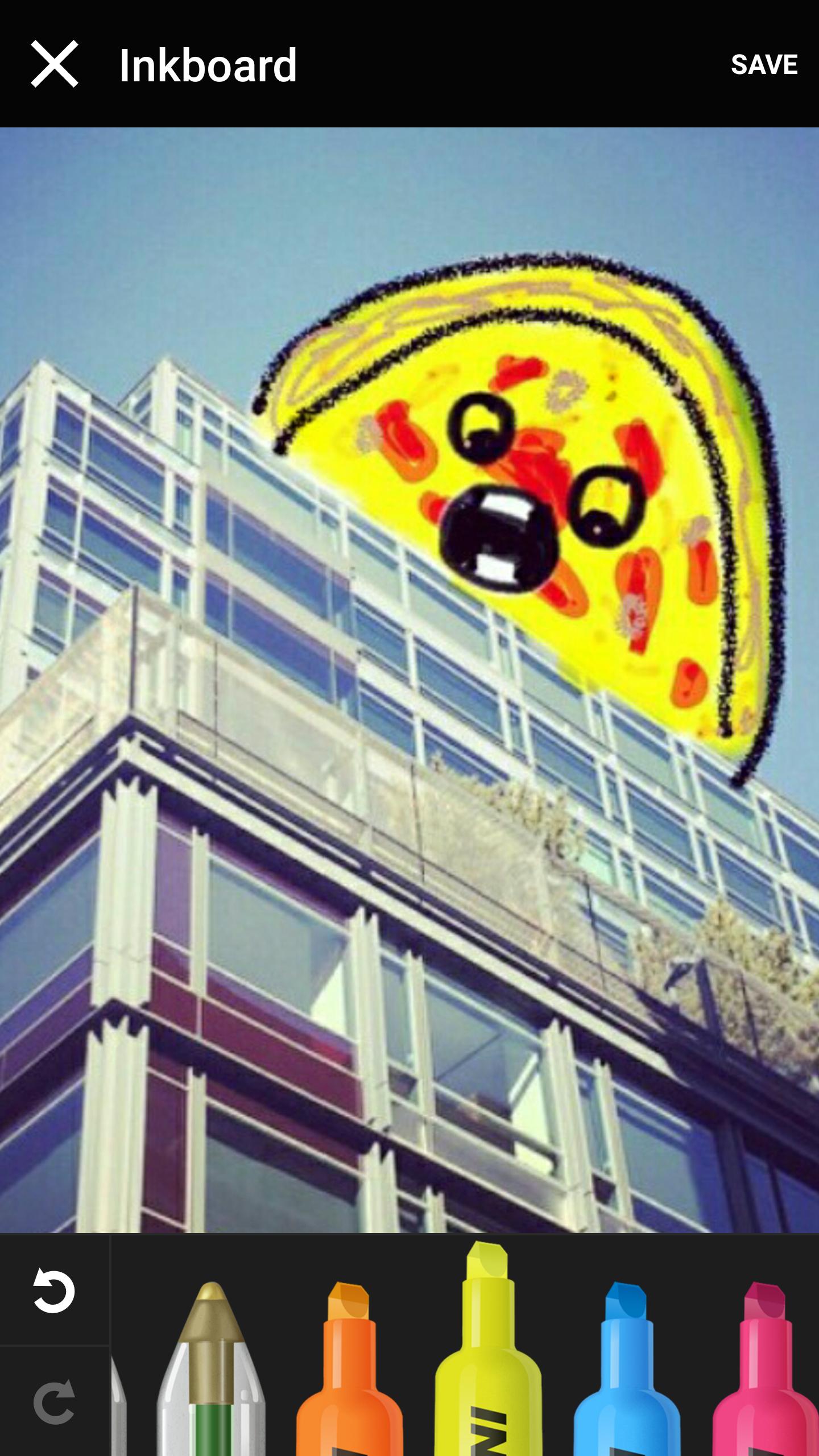
Inkboard is an easy and fun way to draw on pictures or blank canvas with life-like creative tools.
- Draw on photos using realistic drawing tools: Pens, markers, highlighter, pencils, crayons and erasers.
- Sketch out ideas or write down notes on the blank canvas.
- Share drawings on your favorite social apps including Facebook, Twitter, and Instagram.
- Draw your messages with Inkboard Keyboard.
पूर्वावलोकन
जानकारी
डेवलपर
Doodle.ly, Inc.
नवीनतम संस्करण
1.2.0
आखरी अपडेट
2016-09-15
श्रेणी
फ़ोटोग्राफ़ी
पर उपलब्ध
Google Play
और दिखाओ
पीसी पर गेमलूप के साथ Inkboard कैसे खेलें
1. आधिकारिक वेबसाइट से GameLoop डाउनलोड करें, फिर GameLoop को स्थापित करने के लिए exe फ़ाइल चलाएँ।
2. गेमलूप खोलें और "Inkboard" खोजें, खोज परिणामों में Inkboard खोजें और "इंस्टॉल करें" पर क्लिक करें।
3. GameLoop पर Inkboard खेलने का आनंद लें।
Minimum requirements
OS
Windows 8.1 64-bit or Windows 10 64-bit
GPU
GTX 1050
CPU
i3-8300
Memory
8GB RAM
Storage
1GB available space
Recommended requirements
OS
Windows 8.1 64-bit or Windows 10 64-bit
GPU
GTX 1050
CPU
i3-9320
Memory
16GB RAM
Storage
1GB available space