Ghost Caught Camera for PC
Nobula Darv
GameLoop एमुलेटर के साथ पीसी पर Ghost Caught Camera डाउनलोड करें
पीसी पर Ghost Caught Camera
Ghost Caught Camera, डेवलपर Nobula Darv से आ रहा है, अतीत में Android सिस्टर्म पर चल रहा है।
अब, आप Ghost Caught Camera को पीसी पर GameLoop के साथ आसानी से खेल सकते हैं।
इसे GameLoop लाइब्रेरी या खोज परिणामों में डाउनलोड करें। अब और गलत समय पर बैटरी या निराशाजनक कॉलों पर ध्यान नहीं देना चाहिए।
बस मुफ्त में बड़ी स्क्रीन पर Ghost Caught Camera पीसी का आनंद लें!
Ghost Caught Camera परिचय
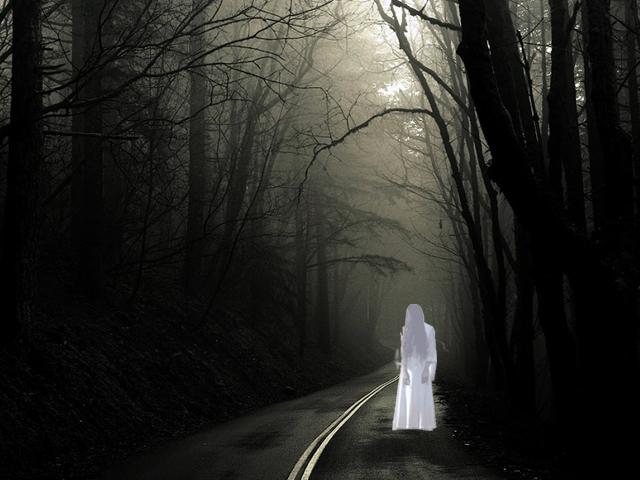
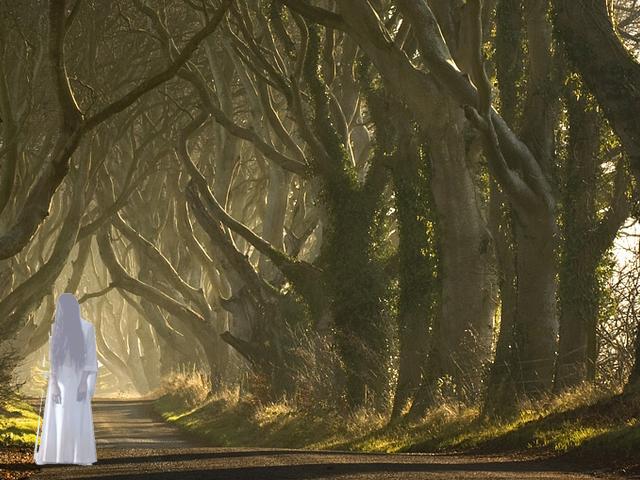
Ghost Caught Camera is taking a photo with ghosts or add ghosts to photos in your gallery and share them with friends through Email, facebook Twitter and other photo services.
Different types of ghosts for you to select.
Scare your friends with realistic mystical photographies, with ghosts as if they were on the shooting. Let them think that ghost exist for real, and saw them with your own eyes.
Enjoy and have fun!
Make a scary prank to your friends:
Select a ghost and his situation that will come in the picture, ask them to make a picture with your camera and go, appear a scare surprise, share and send via social networks like facebook or twiter, is a very funny scary prank.
पूर्वावलोकन
जानकारी
डेवलपर
Nobula Darv
नवीनतम संस्करण
1.7
आखरी अपडेट
2018-03-29
श्रेणी
फ़ोटोग्राफ़ी
पर उपलब्ध
Google Play
और दिखाओ
पीसी पर गेमलूप के साथ Ghost Caught Camera कैसे खेलें
1. आधिकारिक वेबसाइट से GameLoop डाउनलोड करें, फिर GameLoop को स्थापित करने के लिए exe फ़ाइल चलाएँ।
2. गेमलूप खोलें और "Ghost Caught Camera" खोजें, खोज परिणामों में Ghost Caught Camera खोजें और "इंस्टॉल करें" पर क्लिक करें।
3. GameLoop पर Ghost Caught Camera खेलने का आनंद लें।
Minimum requirements
OS
Windows 8.1 64-bit or Windows 10 64-bit
GPU
GTX 1050
CPU
i3-8300
Memory
8GB RAM
Storage
1GB available space
Recommended requirements
OS
Windows 8.1 64-bit or Windows 10 64-bit
GPU
GTX 1050
CPU
i3-9320
Memory
16GB RAM
Storage
1GB available space