Split Pic for PC
ANDROID PIXELS
GameLoop एमुलेटर के साथ पीसी पर Split Pic डाउनलोड करें
पीसी पर Split Pic
Split Pic, डेवलपर ANDROID PIXELS से आ रहा है, अतीत में Android सिस्टर्म पर चल रहा है।
अब, आप Split Pic को पीसी पर GameLoop के साथ आसानी से खेल सकते हैं।
इसे GameLoop लाइब्रेरी या खोज परिणामों में डाउनलोड करें। अब और गलत समय पर बैटरी या निराशाजनक कॉलों पर ध्यान नहीं देना चाहिए।
बस मुफ्त में बड़ी स्क्रीन पर Split Pic पीसी का आनंद लें!
Split Pic परिचय
Do you want to know how you look in different angles????.In this app you can compare one with another side by side.
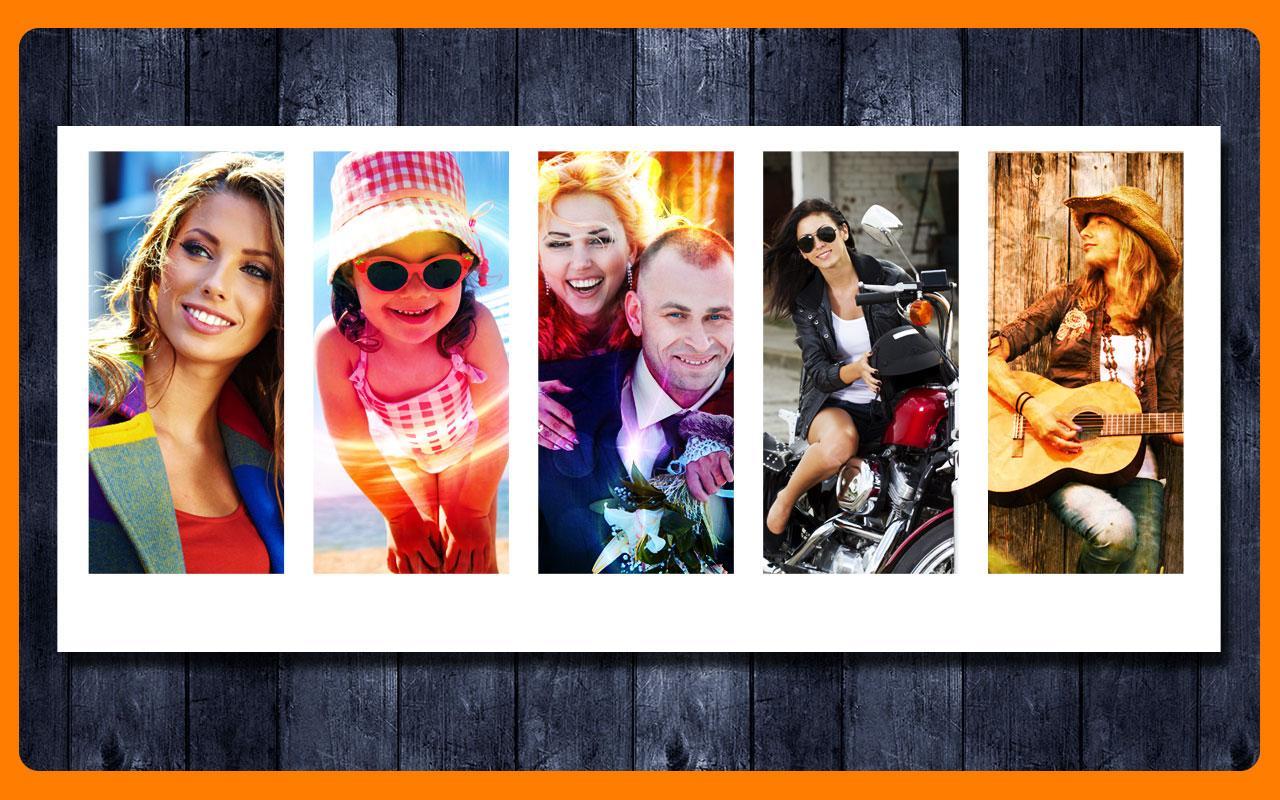
Here You will get Special effects for your pics like Space, Grunge, Contrast, Brightness etc. This app captures images and put them side by side in different frames so that you can compare you with others or you with you.
Take your pictures in different angels to compare you with you in different angles, or you can compare you with others, you can also take the pictures from the gallery and you can put effects on your pictures like grunge, Spce, and you can change the brightness, color etc, make your picture more beautiful by using this app.
So go for it you will like and I am sure you will enjoy this app.
पूर्वावलोकन

जानकारी
डेवलपर
ANDROID PIXELS
नवीनतम संस्करण
1.1
आखरी अपडेट
2015-07-19
श्रेणी
फ़ोटोग्राफ़ी
पर उपलब्ध
Google Play
और दिखाओ
पीसी पर गेमलूप के साथ Split Pic कैसे खेलें
1. आधिकारिक वेबसाइट से GameLoop डाउनलोड करें, फिर GameLoop को स्थापित करने के लिए exe फ़ाइल चलाएँ।
2. गेमलूप खोलें और "Split Pic" खोजें, खोज परिणामों में Split Pic खोजें और "इंस्टॉल करें" पर क्लिक करें।
3. GameLoop पर Split Pic खेलने का आनंद लें।
Minimum requirements
OS
Windows 8.1 64-bit or Windows 10 64-bit
GPU
GTX 1050
CPU
i3-8300
Memory
8GB RAM
Storage
1GB available space
Recommended requirements
OS
Windows 8.1 64-bit or Windows 10 64-bit
GPU
GTX 1050
CPU
i3-9320
Memory
16GB RAM
Storage
1GB available space