SC92 Blue Zooper Skin for PC
Coastal Images
GameLoop एमुलेटर के साथ पीसी पर SC92 Blue Zooper Skin डाउनलोड करें
पीसी पर SC92 Blue Zooper Skin
SC92 Blue Zooper Skin, डेवलपर Coastal Images से आ रहा है, अतीत में Android सिस्टर्म पर चल रहा है।
अब, आप SC92 Blue Zooper Skin को पीसी पर GameLoop के साथ आसानी से खेल सकते हैं।
इसे GameLoop लाइब्रेरी या खोज परिणामों में डाउनलोड करें। अब और गलत समय पर बैटरी या निराशाजनक कॉलों पर ध्यान नहीं देना चाहिए।
बस मुफ्त में बड़ी स्क्रीन पर SC92 Blue Zooper Skin पीसी का आनंद लें!
SC92 Blue Zooper Skin परिचय
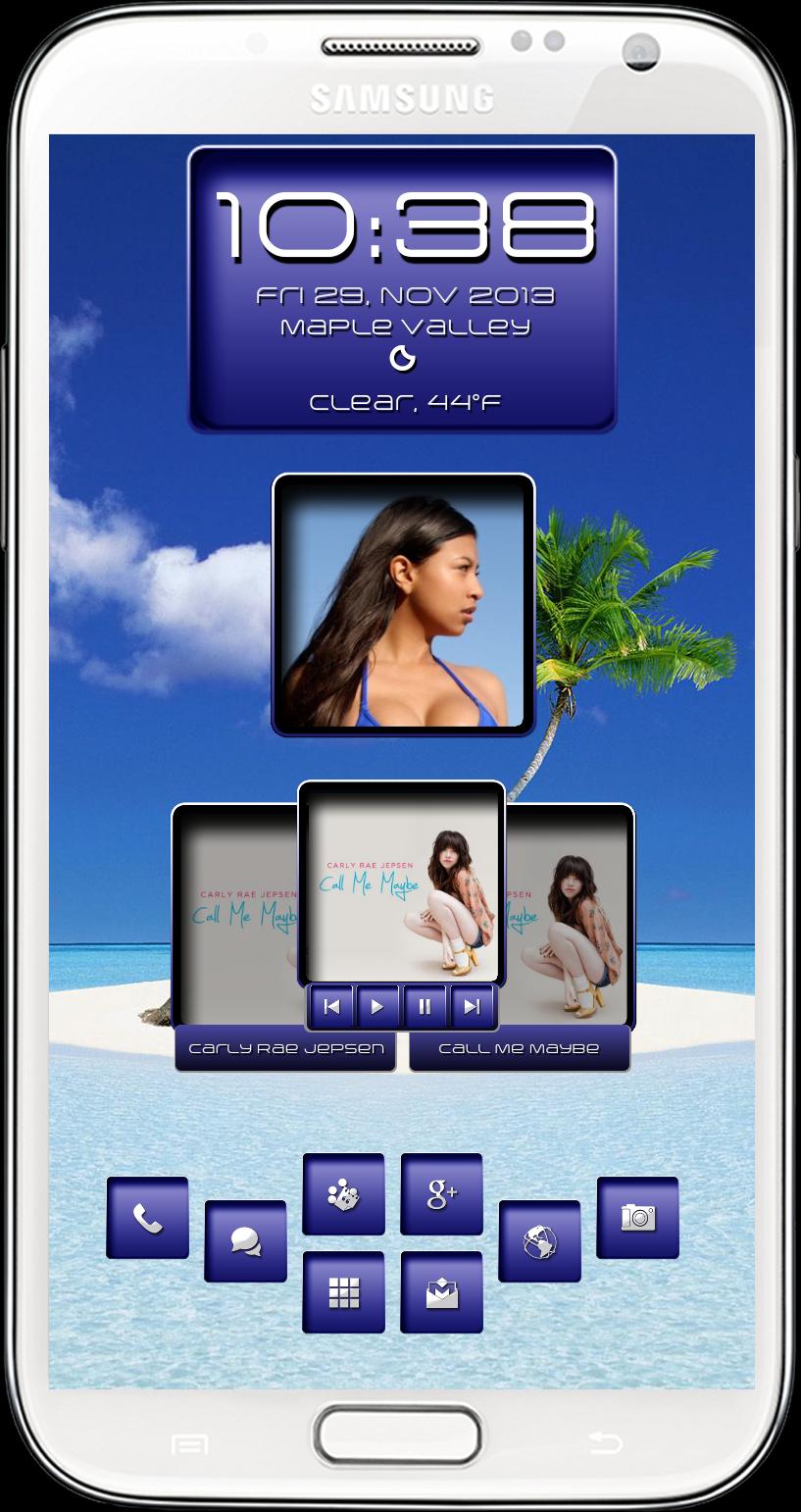
This is skin to be used with Zooper Widgets. This skin has four widget skins ( clock/date, picture frame, music and quick launch so use the widgets you want. Use your own personal pics for the picture frame widget by tapping the widget then choose layout/wallpaper/bitmap and to re-size your picture use "scale" then adjust position of your picture with "X Offset and "Y Offset"
Huge thanks to Heramb ( Skad00sh@xda-developers ) and Ketan ( Crytech@xda-developers ) we have teamed up to bring some of our creations to the Play Store and I am Andrew Gallagher ( SeriouslyCrazy )
You need Zooper Widget Pro app and Media Utilities app from the Play Store to use this skin and here are a few links on how to set up Media Utilities app for play with the widget.
http://www.webermatters.com/blog/creating-a-zooper-media-widget-with-media-utilities/
http://forum.xda-developers.com/showpost.php?p=45571875&postcount=3153
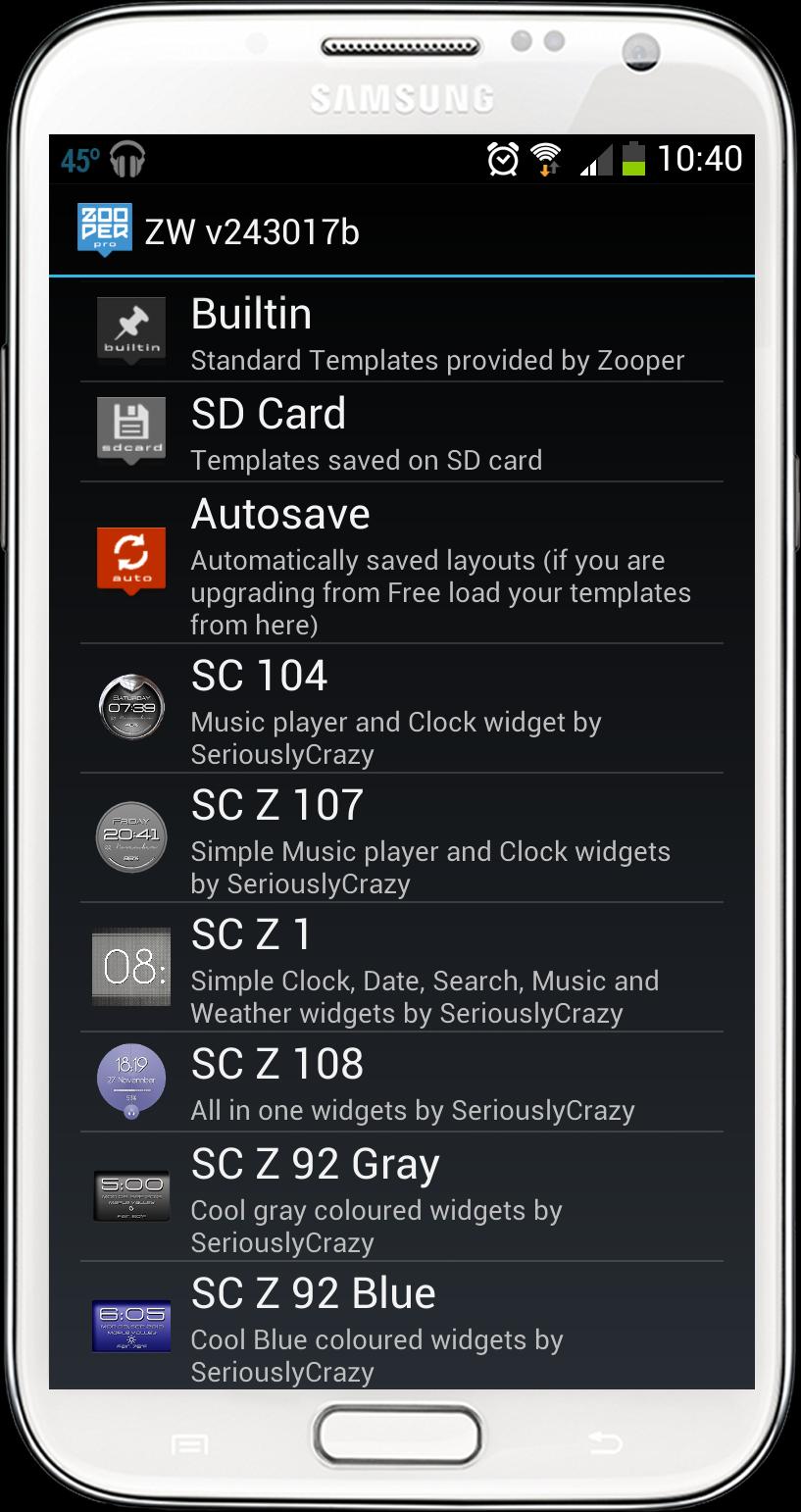
पूर्वावलोकन
जानकारी
डेवलपर
Coastal Images
नवीनतम संस्करण
1.0
आखरी अपडेट
2013-11-30
श्रेणी
मनमुताबिक बनाएं
पर उपलब्ध
Google Play
और दिखाओ
पीसी पर गेमलूप के साथ SC92 Blue Zooper Skin कैसे खेलें
1. आधिकारिक वेबसाइट से GameLoop डाउनलोड करें, फिर GameLoop को स्थापित करने के लिए exe फ़ाइल चलाएँ।
2. गेमलूप खोलें और "SC92 Blue Zooper Skin" खोजें, खोज परिणामों में SC92 Blue Zooper Skin खोजें और "इंस्टॉल करें" पर क्लिक करें।
3. GameLoop पर SC92 Blue Zooper Skin खेलने का आनंद लें।
Minimum requirements
OS
Windows 8.1 64-bit or Windows 10 64-bit
GPU
GTX 1050
CPU
i3-8300
Memory
8GB RAM
Storage
1GB available space
Recommended requirements
OS
Windows 8.1 64-bit or Windows 10 64-bit
GPU
GTX 1050
CPU
i3-9320
Memory
16GB RAM
Storage
1GB available space