Dual Apps - Dual Space Apps for PC
Goodteam D.e.v
GameLoop एमुलेटर के साथ पीसी पर Dual Apps - Dual Space Apps डाउनलोड करें
पीसी पर Dual Apps - Dual Space Apps
Dual Apps - Dual Space Apps, डेवलपर Goodteam D.e.v से आ रहा है, अतीत में Android सिस्टर्म पर चल रहा है।
अब, आप Dual Apps - Dual Space Apps को पीसी पर GameLoop के साथ आसानी से खेल सकते हैं।
इसे GameLoop लाइब्रेरी या खोज परिणामों में डाउनलोड करें। अब और गलत समय पर बैटरी या निराशाजनक कॉलों पर ध्यान नहीं देना चाहिए।
बस मुफ्त में बड़ी स्क्रीन पर Dual Apps - Dual Space Apps पीसी का आनंद लें!
Dual Apps - Dual Space Apps परिचय
Hello Guy!
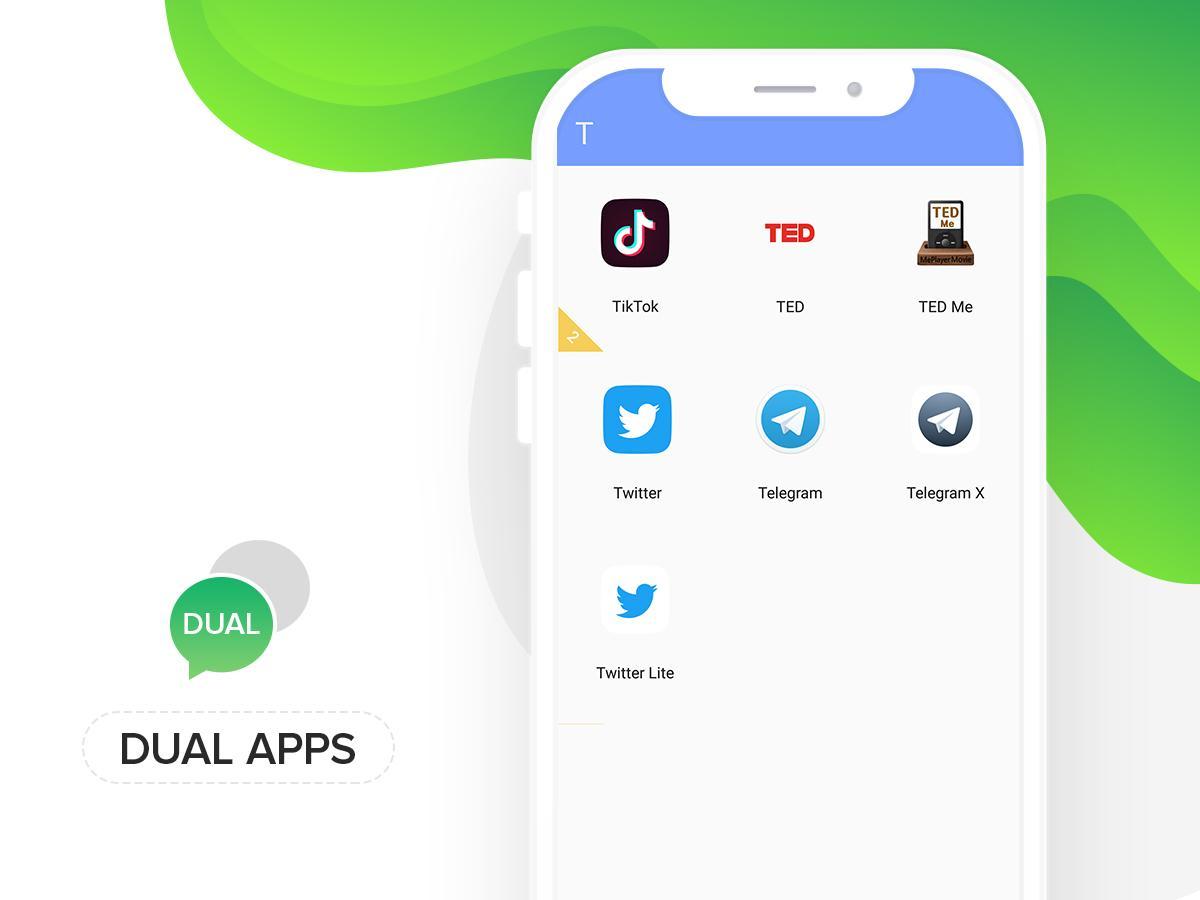
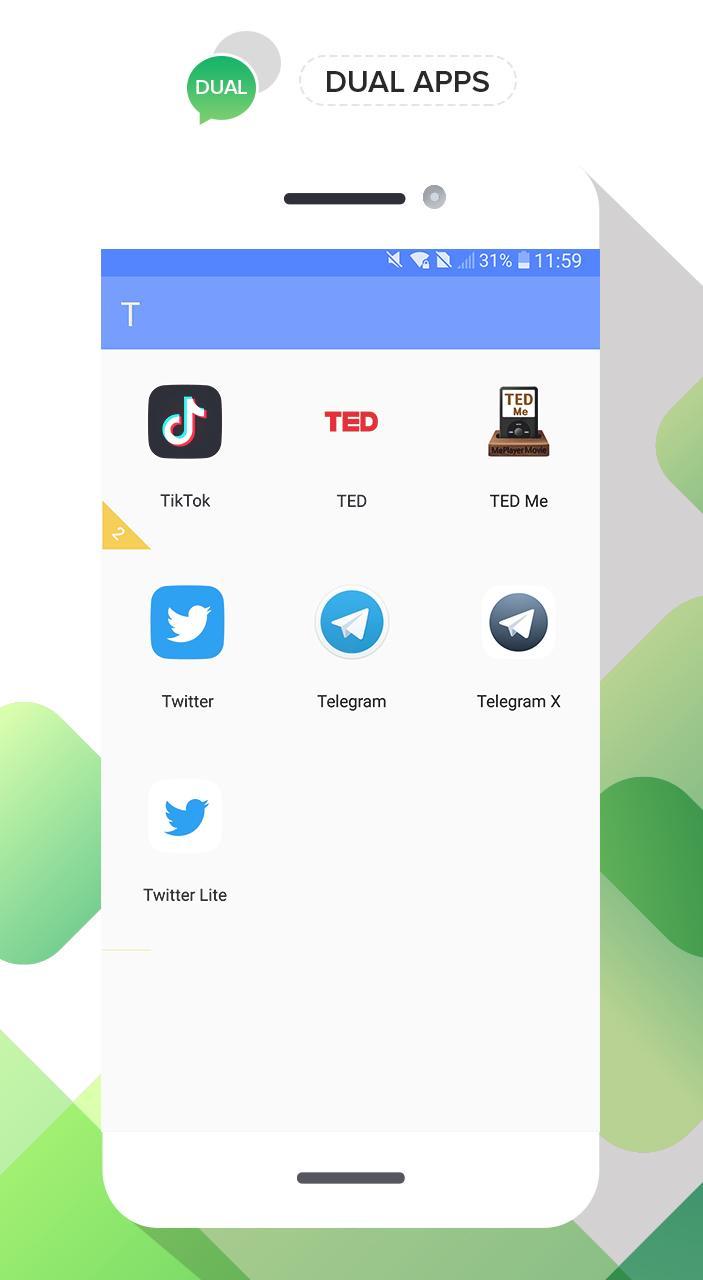
Today we release a application help you using multiple accounts for whatapp, facebook, twitter etc. for differents reason of you. It very easy using for you, Only choose your application in your phone and duals it. It done.
Did you have to frequently switch different social account of same app on your phone?
Have you ever used two or more phones for keeping your accounts online just in case of missing any message from WhatsApp?
Now, the black technology, Dual Space has released! It can perfectly solve your problem! You can easily use one phone to log in multiple accounts and keep them all online at the same time! And you don’t need to worry about the message reception and data storage problem of different accounts, because they will work independently and with no interference to each other.
Keep multiple social accounts logged in simultaneously.
· Keep your personal accounts and work accounts both online at the same time, and you can balance between life and work easily.
· Almost all social apps are supported for a second account in Dual Space. Data from different accounts will not interfere with each other.
Thank you so much for using. we need time for perfect app. We update next version in soon.
पूर्वावलोकन
टैग
मनमुताबिक बनाएंजानकारी
डेवलपर
Goodteam D.e.v
नवीनतम संस्करण
1.3
आखरी अपडेट
2019-05-05
श्रेणी
मनमुताबिक बनाएं
पर उपलब्ध
Google Play
और दिखाओ
पीसी पर गेमलूप के साथ Dual Apps - Dual Space Apps कैसे खेलें
1. आधिकारिक वेबसाइट से GameLoop डाउनलोड करें, फिर GameLoop को स्थापित करने के लिए exe फ़ाइल चलाएँ।
2. गेमलूप खोलें और "Dual Apps - Dual Space Apps" खोजें, खोज परिणामों में Dual Apps - Dual Space Apps खोजें और "इंस्टॉल करें" पर क्लिक करें।
3. GameLoop पर Dual Apps - Dual Space Apps खेलने का आनंद लें।
Minimum requirements
OS
Windows 8.1 64-bit or Windows 10 64-bit
GPU
GTX 1050
CPU
i3-8300
Memory
8GB RAM
Storage
1GB available space
Recommended requirements
OS
Windows 8.1 64-bit or Windows 10 64-bit
GPU
GTX 1050
CPU
i3-9320
Memory
16GB RAM
Storage
1GB available space