Control Center look ios 14 for andorid for PC
Royton Infotech
GameLoop एमुलेटर के साथ पीसी पर Control Center look ios 14 for andorid डाउनलोड करें
पीसी पर Control Center look ios 14 for andorid
Control Center look ios 14 for andorid, डेवलपर Royton Infotech से आ रहा है, अतीत में Android सिस्टर्म पर चल रहा है।
अब, आप Control Center look ios 14 for andorid को पीसी पर GameLoop के साथ आसानी से खेल सकते हैं।
इसे GameLoop लाइब्रेरी या खोज परिणामों में डाउनलोड करें। अब और गलत समय पर बैटरी या निराशाजनक कॉलों पर ध्यान नहीं देना चाहिए।
बस मुफ्त में बड़ी स्क्रीन पर Control Center look ios 14 for andorid पीसी का आनंद लें!
Control Center look ios 14 for andorid परिचय
This App allows you to use the following controls easily.
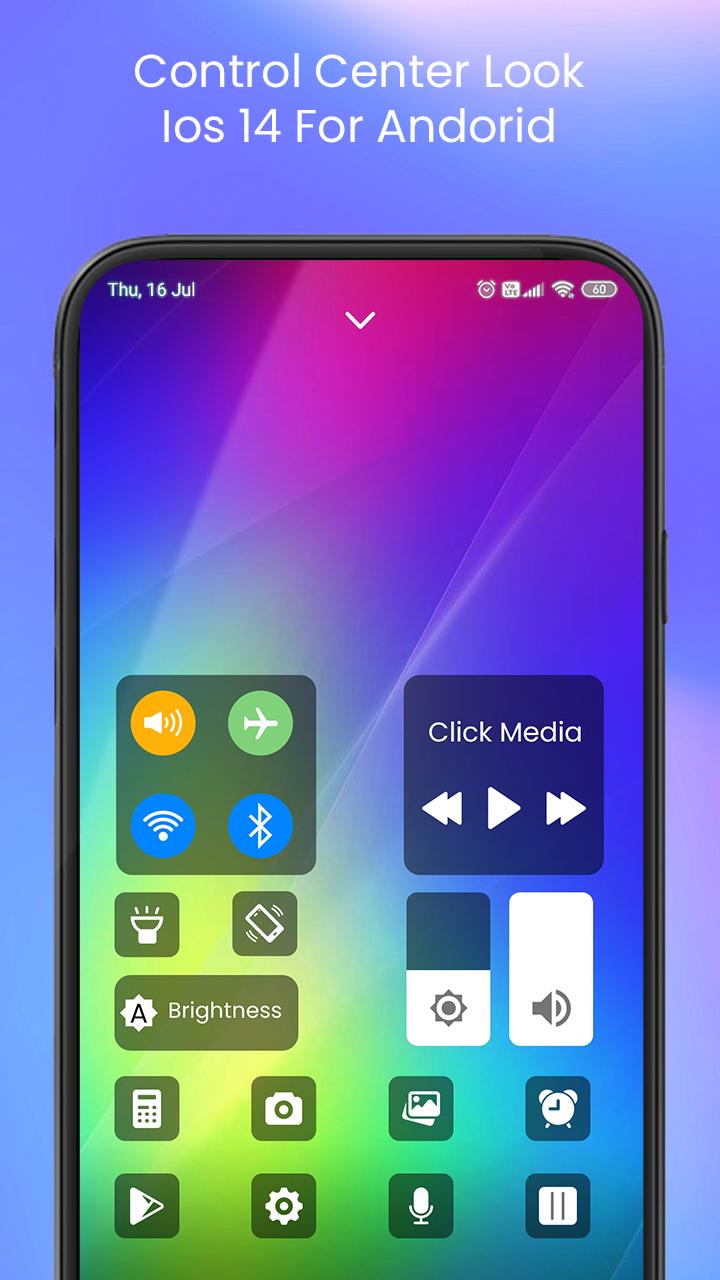
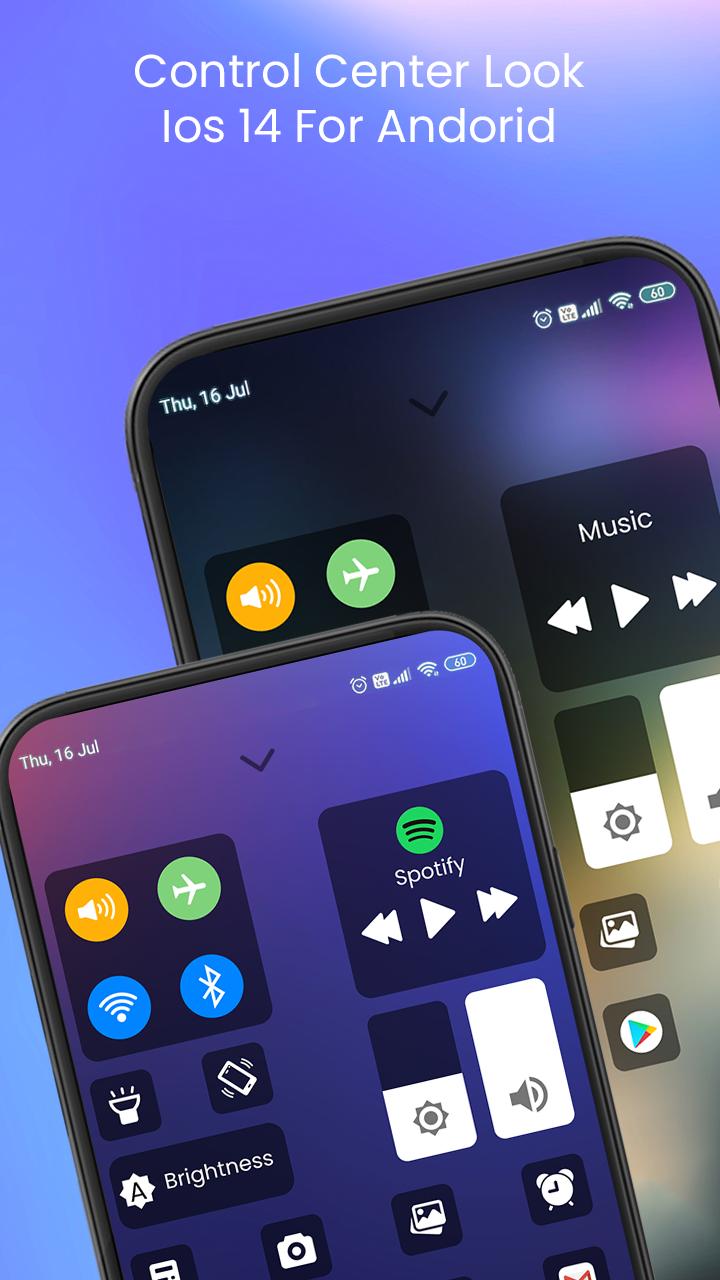
Control Center look ios 14 for andoridapp gives you instant access to the Camera, Clock, Record the screen, Screenshot and more settings like to iOS X, iOS XS.
_Capture Screenshot: Capture screen
_Record Screen:Record any action in your phone. (Support android 5.0 above only)
_WiFi: Turn on Wi-Fi to browse the web, stream music, download movies, and more.
_Bluetooth: Connect to headphones, car kits, wireless keyboards, and other Bluetooth-enabled devices.
_Do not disturb mode: Silence calls, alerts, and notifications that you receive while your device is locked.
_Brightness: Adjust the brightness of your display from any screen.
_Control audio: From here, you can quickly play, pause, and control volume of your favorite song, podcast, and more.
_Airplane mode: Use Airplane Mode to instantly turn off Bluetooth, Wi-Fi, and cellular connections on your android device.
_Flashlight Super Bright: The LED flash on your camera doubles as a flashlight, so you can get extra light when you need it.
_Screen rotation: Portrait Orientation Lock, keep your screen from rotating when you move your device.
_Calculator: Tap numbers and functions in Calculator, just like a standard calculator.
_Camera: Never miss a moment to take a picture with quick access to your camera.
_Alarms and Timer: Set an alarm, timer, or stopwatch, or check the time in another country or region.
if you like our team work the share with your friends so that they all also enjoy.For any suggestion you can email us on roytoninfotech@gmail.com
Thank you
पूर्वावलोकन
जानकारी
डेवलपर
Royton Infotech
नवीनतम संस्करण
1.0
आखरी अपडेट
2021-02-12
श्रेणी
मनमुताबिक बनाएं
पर उपलब्ध
Google Play
और दिखाओ
पीसी पर गेमलूप के साथ Control Center look ios 14 for andorid कैसे खेलें
1. आधिकारिक वेबसाइट से GameLoop डाउनलोड करें, फिर GameLoop को स्थापित करने के लिए exe फ़ाइल चलाएँ।
2. गेमलूप खोलें और "Control Center look ios 14 for andorid" खोजें, खोज परिणामों में Control Center look ios 14 for andorid खोजें और "इंस्टॉल करें" पर क्लिक करें।
3. GameLoop पर Control Center look ios 14 for andorid खेलने का आनंद लें।
Minimum requirements
OS
Windows 8.1 64-bit or Windows 10 64-bit
GPU
GTX 1050
CPU
i3-8300
Memory
8GB RAM
Storage
1GB available space
Recommended requirements
OS
Windows 8.1 64-bit or Windows 10 64-bit
GPU
GTX 1050
CPU
i3-9320
Memory
16GB RAM
Storage
1GB available space