Cherokee Keyboard for PC
Photo Slideshow with Music
GameLoop एमुलेटर के साथ पीसी पर Cherokee Keyboard डाउनलोड करें
पीसी पर Cherokee Keyboard
Cherokee Keyboard, डेवलपर Photo Slideshow with Music से आ रहा है, अतीत में Android सिस्टर्म पर चल रहा है।
अब, आप Cherokee Keyboard को पीसी पर GameLoop के साथ आसानी से खेल सकते हैं।
इसे GameLoop लाइब्रेरी या खोज परिणामों में डाउनलोड करें। अब और गलत समय पर बैटरी या निराशाजनक कॉलों पर ध्यान नहीं देना चाहिए।
बस मुफ्त में बड़ी स्क्रीन पर Cherokee Keyboard पीसी का आनंद लें!
Cherokee Keyboard परिचय
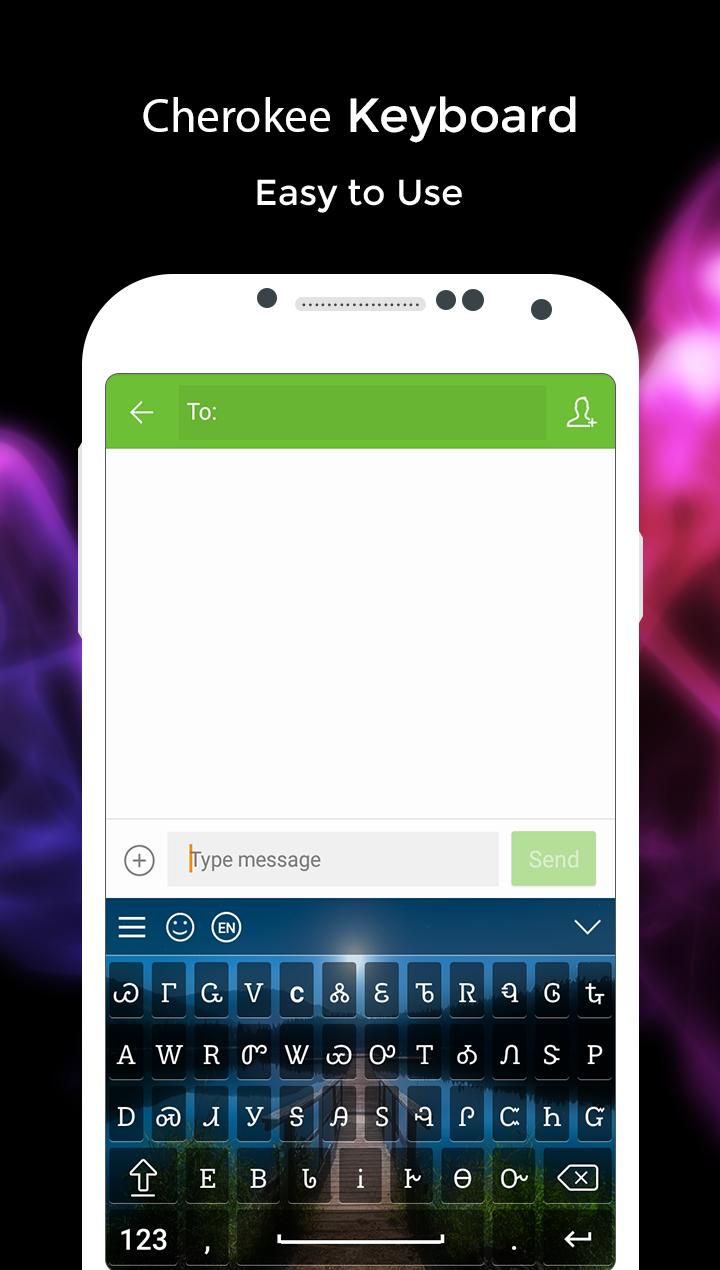
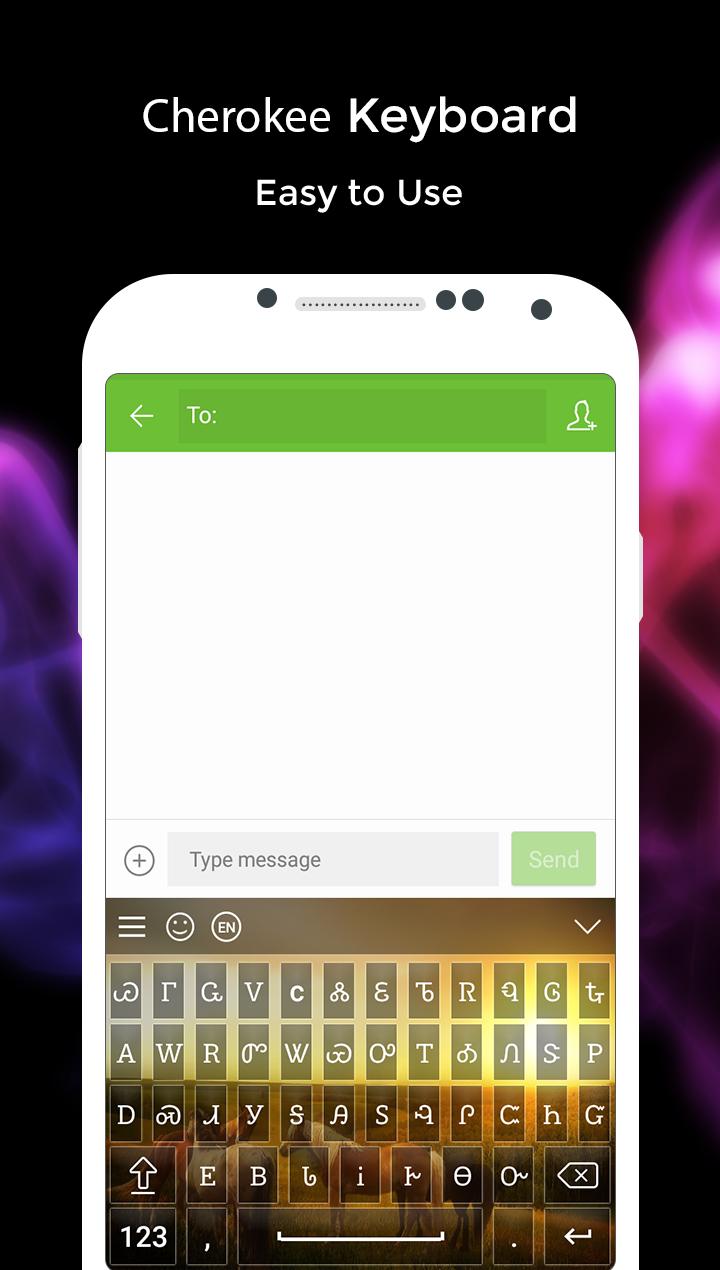
With Cherokee Keyboard you can write all Cherokee Alphabets, letters and words. Cherokee keyboard is the easiest keyboard to write in Cherokee language, it is providing you reading, writing and sharing text in Cherokee language. Very convenient to use - Just Install, Enable and Switch to Cherokee Language. Customize theme and background. Put your photo behind keyboard background. You can use this keyboard to write in Cherokee text. Download Cherokee Keyboard and type in Cherokee language.
Type in Cherokee Language
- Install and Start Cherokee Keyboard
- Set as Default Keyboard from Language and input settings
- Switch to Cherokee Keyboard
- Apply Theme and Background and start using
Customize keyboard theme
- Easily changeable Keyboard layout
- Live Preview
- Change Background: apply color or Add Image
- Change Font Styles, Color, Type
- Customize both Landscape and Portrait layouts
Features
- Change Vibrations
- Preview text color
- Auto Capitalization
- change sounds
- Auto text suggestion
- Multiple Font Styles
- Emoji Support
- Font Styles
पूर्वावलोकन
जानकारी
डेवलपर
Photo Slideshow with Music
नवीनतम संस्करण
3.0
आखरी अपडेट
2017-11-09
श्रेणी
मनमुताबिक बनाएं
पर उपलब्ध
Google Play
और दिखाओ
पीसी पर गेमलूप के साथ Cherokee Keyboard कैसे खेलें
1. आधिकारिक वेबसाइट से GameLoop डाउनलोड करें, फिर GameLoop को स्थापित करने के लिए exe फ़ाइल चलाएँ।
2. गेमलूप खोलें और "Cherokee Keyboard" खोजें, खोज परिणामों में Cherokee Keyboard खोजें और "इंस्टॉल करें" पर क्लिक करें।
3. GameLoop पर Cherokee Keyboard खेलने का आनंद लें।
Minimum requirements
OS
Windows 8.1 64-bit or Windows 10 64-bit
GPU
GTX 1050
CPU
i3-8300
Memory
8GB RAM
Storage
1GB available space
Recommended requirements
OS
Windows 8.1 64-bit or Windows 10 64-bit
GPU
GTX 1050
CPU
i3-9320
Memory
16GB RAM
Storage
1GB available space