
Bixby Home Commands - 3.0: Device commands for PC
Bixby-Commands
GameLoop एमुलेटर के साथ पीसी पर Bixby Home Commands - 3.0: Device commands डाउनलोड करें
पीसी पर Bixby Home Commands - 3.0: Device commands
Bixby Home Commands - 3.0: Device commands, डेवलपर Bixby-Commands से आ रहा है, अतीत में Android सिस्टर्म पर चल रहा है।
अब, आप Bixby Home Commands - 3.0: Device commands को पीसी पर GameLoop के साथ आसानी से खेल सकते हैं।
इसे GameLoop लाइब्रेरी या खोज परिणामों में डाउनलोड करें। अब और गलत समय पर बैटरी या निराशाजनक कॉलों पर ध्यान नहीं देना चाहिए।
बस मुफ्त में बड़ी स्क्रीन पर Bixby Home Commands - 3.0: Device commands पीसी का आनंद लें!
Bixby Home Commands - 3.0: Device commands परिचय
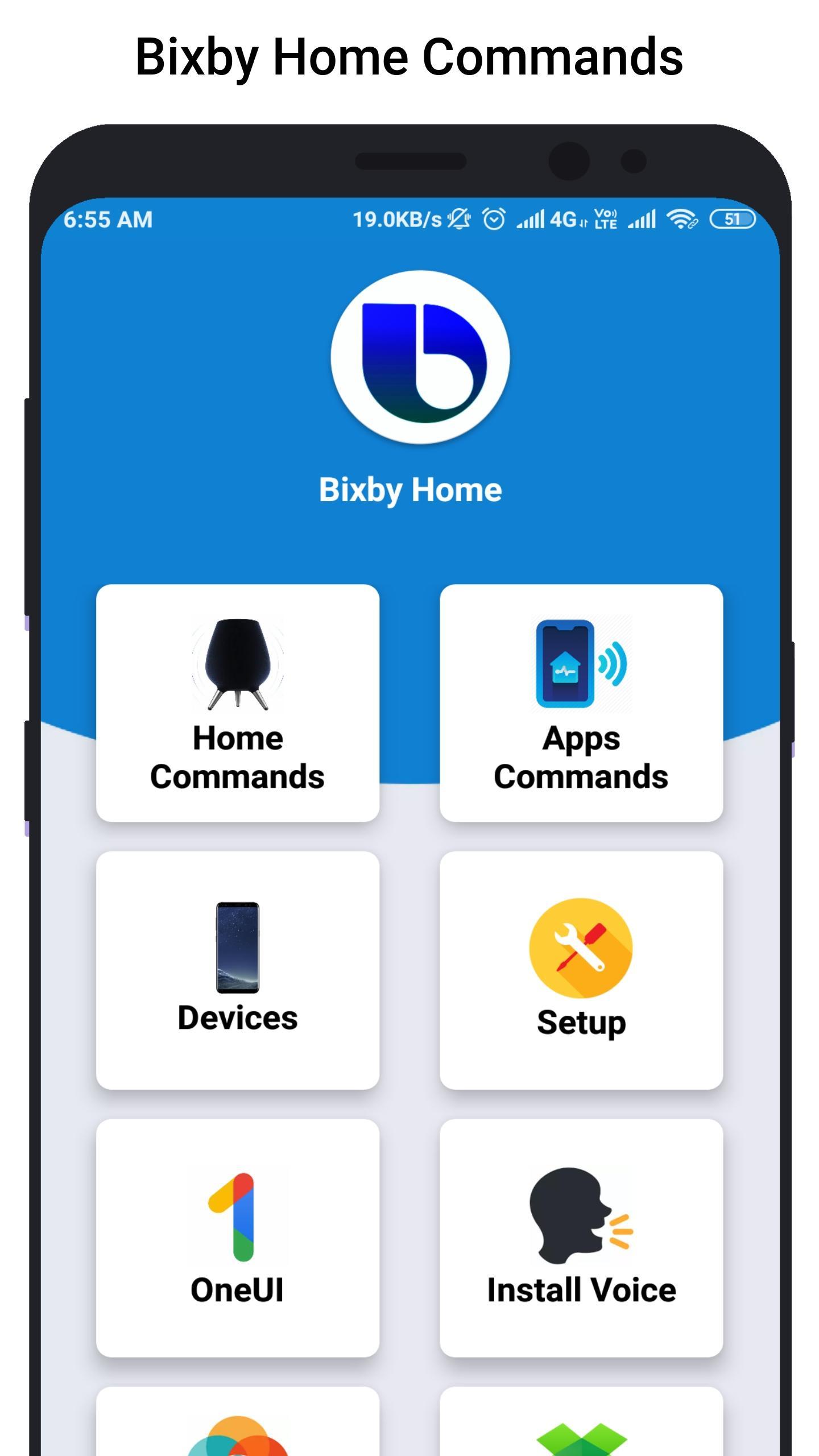
Bixby Home helps you unlock the full potential of your device. By providing useful commands and you can learn what you like and working with your favorite apps, Bixby Home makes it easy for you to get more done.
Bixby Home is always growing by adding new services and expanding supported devices, so you can focus on getting more done.
Bixby Home provides useful commands for every device so, you can learn and implement this real world commands in your smart phone or smart devices.
Hi Bixby Home "show this on my TV" to see your phone screen mirrored to a Samsung TV.
Hi Bixby Home "use this as my wallpaper" to saves the onscreen image as your phone wallpaper.
Hi Bixby Home Say "take a selfie and share it will Facebook" to force your device to do exactly that.
Hello Bixby Home "remind me to take medicine at 3pm" so that Bixby Home will save reminder.
Bixby Home "open Messages" to open the Messages app.
Bixby Home "turn on HDR" to turn on that feature in the Camera app.
Although Bixby Home is in beta stage, we cannot guarantee full functional of the app and we constantly thriving to make app better.
पूर्वावलोकन
जानकारी
डेवलपर
Bixby-Commands
नवीनतम संस्करण
1.0
आखरी अपडेट
2019-07-07
श्रेणी
मनमुताबिक बनाएं
पर उपलब्ध
Google Play
और दिखाओ
पीसी पर गेमलूप के साथ Bixby Home Commands - 3.0: Device commands कैसे खेलें
1. आधिकारिक वेबसाइट से GameLoop डाउनलोड करें, फिर GameLoop को स्थापित करने के लिए exe फ़ाइल चलाएँ।
2. गेमलूप खोलें और "Bixby Home Commands - 3.0: Device commands" खोजें, खोज परिणामों में Bixby Home Commands - 3.0: Device commands खोजें और "इंस्टॉल करें" पर क्लिक करें।
3. GameLoop पर Bixby Home Commands - 3.0: Device commands खेलने का आनंद लें।
Minimum requirements
OS
Windows 8.1 64-bit or Windows 10 64-bit
GPU
GTX 1050
CPU
i3-8300
Memory
8GB RAM
Storage
1GB available space
Recommended requirements
OS
Windows 8.1 64-bit or Windows 10 64-bit
GPU
GTX 1050
CPU
i3-9320
Memory
16GB RAM
Storage
1GB available space