App Keyboard for PC
PersonalizeMaster
GameLoop एमुलेटर के साथ पीसी पर App Keyboard डाउनलोड करें
पीसी पर App Keyboard
App Keyboard, डेवलपर PersonalizeMaster से आ रहा है, अतीत में Android सिस्टर्म पर चल रहा है।
अब, आप App Keyboard को पीसी पर GameLoop के साथ आसानी से खेल सकते हैं।
इसे GameLoop लाइब्रेरी या खोज परिणामों में डाउनलोड करें। अब और गलत समय पर बैटरी या निराशाजनक कॉलों पर ध्यान नहीं देना चाहिए।
बस मुफ्त में बड़ी स्क्रीन पर App Keyboard पीसी का आनंद लें!
App Keyboard परिचय
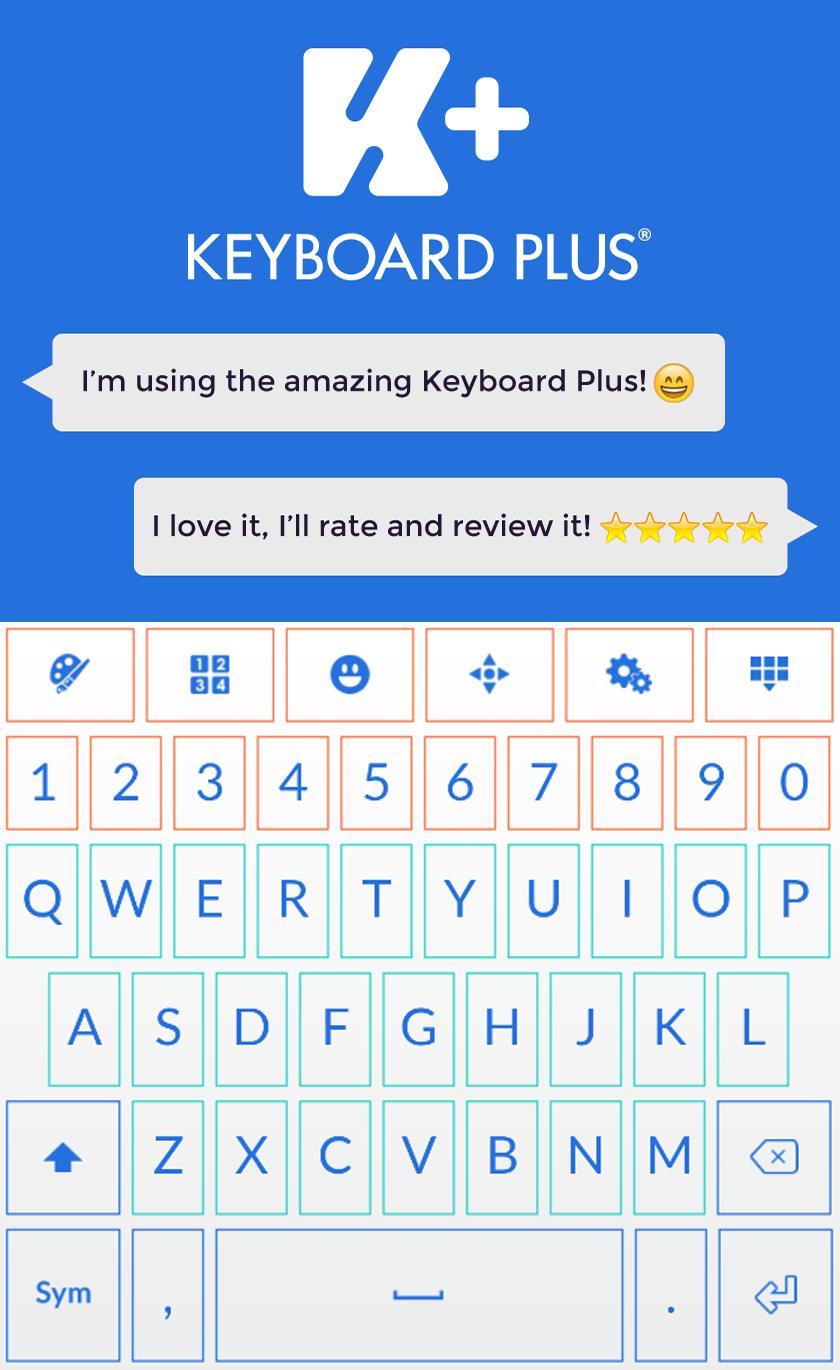
App Keyboard theme will give your gadget a brand new look. Why settle for a dull, old keyboard when you can make a simple change but with a big effect. Choose the App Keyboard theme and you will type faster than ever. This App Keyboard theme will instantly become your favorite up, just give it a try. Be a leader and the first one to enjoy the great features of the App Keyboard theme. Share your ideas and always be in control, this app will meet all your expectations. Feel free to express yourself in any way that you want and make sure you have the perfect app to help you. Don't hesitate and get right now the new App Keyboard theme.
How to install a Keyboard Plus theme?
Just follow these easy steps:
1. Download App Keyboard from Google Play Store
2. Open the App Keyboard theme
3. Press Apply button and you are ready to use your new theme
If you want to change your font size just go to the Quick Settings Tab and choose from one of the 3 available sizes: small, medium or large.
All the Keyboard Plus themes come with a matching font that will be displayed automatically.
New layouts with translations coming soon.
We are looking forward to your feedback so don't hesitate to contact us for any suggestions or other issues that you may have at the following address: personalizemaster@gmail.com
पूर्वावलोकन

जानकारी
डेवलपर
PersonalizeMaster
नवीनतम संस्करण
3.0.44
आखरी अपडेट
2018-07-11
श्रेणी
मनमुताबिक बनाएं
पर उपलब्ध
Google Play
और दिखाओ
पीसी पर गेमलूप के साथ App Keyboard कैसे खेलें
1. आधिकारिक वेबसाइट से GameLoop डाउनलोड करें, फिर GameLoop को स्थापित करने के लिए exe फ़ाइल चलाएँ।
2. गेमलूप खोलें और "App Keyboard" खोजें, खोज परिणामों में App Keyboard खोजें और "इंस्टॉल करें" पर क्लिक करें।
3. GameLoop पर App Keyboard खेलने का आनंद लें।
Minimum requirements
OS
Windows 8.1 64-bit or Windows 10 64-bit
GPU
GTX 1050
CPU
i3-8300
Memory
8GB RAM
Storage
1GB available space
Recommended requirements
OS
Windows 8.1 64-bit or Windows 10 64-bit
GPU
GTX 1050
CPU
i3-9320
Memory
16GB RAM
Storage
1GB available space