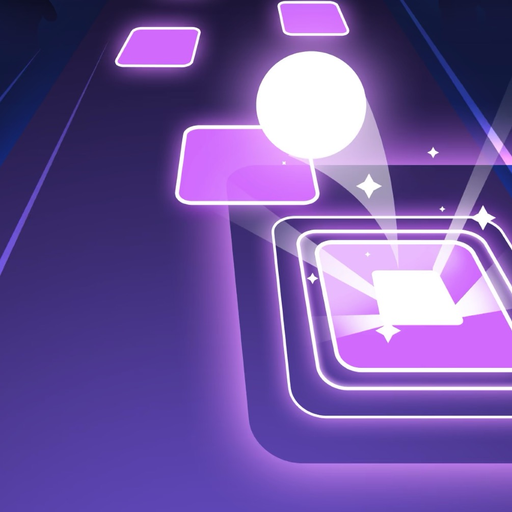
Tiles Hop Ball - EDM Rush for PC
Piano Tiles 3: Music Games, Tiles Hop, EDM Rush
GameLoop एमुलेटर के साथ पीसी पर Tiles Hop Ball - EDM Rush डाउनलोड करें
पीसी पर Tiles Hop Ball - EDM Rush
Tiles Hop Ball - EDM Rush, डेवलपर Piano Tiles 3: Music Games, Tiles Hop, EDM Rush से आ रहा है, अतीत में Android सिस्टर्म पर चल रहा है।
अब, आप Tiles Hop Ball - EDM Rush को पीसी पर GameLoop के साथ आसानी से खेल सकते हैं।
इसे GameLoop लाइब्रेरी या खोज परिणामों में डाउनलोड करें। अब और गलत समय पर बैटरी या निराशाजनक कॉलों पर ध्यान नहीं देना चाहिए।
बस मुफ्त में बड़ी स्क्रीन पर Tiles Hop Ball - EDM Rush पीसी का आनंद लें!
Tiles Hop Ball - EDM Rush परिचय
Have you ever heard “Tiles Hop Ball - EDM Rush”? It will be your favorite EDM game to relax yourself and kill time after busy works. Let’s play & enjoy the music on the go EDM Tiles. We suggest using headphones to feel the beats.
How to play “Tiles Hop Ball - EDM Rush”
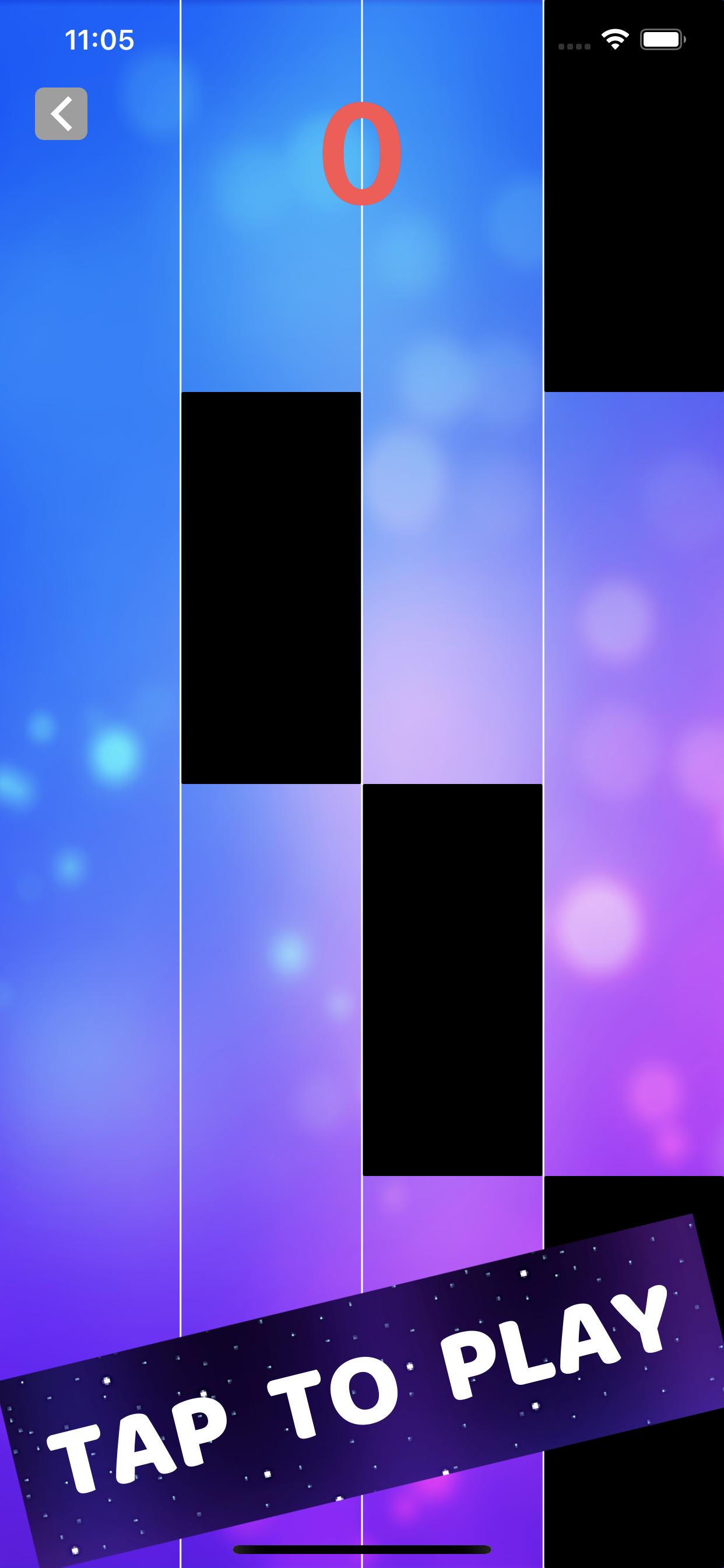
1.Hold & Drag to control the ball.
2.Hop on the tiles.
3.Don’t miss tiles.
4.You can upload your own local song to play.
The Neon Ball will jump on the Beats Drop from slow to fast. Then listen to the music beat, follow the rhythm and use your musical reflexes to guide the ball from tiles to tiles. Don’t tap! This is not a Tap Tap game. Don’t forget to make insane combos!
“Tiles Hop Ball - EDM Rush” has attractive and addictive Game features!
-Auto-generated content: upload your favorite songs to the music
-One-button control, easy to play
-Breathtaking 3D visual effects and effects
-The ever-changing backgrounds will truly bring you a new experience in every scene!
-Collect beautiful skins for the prom
-Keep breaking your highest scores
What’s new?
New popular music songs added. Now you can play various types of music online, from the best rhythm Piano to guitar songs, Pop, Rock and EDM.
“Tiles Hop Ball - EDM Rush” is totally free now! Let’s enjoy this EDM music rush game now!
“Tiles Hop Ball - EDM Rush” is very easy to play and extremely enjoyable. Come in and join the music adventure in tiles hop universe with us.
पूर्वावलोकन
जानकारी
डेवलपर
Piano Tiles 3: Music Games, Tiles Hop, EDM Rush
नवीनतम संस्करण
1.0.0
आखरी अपडेट
2021-01-12
श्रेणी
संगीत
पर उपलब्ध
Google Play
और दिखाओ
पीसी पर गेमलूप के साथ Tiles Hop Ball - EDM Rush कैसे खेलें
1. आधिकारिक वेबसाइट से GameLoop डाउनलोड करें, फिर GameLoop को स्थापित करने के लिए exe फ़ाइल चलाएँ।
2. गेमलूप खोलें और "Tiles Hop Ball - EDM Rush" खोजें, खोज परिणामों में Tiles Hop Ball - EDM Rush खोजें और "इंस्टॉल करें" पर क्लिक करें।
3. GameLoop पर Tiles Hop Ball - EDM Rush खेलने का आनंद लें।
Minimum requirements
OS
Windows 8.1 64-bit or Windows 10 64-bit
GPU
GTX 1050
CPU
i3-8300
Memory
8GB RAM
Storage
1GB available space
Recommended requirements
OS
Windows 8.1 64-bit or Windows 10 64-bit
GPU
GTX 1050
CPU
i3-9320
Memory
16GB RAM
Storage
1GB available space