
Wireless Buzzer App for PC
Sanit Tech
GameLoop एमुलेटर के साथ पीसी पर Wireless Buzzer App डाउनलोड करें
पीसी पर Wireless Buzzer App
Wireless Buzzer App, डेवलपर Sanit Tech से आ रहा है, अतीत में Android सिस्टर्म पर चल रहा है।
अब, आप Wireless Buzzer App को पीसी पर GameLoop के साथ आसानी से खेल सकते हैं।
इसे GameLoop लाइब्रेरी या खोज परिणामों में डाउनलोड करें। अब और गलत समय पर बैटरी या निराशाजनक कॉलों पर ध्यान नहीं देना चाहिए।
बस मुफ्त में बड़ी स्क्रीन पर Wireless Buzzer App पीसी का आनंद लें!
Wireless Buzzer App परिचय
Welcome all,
This is a realtime wireless buzzer app which is created by Sanit Tech. This app is divided in two parts of app. First is Wireless Buzzer App and second is Quiz Master App. You have to download both the apps.
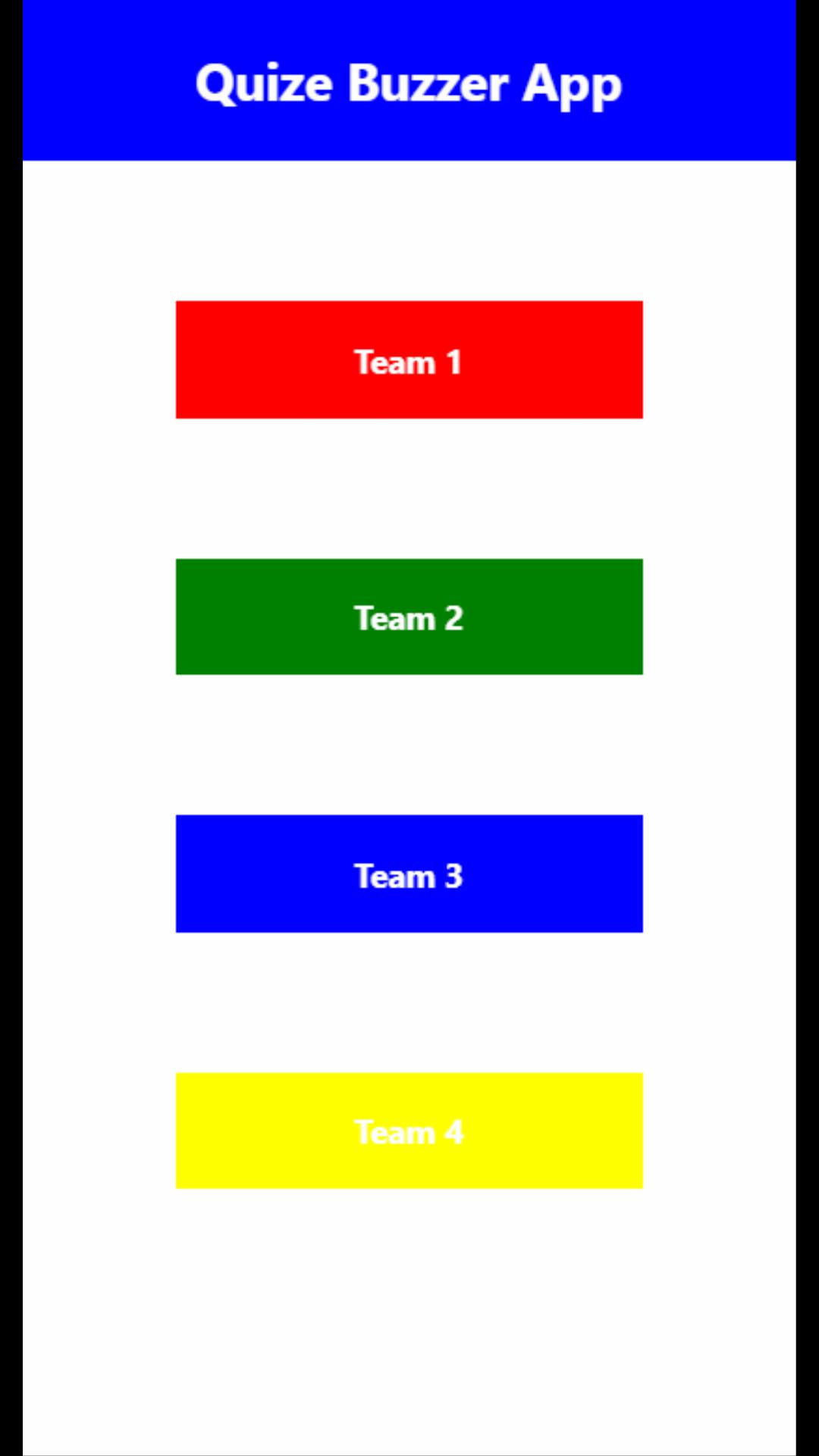
Wireless Buzzer App is an app where different team can have their different color of buttons. They can use this app when there will be a guiz game and by pressing the buzzer, they can answer.
Quiz Master App is an app where you will see that which color of team pressed the buzzer first so that team will get the chance to answer first.
पूर्वावलोकन
टैग
Music-&जानकारी
डेवलपर
Sanit Tech
नवीनतम संस्करण
1.0.0
आखरी अपडेट
2021-06-05
श्रेणी
Music-audio
पर उपलब्ध
Google Play
और दिखाओ
पीसी पर गेमलूप के साथ Wireless Buzzer App कैसे खेलें
1. आधिकारिक वेबसाइट से GameLoop डाउनलोड करें, फिर GameLoop को स्थापित करने के लिए exe फ़ाइल चलाएँ।
2. गेमलूप खोलें और "Wireless Buzzer App" खोजें, खोज परिणामों में Wireless Buzzer App खोजें और "इंस्टॉल करें" पर क्लिक करें।
3. GameLoop पर Wireless Buzzer App खेलने का आनंद लें।
Minimum requirements
OS
Windows 8.1 64-bit or Windows 10 64-bit
GPU
GTX 1050
CPU
i3-8300
Memory
8GB RAM
Storage
1GB available space
Recommended requirements
OS
Windows 8.1 64-bit or Windows 10 64-bit
GPU
GTX 1050
CPU
i3-9320
Memory
16GB RAM
Storage
1GB available space