
Wiz Khalifa Songs for PC
Musically maker app
GameLoop एमुलेटर के साथ पीसी पर Wiz Khalifa Songs डाउनलोड करें
पीसी पर Wiz Khalifa Songs
Wiz Khalifa Songs, डेवलपर Musically maker app से आ रहा है, अतीत में Android सिस्टर्म पर चल रहा है।
अब, आप Wiz Khalifa Songs को पीसी पर GameLoop के साथ आसानी से खेल सकते हैं।
इसे GameLoop लाइब्रेरी या खोज परिणामों में डाउनलोड करें। अब और गलत समय पर बैटरी या निराशाजनक कॉलों पर ध्यान नहीं देना चाहिए।
बस मुफ्त में बड़ी स्क्रीन पर Wiz Khalifa Songs पीसी का आनंद लें!
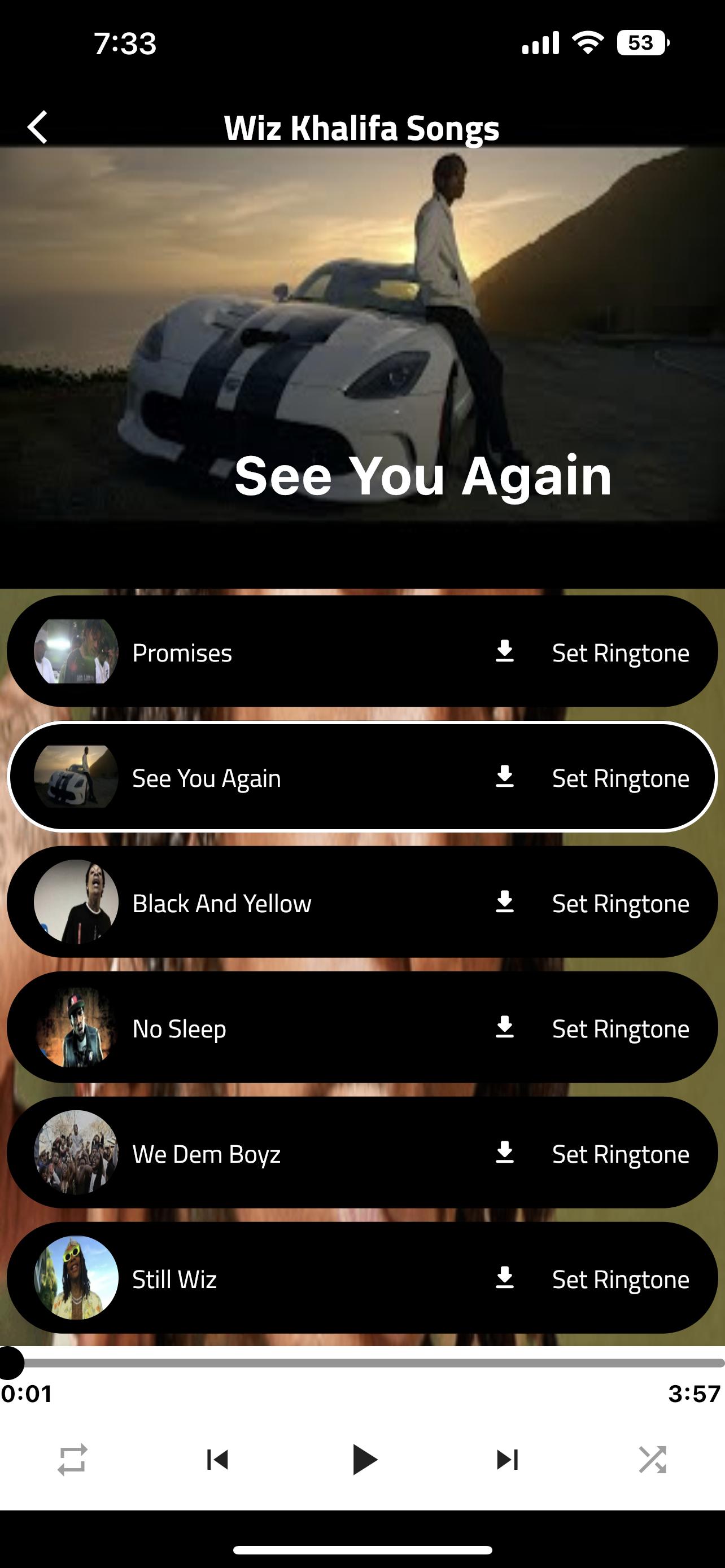
Wiz Khalifa Songs परिचय
The most beautiful and sweet songs of love, adoration, romance, and the many other of all kinds, for the most wonderful voices of the distinguished singer, in the application Wiz Khalifa Songs, in which you can hear different songs without any hindrance, as the songs in our application are characterized by high quality, accuracy and clarity, until you dispense with the need to search for them And hear it on other sites, the application was designed in a way that you can control the time of start, stop, restart and other distinctive settings, and you can also share its content with your loved ones and enjoy and spend the best time with them, download the Wiz Khalifa Songs application and do not hesitate to download.
Wiz Khalifa Songs is one of the most beautiful applications in the Middle East
पूर्वावलोकन

टैग
Music-&जानकारी
डेवलपर
Musically maker app
नवीनतम संस्करण
1
आखरी अपडेट
2022-10-13
श्रेणी
Music-audio
पर उपलब्ध
Google Play
और दिखाओ
पीसी पर गेमलूप के साथ Wiz Khalifa Songs कैसे खेलें
1. आधिकारिक वेबसाइट से GameLoop डाउनलोड करें, फिर GameLoop को स्थापित करने के लिए exe फ़ाइल चलाएँ।
2. गेमलूप खोलें और "Wiz Khalifa Songs" खोजें, खोज परिणामों में Wiz Khalifa Songs खोजें और "इंस्टॉल करें" पर क्लिक करें।
3. GameLoop पर Wiz Khalifa Songs खेलने का आनंद लें।
Minimum requirements
OS
Windows 8.1 64-bit or Windows 10 64-bit
GPU
GTX 1050
CPU
i3-8300
Memory
8GB RAM
Storage
1GB available space
Recommended requirements
OS
Windows 8.1 64-bit or Windows 10 64-bit
GPU
GTX 1050
CPU
i3-9320
Memory
16GB RAM
Storage
1GB available space