How To Draw Hands for PC
WhiteStore
GameLoop एमुलेटर के साथ पीसी पर How To Draw Hands डाउनलोड करें
पीसी पर How To Draw Hands
How To Draw Hands, डेवलपर WhiteStore से आ रहा है, अतीत में Android सिस्टर्म पर चल रहा है।
अब, आप How To Draw Hands को पीसी पर GameLoop के साथ आसानी से खेल सकते हैं।
इसे GameLoop लाइब्रेरी या खोज परिणामों में डाउनलोड करें। अब और गलत समय पर बैटरी या निराशाजनक कॉलों पर ध्यान नहीं देना चाहिए।
बस मुफ्त में बड़ी स्क्रीन पर How To Draw Hands पीसी का आनंद लें!
How To Draw Hands परिचय
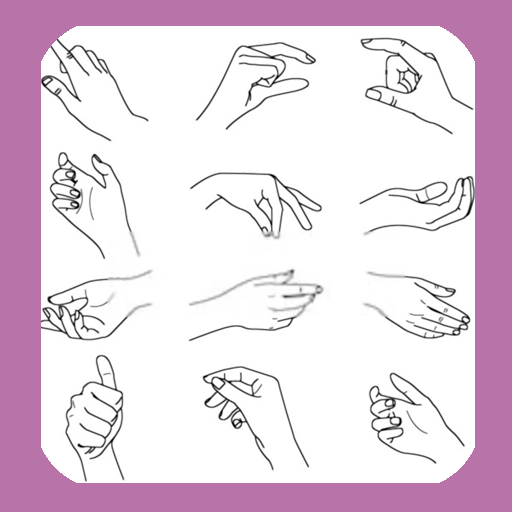
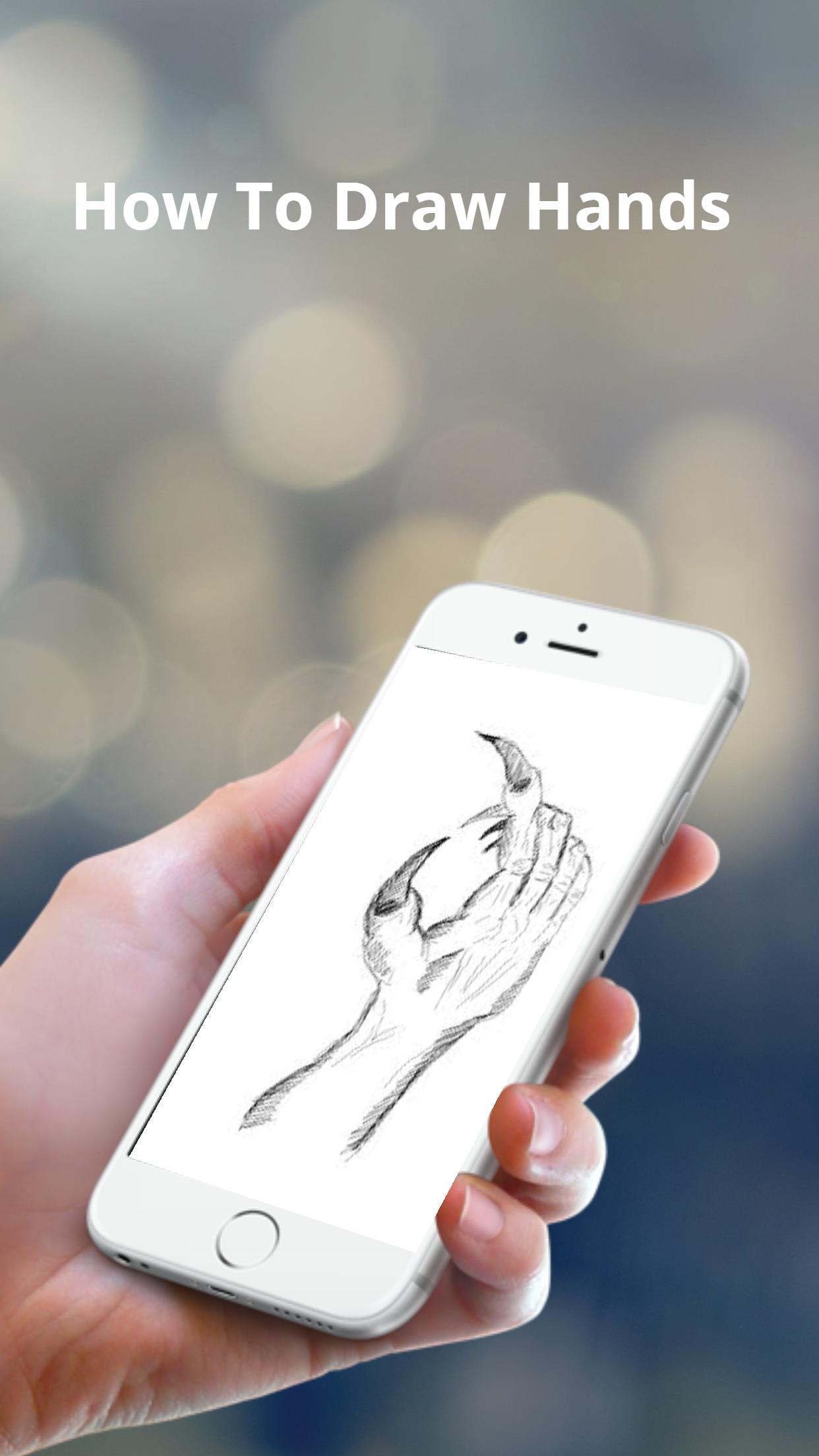
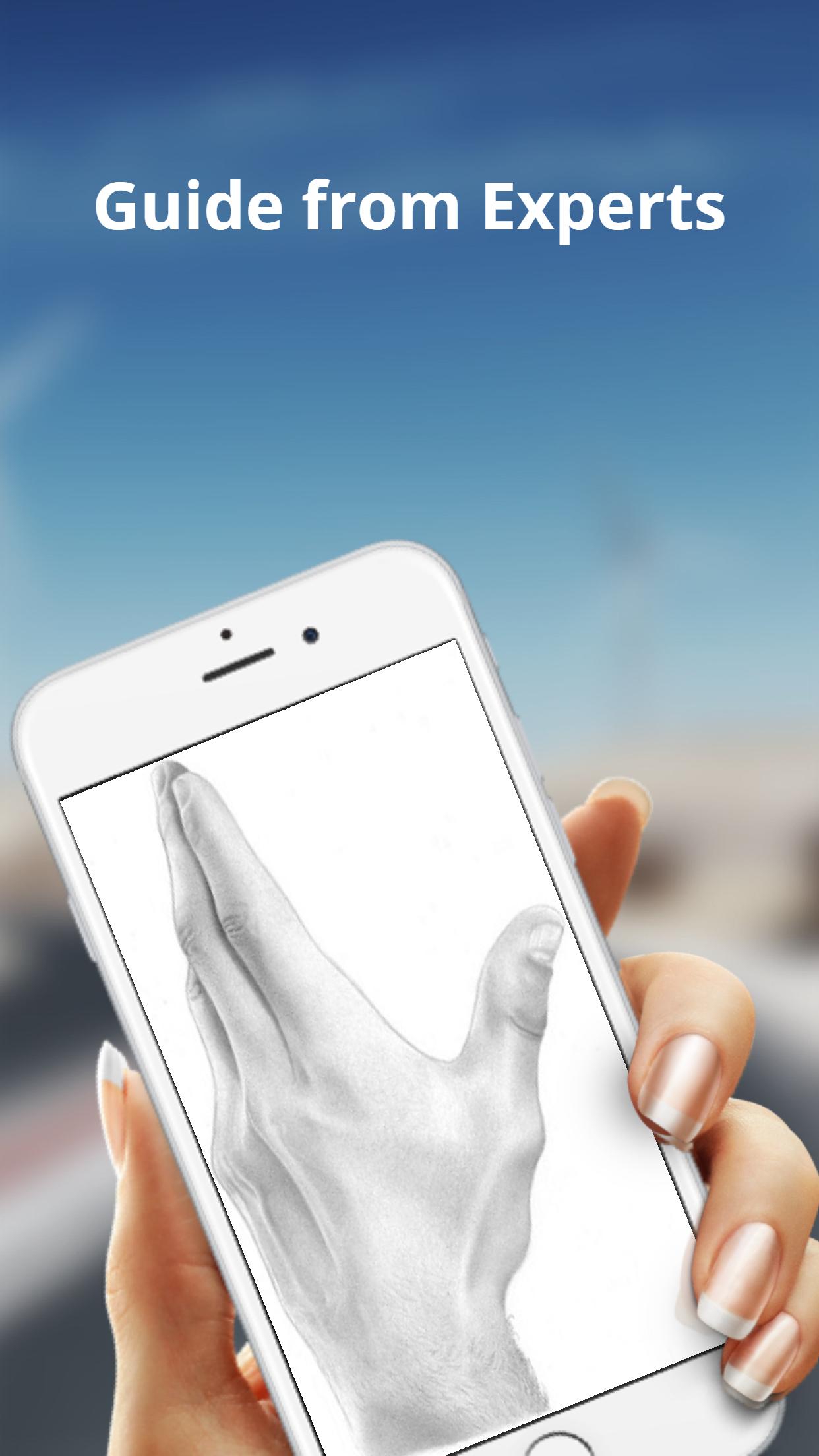
The basic shapes of a hand are not perfectly square or parallel so it is easy to get them wrong. When spread, the fingers all point in different directions.
Because the fingers’ points of origin and lengths are different, the joints do not line up in a straight line.
Note that the thumb moves in a different direction than the rest of the fingers.
To make bending possible, the skin is relatively loose and thin at the joints.
The bending marks on the palm side do not necessarily line up with the joints.
These lines might not be visible in simple drawing styles, but knowing where they are and where the skin overlaps can help when drawing the fingers bent.
पूर्वावलोकन
टैग
लाइफ़स्टाइलजानकारी
डेवलपर
WhiteStore
नवीनतम संस्करण
1.0.4
आखरी अपडेट
2022-07-26
श्रेणी
लाइफ़स्टाइल
पर उपलब्ध
Google Play
और दिखाओ
पीसी पर गेमलूप के साथ How To Draw Hands कैसे खेलें
1. आधिकारिक वेबसाइट से GameLoop डाउनलोड करें, फिर GameLoop को स्थापित करने के लिए exe फ़ाइल चलाएँ।
2. गेमलूप खोलें और "How To Draw Hands" खोजें, खोज परिणामों में How To Draw Hands खोजें और "इंस्टॉल करें" पर क्लिक करें।
3. GameLoop पर How To Draw Hands खेलने का आनंद लें।
Minimum requirements
OS
Windows 8.1 64-bit or Windows 10 64-bit
GPU
GTX 1050
CPU
i3-8300
Memory
8GB RAM
Storage
1GB available space
Recommended requirements
OS
Windows 8.1 64-bit or Windows 10 64-bit
GPU
GTX 1050
CPU
i3-9320
Memory
16GB RAM
Storage
1GB available space