Fright Night for PC
GreetingsApps2Go
GameLoop एमुलेटर के साथ पीसी पर Fright Night डाउनलोड करें
पीसी पर Fright Night
Fright Night, डेवलपर GreetingsApps2Go से आ रहा है, अतीत में Android सिस्टर्म पर चल रहा है।
अब, आप Fright Night को पीसी पर GameLoop के साथ आसानी से खेल सकते हैं।
इसे GameLoop लाइब्रेरी या खोज परिणामों में डाउनलोड करें। अब और गलत समय पर बैटरी या निराशाजनक कॉलों पर ध्यान नहीं देना चाहिए।
बस मुफ्त में बड़ी स्क्रीन पर Fright Night पीसी का आनंद लें!
Fright Night परिचय
Halloween Greeting App.
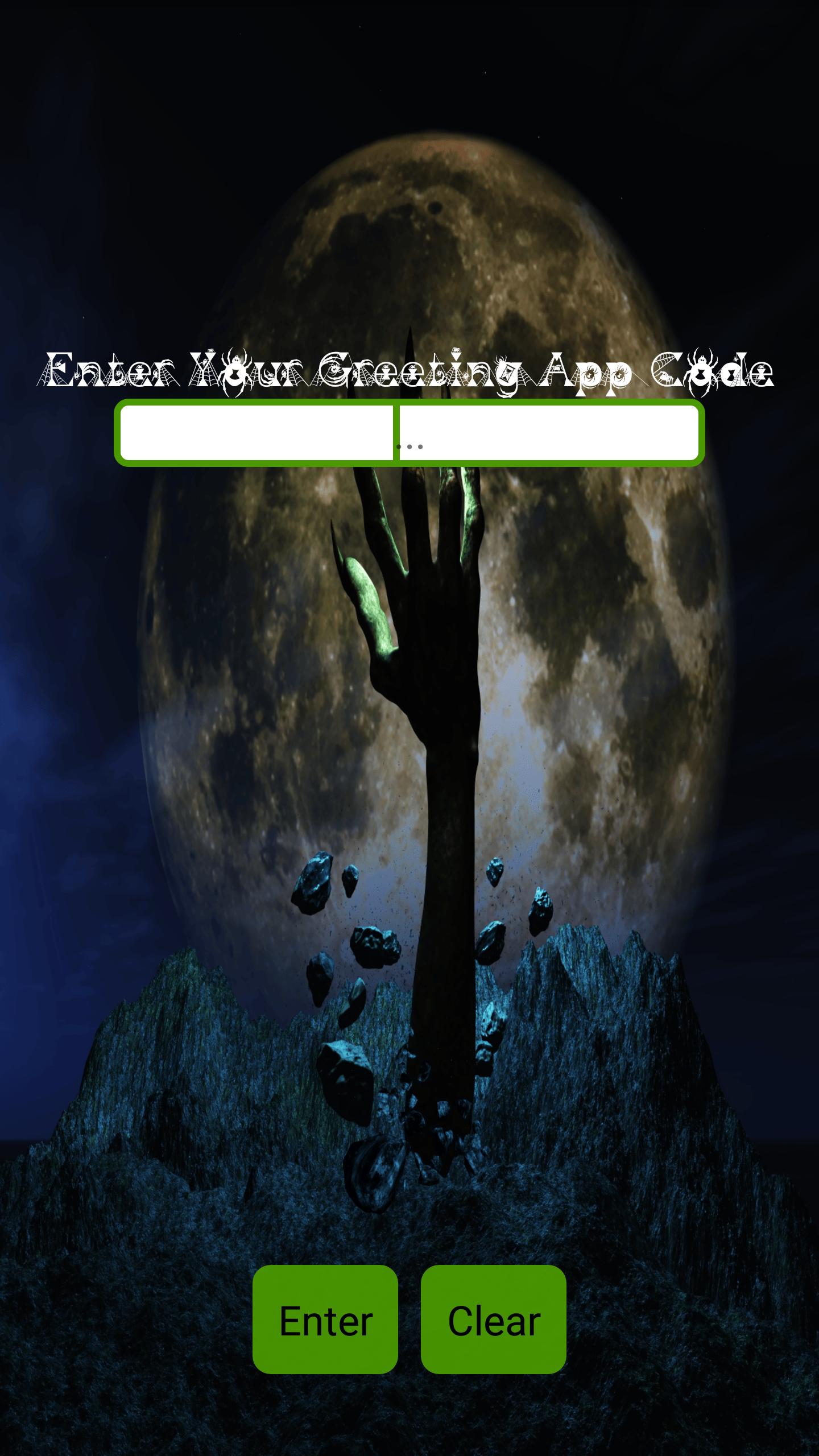
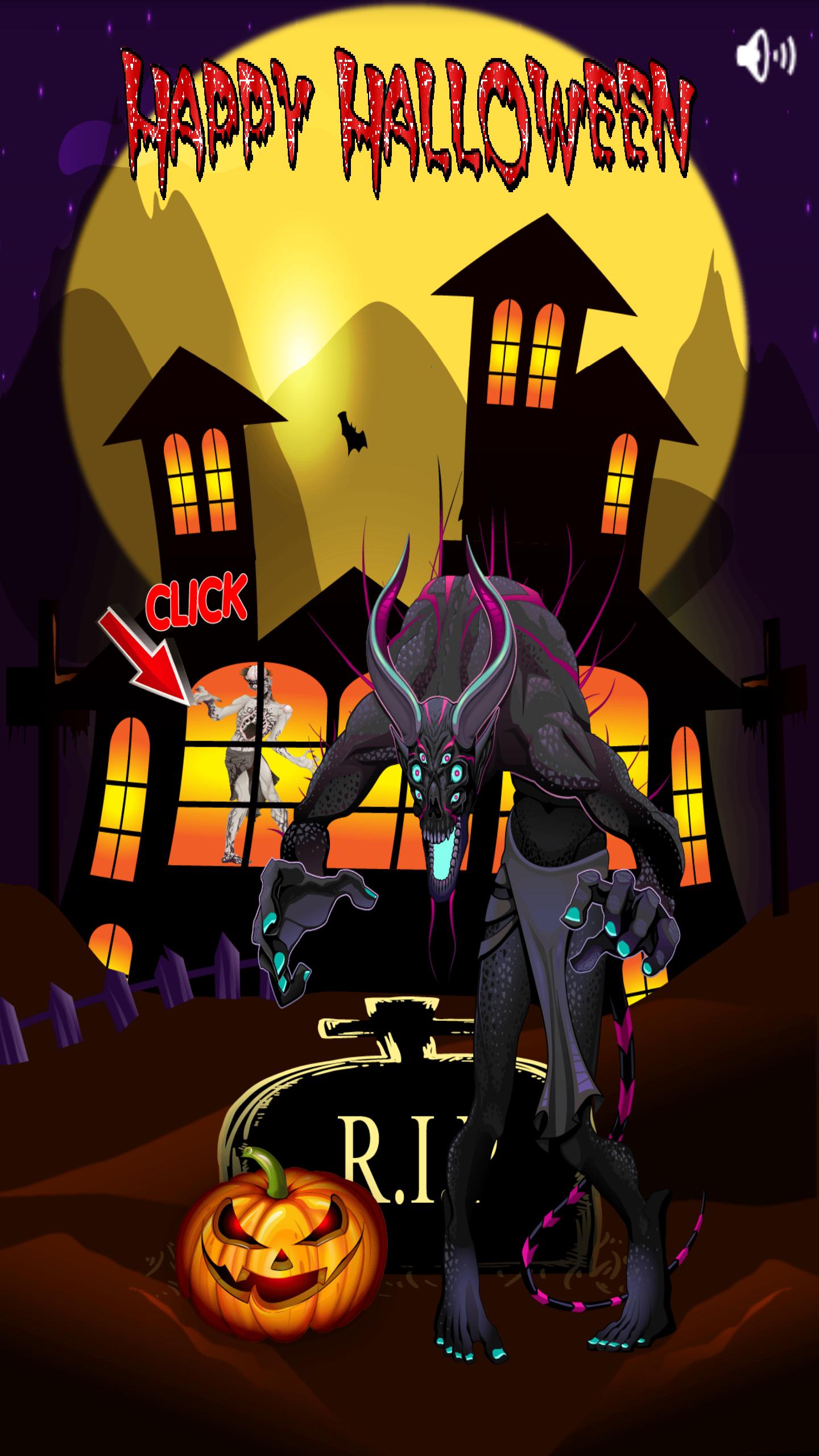
A Fright Night deserves frightening Greetings! This App will give them chills! Ready to send some spooky messages! Use a customized Halloween Greetings App to share the Halloween mood amongst your friends! Fun-scary images, music and games make the perfect combination to spread the Halloween mood.
How it Works:
Step 1: Visit https://www.greetingsapps2go.com/catalogue/fright-night_39/ to personalize the Greetings App.
Step 2: Click the Button “Customize and Send” to start personalizing the Greeting App.
Step 3: Choose if you want to create an account or continue as a guest.
Step 4: Enter your name and e-mail address, and the name and e-mail address of the person to whom you will send the Greeting App. (If you don’t have his/her e-mail address you can enter your own e-mail address in that field, otherwise it can be sent using the WhatsApp button).
Step 5: Customize the Greeting App! Write your special message, record or upload an audio message, and if you which you can also upload an image.
Final Step: Confirm the order and you are done! The Google Play link to download the Greeting App, and the unique access code will be sent automatically to the special person via email or you can send it directly from the website using the WhatsApp button. Now the receiver is enjoying the Greeting App that you customized!
Check this cool video https://www.youtube.com/watch?v=pzR1UdZ5JSw for visual instructions!
पूर्वावलोकन
टैग
लाइफ़स्टाइलजानकारी
डेवलपर
GreetingsApps2Go
नवीनतम संस्करण
1.5
आखरी अपडेट
2020-08-25
श्रेणी
लाइफ़स्टाइल
पर उपलब्ध
Google Play
और दिखाओ
पीसी पर गेमलूप के साथ Fright Night कैसे खेलें
1. आधिकारिक वेबसाइट से GameLoop डाउनलोड करें, फिर GameLoop को स्थापित करने के लिए exe फ़ाइल चलाएँ।
2. गेमलूप खोलें और "Fright Night" खोजें, खोज परिणामों में Fright Night खोजें और "इंस्टॉल करें" पर क्लिक करें।
3. GameLoop पर Fright Night खेलने का आनंद लें।
Minimum requirements
OS
Windows 8.1 64-bit or Windows 10 64-bit
GPU
GTX 1050
CPU
i3-8300
Memory
8GB RAM
Storage
1GB available space
Recommended requirements
OS
Windows 8.1 64-bit or Windows 10 64-bit
GPU
GTX 1050
CPU
i3-9320
Memory
16GB RAM
Storage
1GB available space