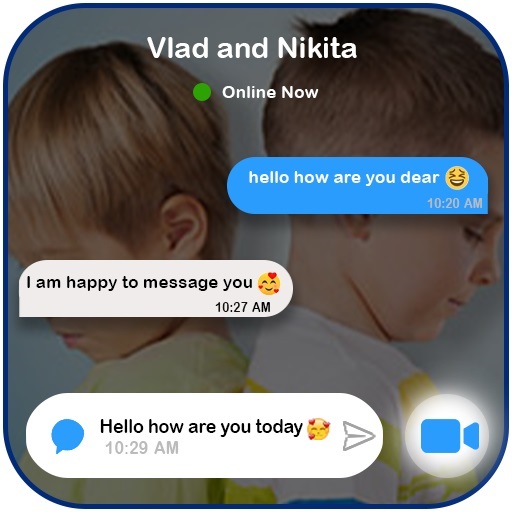
vlad fake call and chat for PC
APPin
GameLoop एमुलेटर के साथ पीसी पर vlad fake call and chat डाउनलोड करें
पीसी पर vlad fake call and chat
vlad fake call and chat, डेवलपर APPin से आ रहा है, अतीत में Android सिस्टर्म पर चल रहा है।
अब, आप vlad fake call and chat को पीसी पर GameLoop के साथ आसानी से खेल सकते हैं।
इसे GameLoop लाइब्रेरी या खोज परिणामों में डाउनलोड करें। अब और गलत समय पर बैटरी या निराशाजनक कॉलों पर ध्यान नहीं देना चाहिए।
बस मुफ्त में बड़ी स्क्रीन पर vlad fake call and chat पीसी का आनंद लें!
vlad fake call and chat परिचय
hello do you love vlad is application for fun and entertainment from vlad fake call : chat and Call video vlad call video and Chat (Prank) is a simple and profissionel application to make call video with your Idol vlad chat call and fake video call with a simple live chat, Enjoy calling niki video calling with easy way, feel free and download this vlad fake call Game video call for have fun with friend.
download this vlad fake call game and have fun with your friends.
Features:
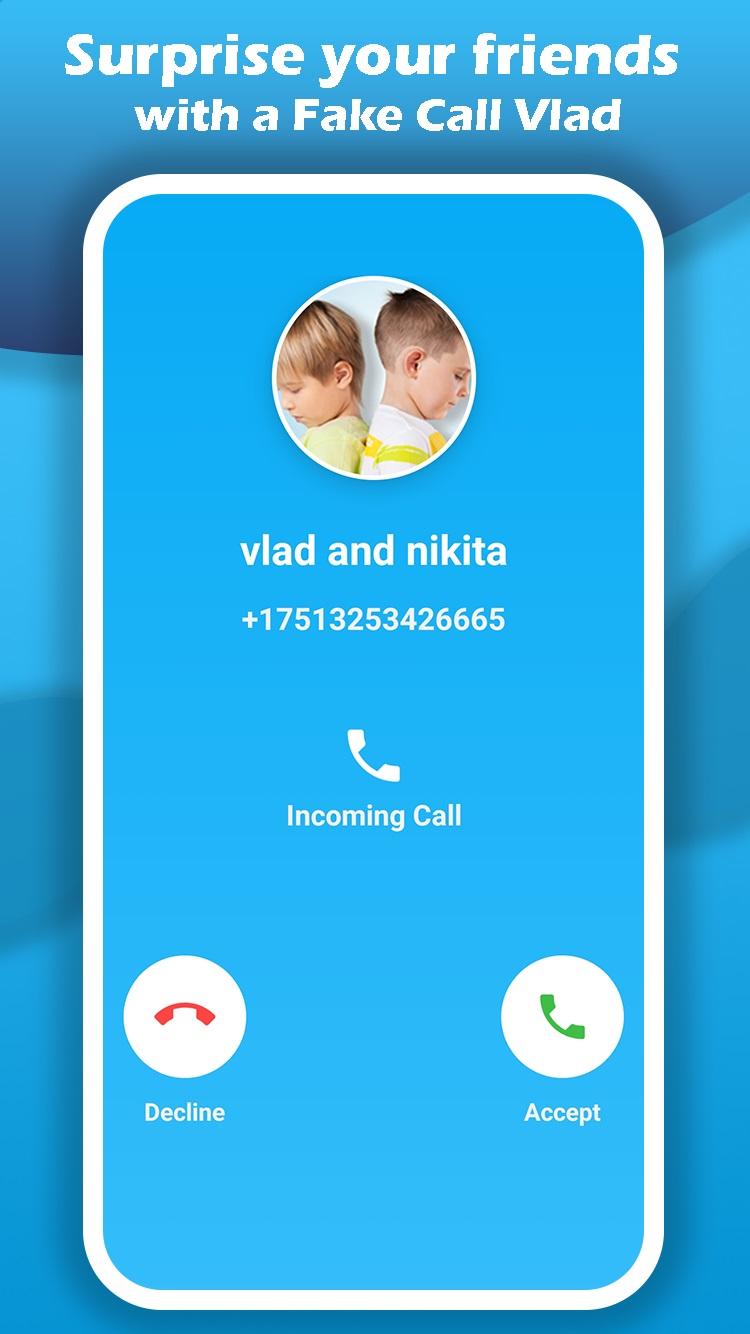
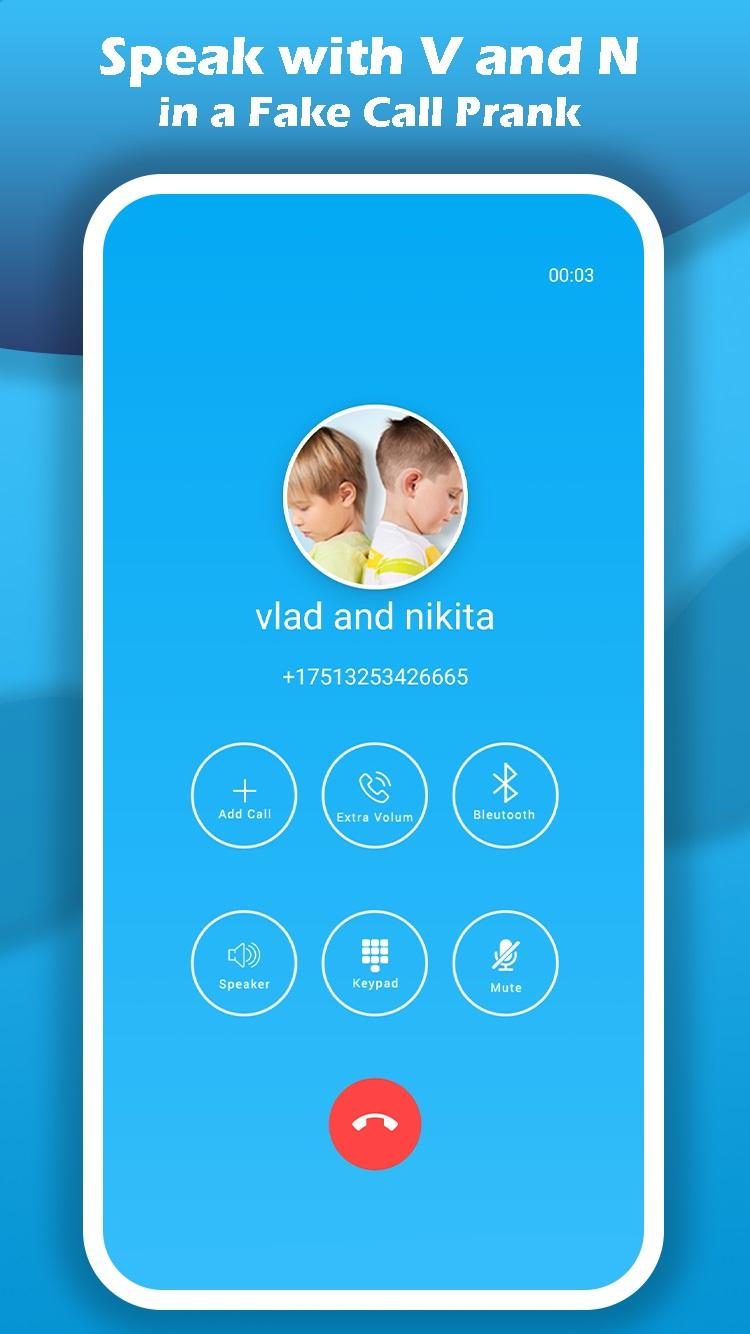
? Incoming audio call
? Incoming video call
? sending text messages -prank chat-
? prank live
USING:
1. Open the vlad Fake call - Video Call application
2. Select the member you want to call audio or video (diana , nikita , roma , nastya ... )
3. start call audio or call video, finally we add a specially button to start live video with niki
4. join the chat to start calling with vlad or make a chat discussion with your contact vlad to ask her some question and sending photo & more !
enjoy
पूर्वावलोकन
टैग
मनोरंजनजानकारी
डेवलपर
APPin
नवीनतम संस्करण
1.0
आखरी अपडेट
2022-02-17
श्रेणी
मनोरंजन
पर उपलब्ध
Google Play
और दिखाओ
पीसी पर गेमलूप के साथ vlad fake call and chat कैसे खेलें
1. आधिकारिक वेबसाइट से GameLoop डाउनलोड करें, फिर GameLoop को स्थापित करने के लिए exe फ़ाइल चलाएँ।
2. गेमलूप खोलें और "vlad fake call and chat" खोजें, खोज परिणामों में vlad fake call and chat खोजें और "इंस्टॉल करें" पर क्लिक करें।
3. GameLoop पर vlad fake call and chat खेलने का आनंद लें।
Minimum requirements
OS
Windows 8.1 64-bit or Windows 10 64-bit
GPU
GTX 1050
CPU
i3-8300
Memory
8GB RAM
Storage
1GB available space
Recommended requirements
OS
Windows 8.1 64-bit or Windows 10 64-bit
GPU
GTX 1050
CPU
i3-9320
Memory
16GB RAM
Storage
1GB available space