
Play Lite for Youtube for PC
VuviGame
GameLoop एमुलेटर के साथ पीसी पर Play Lite for Youtube डाउनलोड करें
पीसी पर Play Lite for Youtube
Play Lite for Youtube, डेवलपर VuviGame से आ रहा है, अतीत में Android सिस्टर्म पर चल रहा है।
अब, आप Play Lite for Youtube को पीसी पर GameLoop के साथ आसानी से खेल सकते हैं।
इसे GameLoop लाइब्रेरी या खोज परिणामों में डाउनलोड करें। अब और गलत समय पर बैटरी या निराशाजनक कॉलों पर ध्यान नहीं देना चाहिए।
बस मुफ्त में बड़ी स्क्रीन पर Play Lite for Youtube पीसी का आनंद लें!
Play Lite for Youtube परिचय
Wellcome to Play Lite for Youtube
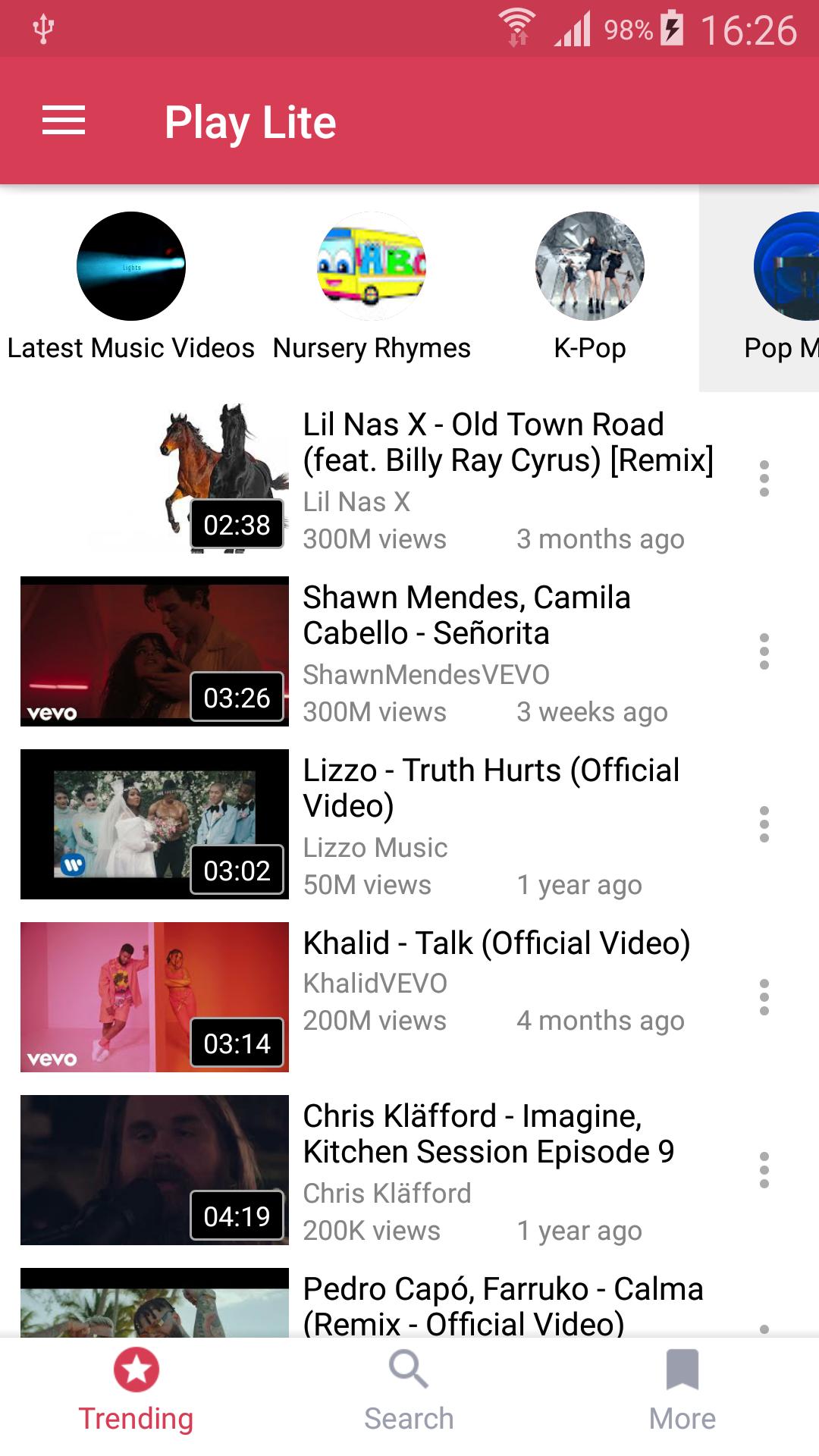
Watch youtube videos in floating mode so that can you can play youtube videos as well as youtube playlist out side the app in floating mode.
No need to download songs anymore: You can watch and listen to millions Music and Video.
Play Lite provides multitasking experience: always on top popup player helps you to use your apps while playing non-stop YouTube free music.
Note: playing music when the screen is off or on the lock screen is not allowed by YouTube terms of use.
In addition, you will be able to import your own playlists from YouTube.
☆ Enjoy free music with Play Lite.
• Search and listen to millions of free songs on YouTube
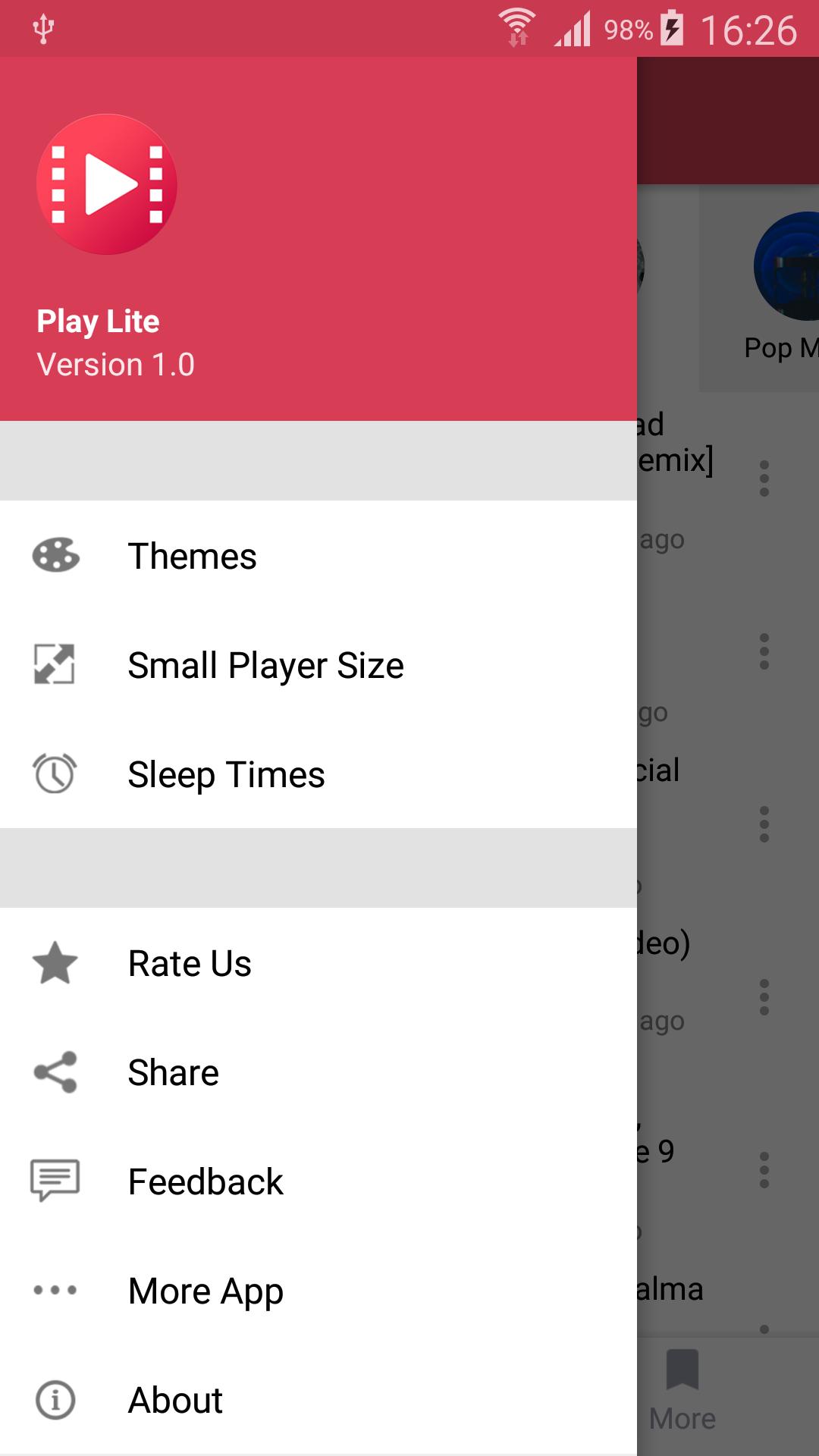
• Always on top floating player for multitasking. You can change its size and position.
• Songs, playlists, albums quick search with suggestions
• High-Quality video mode (wifi recommended)
• Discover free music with tons of predefined genres: Popular Music, Hip Hop, Rock, Classical, R&B, Jazz, Disco, Country and more
☆ Playlists
• Import playlists from YouTube including Liked Videos
• Favorites playlist
• Share playlists and tracks
☆ Music player
• Shuffle , Repeat, Next, Back ... modes
• Sleep timer , resize small player
☆ Bookmarks and history
• Easy to use bookmarks useful for music ,videos , etc
• History for search and playback
☆ PLEASE NOTE
Stream is a third party music streaming player app, not a downloader.
All the content is provided by YouTube services.
"Please use the following link to report any content that may infrige copyrights: https://www.youtube.com/yt/copyright/
Stream is not a App downloader."
An internet connection is required (wifi or cellular data).
According to YouTube's Terms of Use, we are not allowed to display videos when in lockscreen, nor to let you download songs.
पूर्वावलोकन
जानकारी
डेवलपर
VuviGame
नवीनतम संस्करण
1.0
आखरी अपडेट
2019-07-18
श्रेणी
मनोरंजन
पर उपलब्ध
Google Play
और दिखाओ
पीसी पर गेमलूप के साथ Play Lite for Youtube कैसे खेलें
1. आधिकारिक वेबसाइट से GameLoop डाउनलोड करें, फिर GameLoop को स्थापित करने के लिए exe फ़ाइल चलाएँ।
2. गेमलूप खोलें और "Play Lite for Youtube" खोजें, खोज परिणामों में Play Lite for Youtube खोजें और "इंस्टॉल करें" पर क्लिक करें।
3. GameLoop पर Play Lite for Youtube खेलने का आनंद लें।
Minimum requirements
OS
Windows 8.1 64-bit or Windows 10 64-bit
GPU
GTX 1050
CPU
i3-8300
Memory
8GB RAM
Storage
1GB available space
Recommended requirements
OS
Windows 8.1 64-bit or Windows 10 64-bit
GPU
GTX 1050
CPU
i3-9320
Memory
16GB RAM
Storage
1GB available space