ONE MEGA BLOCK for Minecraft PE for PC
Skins Studio
GameLoop एमुलेटर के साथ पीसी पर ONE MEGA BLOCK for Minecraft PE डाउनलोड करें
पीसी पर ONE MEGA BLOCK for Minecraft PE
ONE MEGA BLOCK for Minecraft PE, डेवलपर Skins Studio से आ रहा है, अतीत में Android सिस्टर्म पर चल रहा है।
अब, आप ONE MEGA BLOCK for Minecraft PE को पीसी पर GameLoop के साथ आसानी से खेल सकते हैं।
इसे GameLoop लाइब्रेरी या खोज परिणामों में डाउनलोड करें। अब और गलत समय पर बैटरी या निराशाजनक कॉलों पर ध्यान नहीं देना चाहिए।
बस मुफ्त में बड़ी स्क्रीन पर ONE MEGA BLOCK for Minecraft PE पीसी का आनंद लें!
ONE MEGA BLOCK for Minecraft PE परिचय
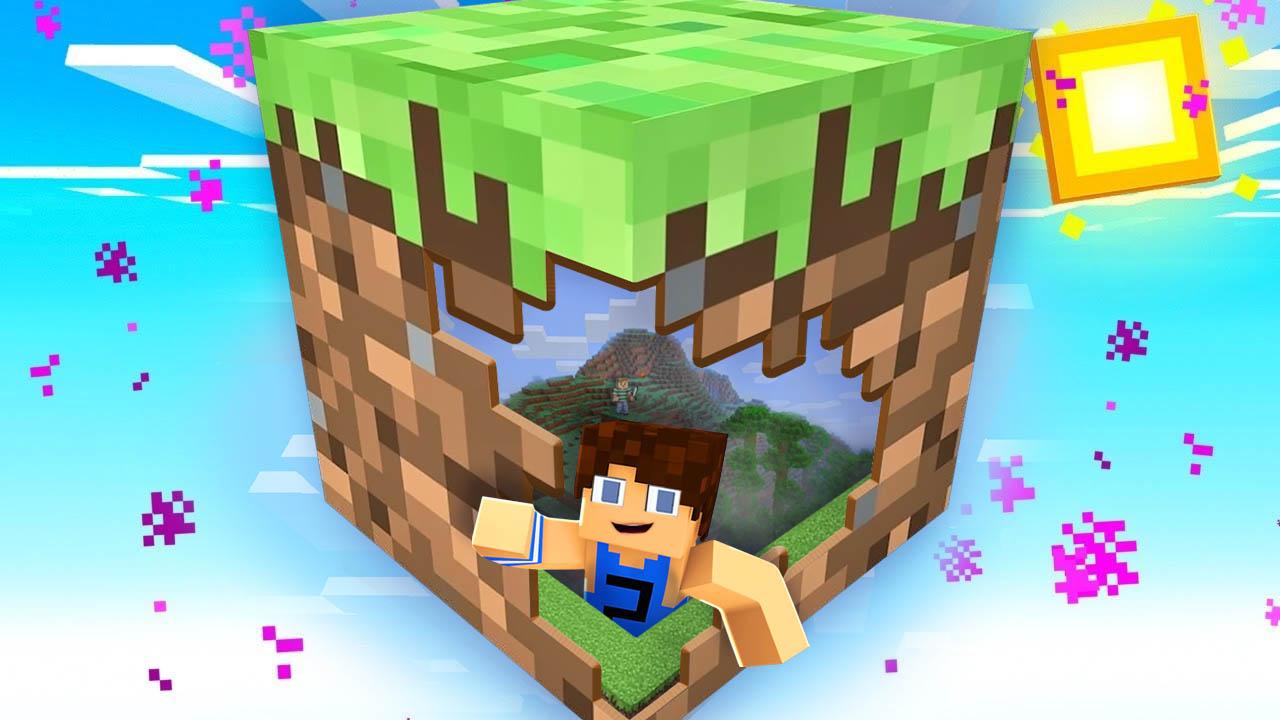
⛏⛏⛏ ONE MEGA BLOCK is a game for MINECRAFT in which you will start with a giant block. From here, you will need to use all your skills to get the materials you need and kill the enderdragon .🐉💪🔥
In this thrilling survival adventure you will have to start destroying your only certainty, the only ground under your feet. That way, you'll get
new blocks containing minerals, chests, animals ... 😱 and even MONSTERS! 😱
As you go destroying blocks you will enter different stages such as:
🌳 Forest
🦇 Cave
❄️ Snowy
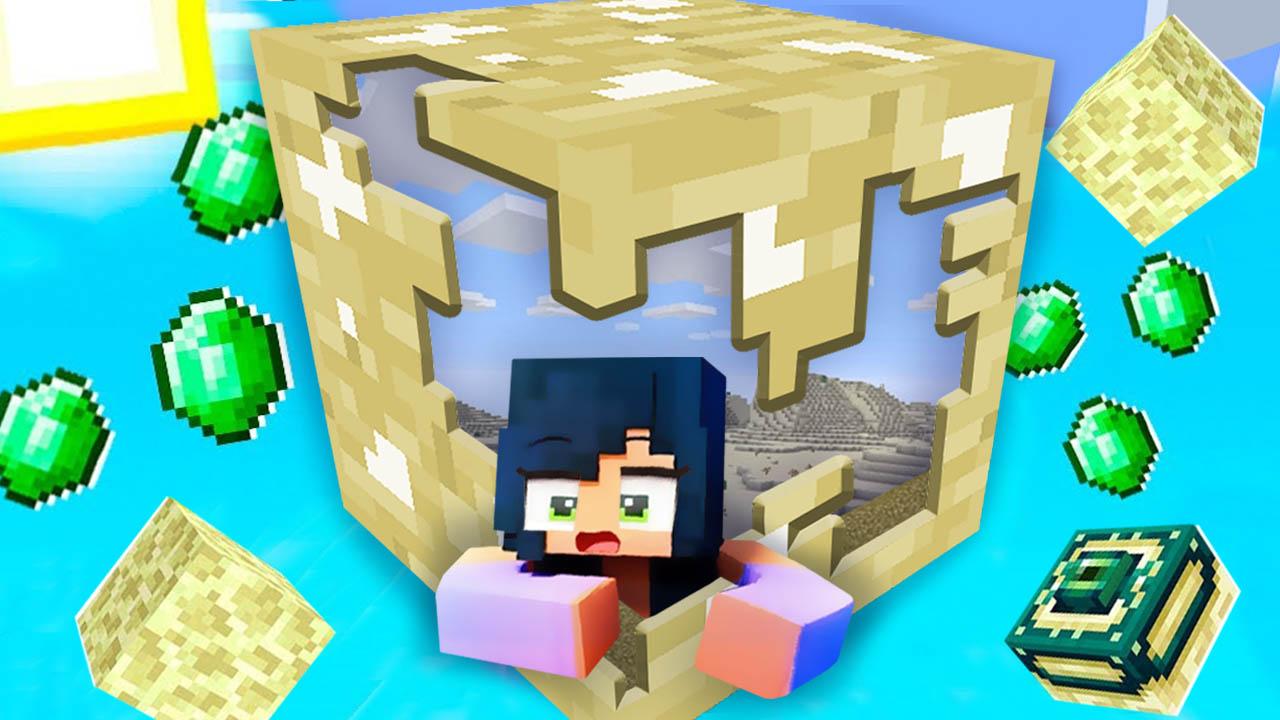
🌵 Desert
🌴 Jungle
🌊 Ocean
🌚 Nether
🏛 Mansion
🌌 Stronghold
🔮 Miscellaneous
⛏The blocks that you'll find on your way are a mystery and will change your progress through the maps.
You will need these items and materials to reach the final phase ready to cross the portal and fight the enderdragon.
When you have defeated him, you will have become the winner of ONE MEGA BLOCK .⛏
- Disclaimer -
This is an unofficial application for Minecraft Pocket Edition. This application is not affiliated in any way with Mojang AB. The Minecraft Name, the Minecraft Brand and the Minecraft Assets are all property of Mojang AB or their respectful owner. All rights reserved. In accordance with http://account.mojang.com/documents/brand_guidelines
पूर्वावलोकन
जानकारी
डेवलपर
Skins Studio
नवीनतम संस्करण
1.0
आखरी अपडेट
2021-03-22
श्रेणी
मनोरंजन
पर उपलब्ध
Google Play
और दिखाओ
पीसी पर गेमलूप के साथ ONE MEGA BLOCK for Minecraft PE कैसे खेलें
1. आधिकारिक वेबसाइट से GameLoop डाउनलोड करें, फिर GameLoop को स्थापित करने के लिए exe फ़ाइल चलाएँ।
2. गेमलूप खोलें और "ONE MEGA BLOCK for Minecraft PE" खोजें, खोज परिणामों में ONE MEGA BLOCK for Minecraft PE खोजें और "इंस्टॉल करें" पर क्लिक करें।
3. GameLoop पर ONE MEGA BLOCK for Minecraft PE खेलने का आनंद लें।
Minimum requirements
OS
Windows 8.1 64-bit or Windows 10 64-bit
GPU
GTX 1050
CPU
i3-8300
Memory
8GB RAM
Storage
1GB available space
Recommended requirements
OS
Windows 8.1 64-bit or Windows 10 64-bit
GPU
GTX 1050
CPU
i3-9320
Memory
16GB RAM
Storage
1GB available space