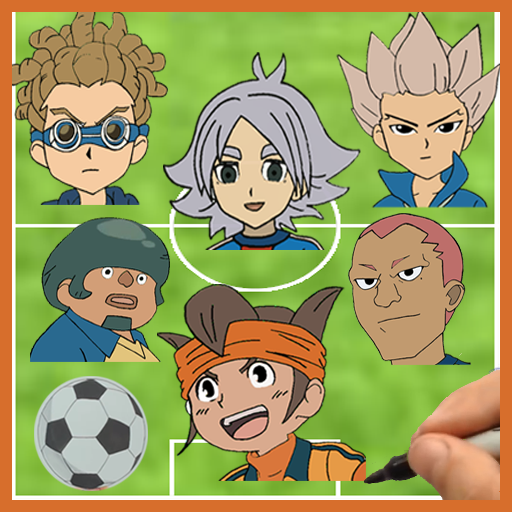
How to draw Inazuma Eleven for PC
Draw and enjoy
GameLoop एमुलेटर के साथ पीसी पर How to draw Inazuma Eleven डाउनलोड करें
पीसी पर How to draw Inazuma Eleven
How to draw Inazuma Eleven, डेवलपर Draw and enjoy से आ रहा है, अतीत में Android सिस्टर्म पर चल रहा है।
अब, आप How to draw Inazuma Eleven को पीसी पर GameLoop के साथ आसानी से खेल सकते हैं।
इसे GameLoop लाइब्रेरी या खोज परिणामों में डाउनलोड करें। अब और गलत समय पर बैटरी या निराशाजनक कॉलों पर ध्यान नहीं देना चाहिए।
बस मुफ्त में बड़ी स्क्रीन पर How to draw Inazuma Eleven पीसी का आनंद लें!
How to draw Inazuma Eleven परिचय
Let's meet one of the most famous Football anime in the world that exist also as a game !!
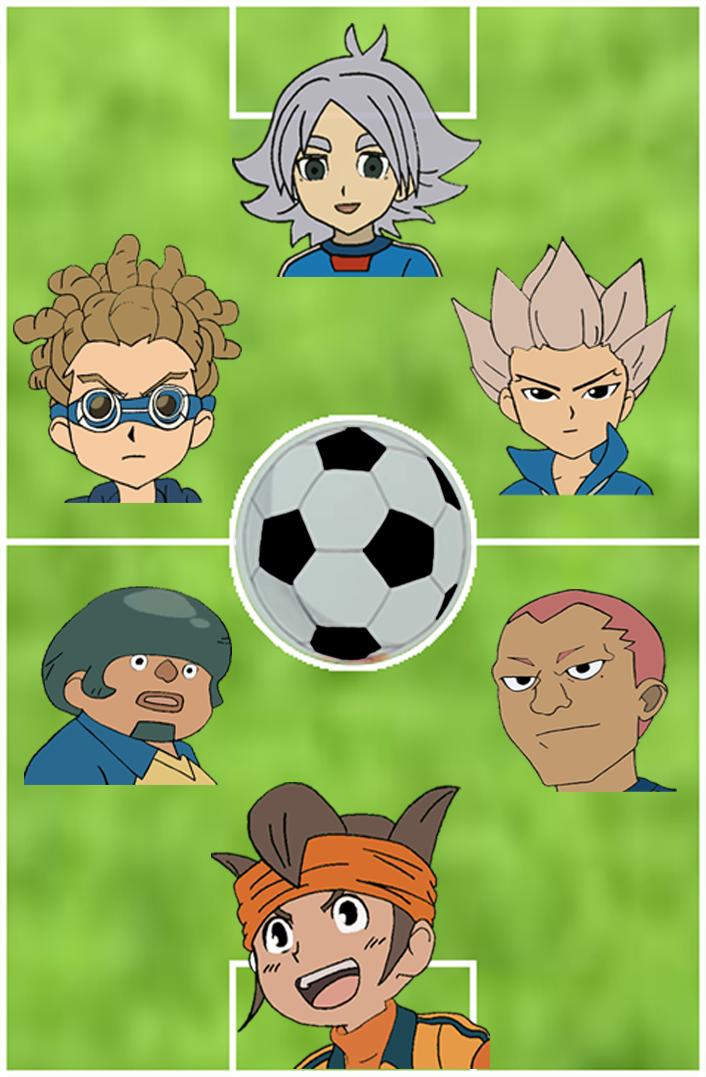
Exclusive, the first app to draw the stars of Inazuma Eleven, now you can draw your favourite players and footballers in this Football anime.
How to draw Inazuma Eleven is the best application to draw the best football anime in the world.
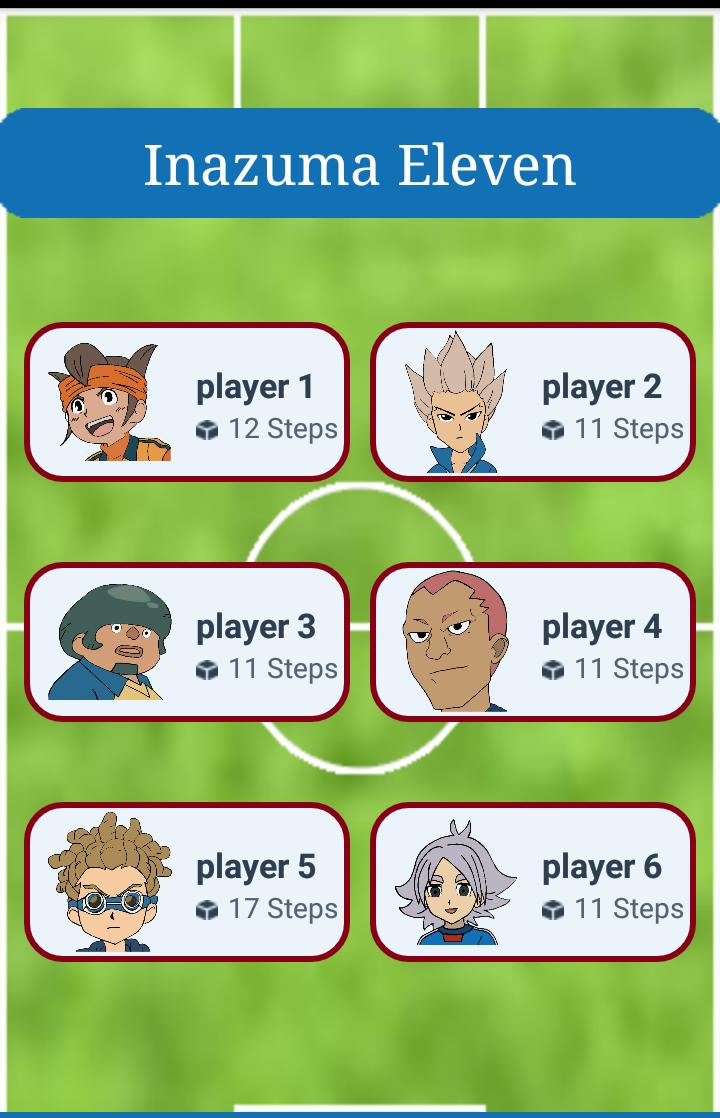
Now you will be able to draw Inazuma Eleven step by step, yes, Draw and Enjoy !
Discover your artistic talents without need of pen or paper , just by using your phone !
More characters will be added so soon , Thanks for Installing this App !
पूर्वावलोकन
जानकारी
डेवलपर
Draw and enjoy
नवीनतम संस्करण
3
आखरी अपडेट
2018-03-04
श्रेणी
मनोरंजन
पर उपलब्ध
Google Play
और दिखाओ
पीसी पर गेमलूप के साथ How to draw Inazuma Eleven कैसे खेलें
1. आधिकारिक वेबसाइट से GameLoop डाउनलोड करें, फिर GameLoop को स्थापित करने के लिए exe फ़ाइल चलाएँ।
2. गेमलूप खोलें और "How to draw Inazuma Eleven" खोजें, खोज परिणामों में How to draw Inazuma Eleven खोजें और "इंस्टॉल करें" पर क्लिक करें।
3. GameLoop पर How to draw Inazuma Eleven खेलने का आनंद लें।
Minimum requirements
OS
Windows 8.1 64-bit or Windows 10 64-bit
GPU
GTX 1050
CPU
i3-8300
Memory
8GB RAM
Storage
1GB available space
Recommended requirements
OS
Windows 8.1 64-bit or Windows 10 64-bit
GPU
GTX 1050
CPU
i3-9320
Memory
16GB RAM
Storage
1GB available space