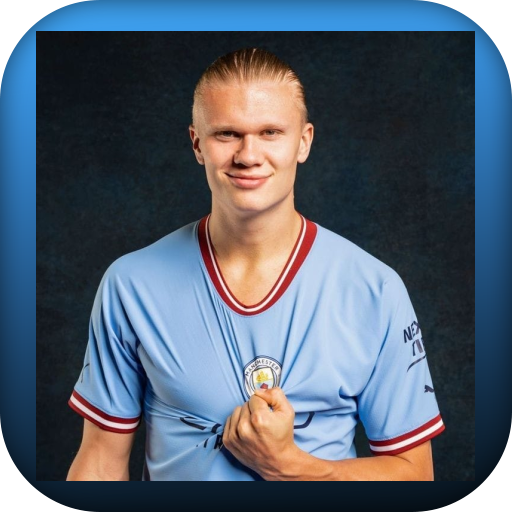
haaland for PC
TheWolf02
GameLoop एमुलेटर के साथ पीसी पर haaland डाउनलोड करें
पीसी पर haaland
haaland, डेवलपर TheWolf02 से आ रहा है, अतीत में Android सिस्टर्म पर चल रहा है।
अब, आप haaland को पीसी पर GameLoop के साथ आसानी से खेल सकते हैं।
इसे GameLoop लाइब्रेरी या खोज परिणामों में डाउनलोड करें। अब और गलत समय पर बैटरी या निराशाजनक कॉलों पर ध्यान नहीं देना चाहिए।
बस मुफ्त में बड़ी स्क्रीन पर haaland पीसी का आनंद लें!
haaland परिचय
Are you looking for an application for the Norwegian player Arling Braut Haaland? Here is our wonderful application.
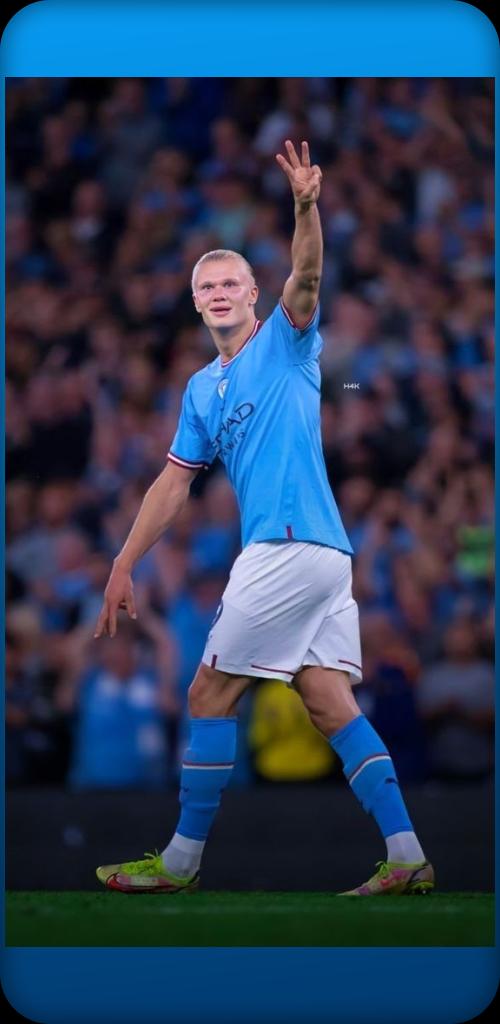
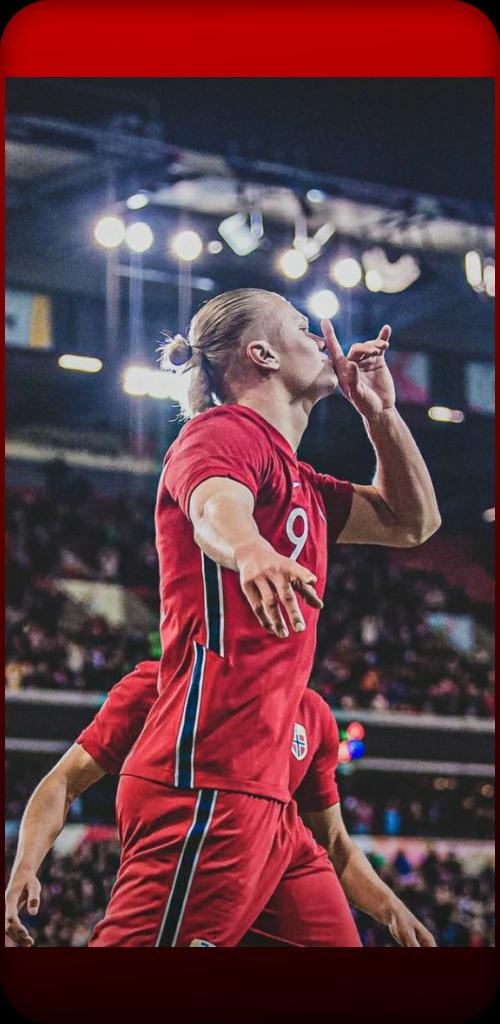
The application contains the latest images and backgrounds of the Norwegian player Arling Braut Haaland, in 4k quality
Erling Haaland Wallpaper تAn application that provides the latest images and wallpapers from Dortmund ،specifically Erling Braut Haaland.
Erling Haaland is a Norwegian footballer who currently plays for Manchester City Football Club.
This application provides more than 15 images that are optimized for your smartphone screen.
You can get it for free once you download this app.
Among the important things in our application:
- Ease of use
- smooth work
- Possibility to get the image
- Provides more than 150 images for the player
- The application contains the biography of the player
- Full image security
Among the features of our application:
- haaland
- erling haaland
- erling haaland man city
- erling haaland wallpaper
- erling haaland png
- erling braut haaland
पूर्वावलोकन
टैग
मनोरंजनजानकारी
डेवलपर
TheWolf02
नवीनतम संस्करण
1
आखरी अपडेट
2022-11-03
श्रेणी
मनोरंजन
पर उपलब्ध
Google Play
और दिखाओ
पीसी पर गेमलूप के साथ haaland कैसे खेलें
1. आधिकारिक वेबसाइट से GameLoop डाउनलोड करें, फिर GameLoop को स्थापित करने के लिए exe फ़ाइल चलाएँ।
2. गेमलूप खोलें और "haaland" खोजें, खोज परिणामों में haaland खोजें और "इंस्टॉल करें" पर क्लिक करें।
3. GameLoop पर haaland खेलने का आनंद लें।
Minimum requirements
OS
Windows 8.1 64-bit or Windows 10 64-bit
GPU
GTX 1050
CPU
i3-8300
Memory
8GB RAM
Storage
1GB available space
Recommended requirements
OS
Windows 8.1 64-bit or Windows 10 64-bit
GPU
GTX 1050
CPU
i3-9320
Memory
16GB RAM
Storage
1GB available space