
Draw Ice Cream for PC
Vic.Art
GameLoop एमुलेटर के साथ पीसी पर Draw Ice Cream डाउनलोड करें
पीसी पर Draw Ice Cream
Draw Ice Cream, डेवलपर Vic.Art से आ रहा है, अतीत में Android सिस्टर्म पर चल रहा है।
अब, आप Draw Ice Cream को पीसी पर GameLoop के साथ आसानी से खेल सकते हैं।
इसे GameLoop लाइब्रेरी या खोज परिणामों में डाउनलोड करें। अब और गलत समय पर बैटरी या निराशाजनक कॉलों पर ध्यान नहीं देना चाहिए।
बस मुफ्त में बड़ी स्क्रीन पर Draw Ice Cream पीसी का आनंद लें!
Draw Ice Cream परिचय
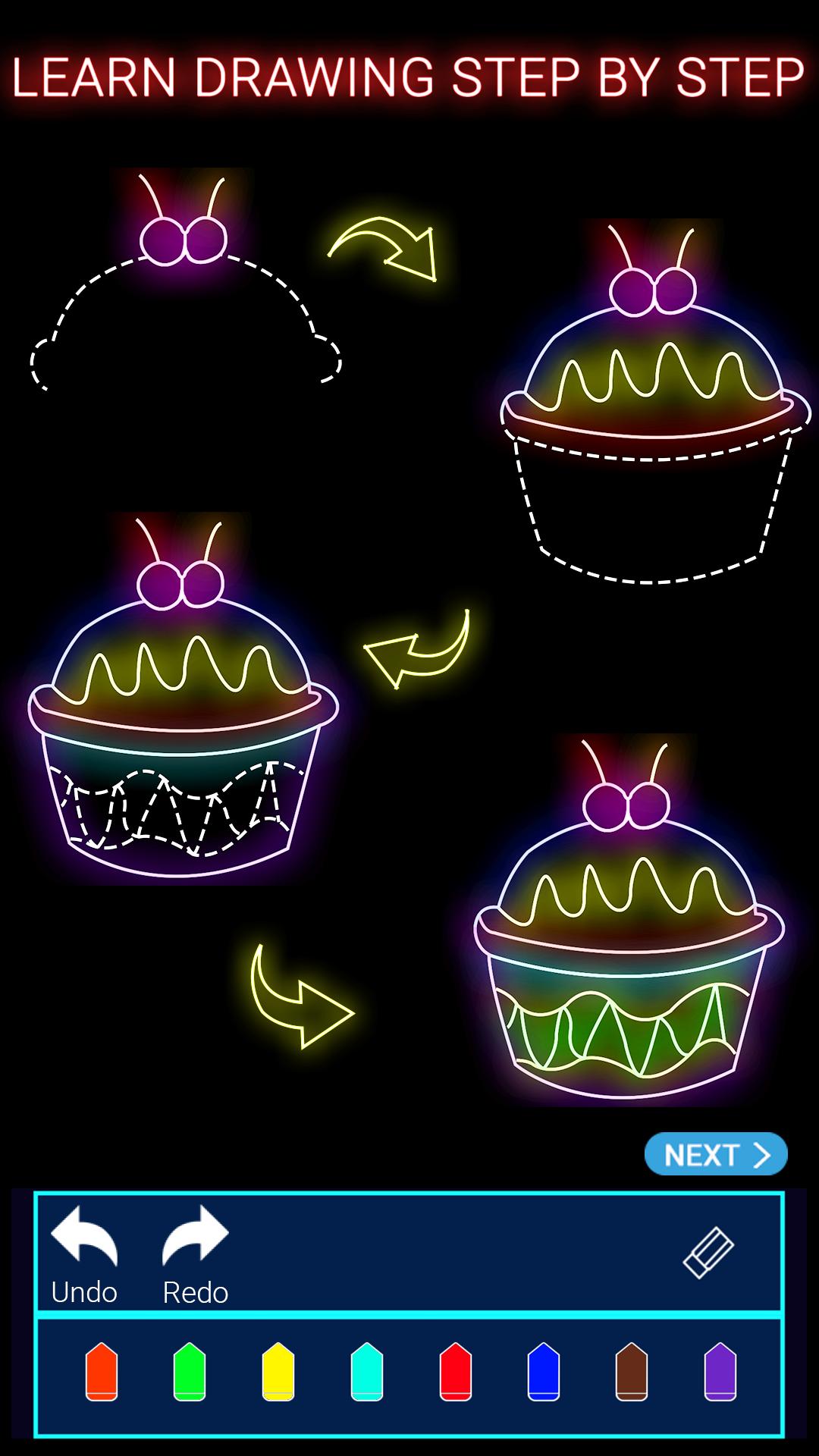
Draw Ice Cream will teach you how to draw Ice cream. The program will show step by step how to draw. You don't need any special skills it’s self-teaching.
Download " Draw Ice Cream " app and get the best drawing tutorials.
" Draw Ice Cream " app using animation to show you how to draw and paint. Each tutorial includes reasonable steps.This app provides ice cream coloring feature also .
You simply need use your finger to follow the animated tutorial, and then you will be able to create stunning art work by yourself!
- Many excellent drawing tools: The glow brushes.
- Exquisite ice cream drawing pictures.
- Detailed drawing steps to learn. teach you step-by-step.
- The joyful of learning and coloring: coloring with your favorite colors.
पूर्वावलोकन

जानकारी
डेवलपर
Vic.Art
नवीनतम संस्करण
1.0
आखरी अपडेट
2017-07-06
श्रेणी
मनोरंजन
पर उपलब्ध
Google Play
और दिखाओ
पीसी पर गेमलूप के साथ Draw Ice Cream कैसे खेलें
1. आधिकारिक वेबसाइट से GameLoop डाउनलोड करें, फिर GameLoop को स्थापित करने के लिए exe फ़ाइल चलाएँ।
2. गेमलूप खोलें और "Draw Ice Cream" खोजें, खोज परिणामों में Draw Ice Cream खोजें और "इंस्टॉल करें" पर क्लिक करें।
3. GameLoop पर Draw Ice Cream खेलने का आनंद लें।
Minimum requirements
OS
Windows 8.1 64-bit or Windows 10 64-bit
GPU
GTX 1050
CPU
i3-8300
Memory
8GB RAM
Storage
1GB available space
Recommended requirements
OS
Windows 8.1 64-bit or Windows 10 64-bit
GPU
GTX 1050
CPU
i3-9320
Memory
16GB RAM
Storage
1GB available space