Debug Mode Mod Installer for PC
Kalaketetong
GameLoop एमुलेटर के साथ पीसी पर Debug Mode Mod Installer डाउनलोड करें
पीसी पर Debug Mode Mod Installer
Debug Mode Mod Installer, डेवलपर Kalaketetong से आ रहा है, अतीत में Android सिस्टर्म पर चल रहा है।
अब, आप Debug Mode Mod Installer को पीसी पर GameLoop के साथ आसानी से खेल सकते हैं।
इसे GameLoop लाइब्रेरी या खोज परिणामों में डाउनलोड करें। अब और गलत समय पर बैटरी या निराशाजनक कॉलों पर ध्यान नहीं देना चाहिए।
बस मुफ्त में बड़ी स्क्रीन पर Debug Mode Mod Installer पीसी का आनंद लें!
Debug Mode Mod Installer परिचय
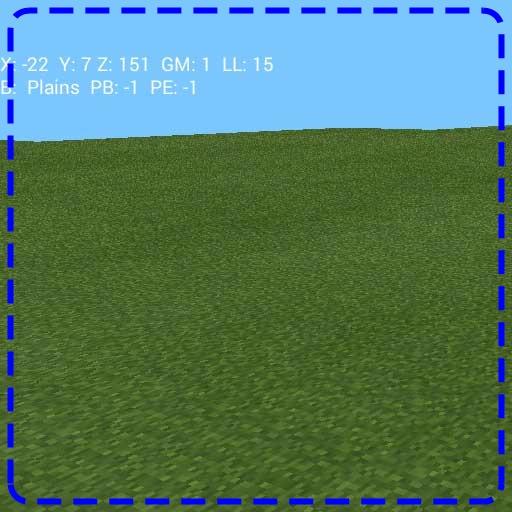
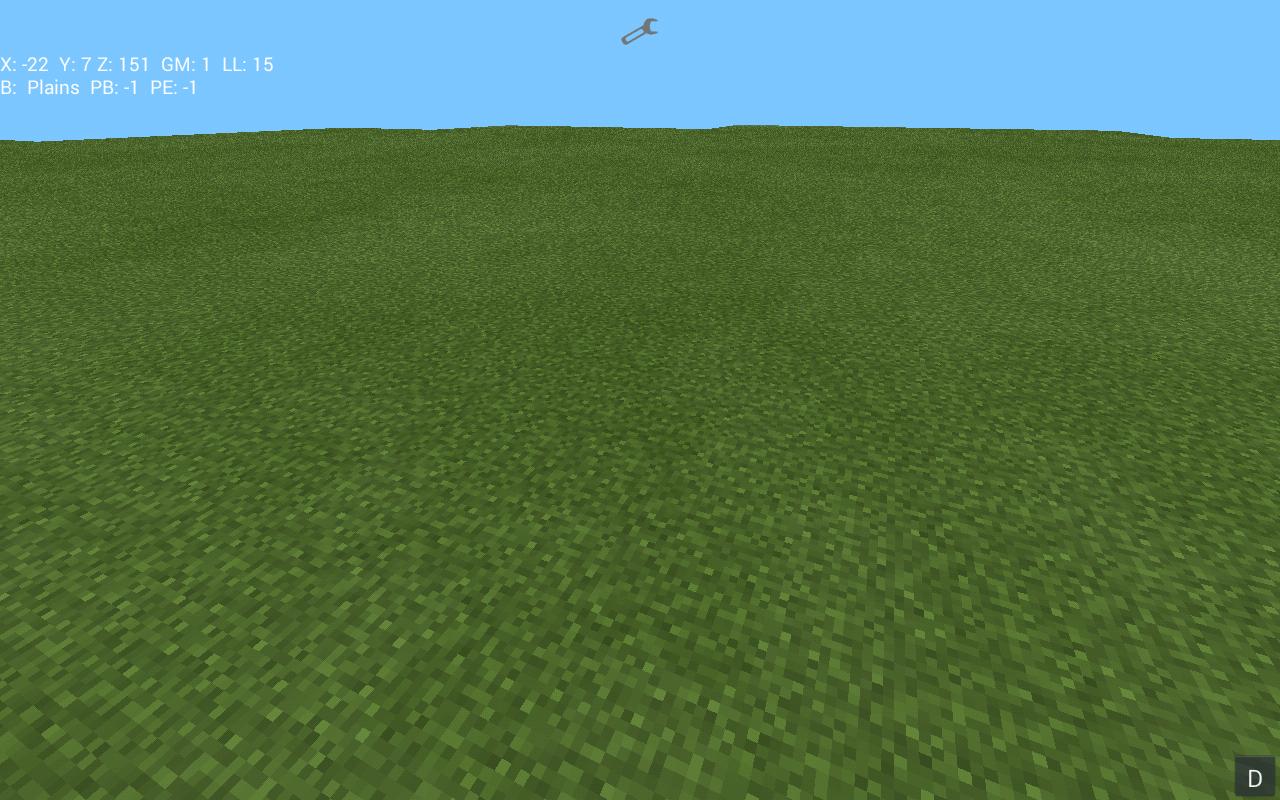
In Minecraft for PC there have always been a debug menu accessible through the F3 button. It has been there forever and was never removed but could have been just as well. A lot of people have found that option incredibly helpful in order to navigate through the map but also find out about different information about the world they are currently in.
पूर्वावलोकन
जानकारी
डेवलपर
Kalaketetong
नवीनतम संस्करण
3.28
आखरी अपडेट
2016-03-28
श्रेणी
मनोरंजन
पर उपलब्ध
Google Play
और दिखाओ
पीसी पर गेमलूप के साथ Debug Mode Mod Installer कैसे खेलें
1. आधिकारिक वेबसाइट से GameLoop डाउनलोड करें, फिर GameLoop को स्थापित करने के लिए exe फ़ाइल चलाएँ।
2. गेमलूप खोलें और "Debug Mode Mod Installer" खोजें, खोज परिणामों में Debug Mode Mod Installer खोजें और "इंस्टॉल करें" पर क्लिक करें।
3. GameLoop पर Debug Mode Mod Installer खेलने का आनंद लें।
Minimum requirements
OS
Windows 8.1 64-bit or Windows 10 64-bit
GPU
GTX 1050
CPU
i3-8300
Memory
8GB RAM
Storage
1GB available space
Recommended requirements
OS
Windows 8.1 64-bit or Windows 10 64-bit
GPU
GTX 1050
CPU
i3-9320
Memory
16GB RAM
Storage
1GB available space