Rtx Shaders Mod for Minecraft for PC
Squid Mods
GameLoop एमुलेटर के साथ पीसी पर Rtx Shaders Mod for Minecraft डाउनलोड करें
पीसी पर Rtx Shaders Mod for Minecraft
Rtx Shaders Mod for Minecraft, डेवलपर Squid Mods से आ रहा है, अतीत में Android सिस्टर्म पर चल रहा है।
अब, आप Rtx Shaders Mod for Minecraft को पीसी पर GameLoop के साथ आसानी से खेल सकते हैं।
इसे GameLoop लाइब्रेरी या खोज परिणामों में डाउनलोड करें। अब और गलत समय पर बैटरी या निराशाजनक कॉलों पर ध्यान नहीं देना चाहिए।
बस मुफ्त में बड़ी स्क्रीन पर Rtx Shaders Mod for Minecraft पीसी का आनंद लें!
Rtx Shaders Mod for Minecraft परिचय
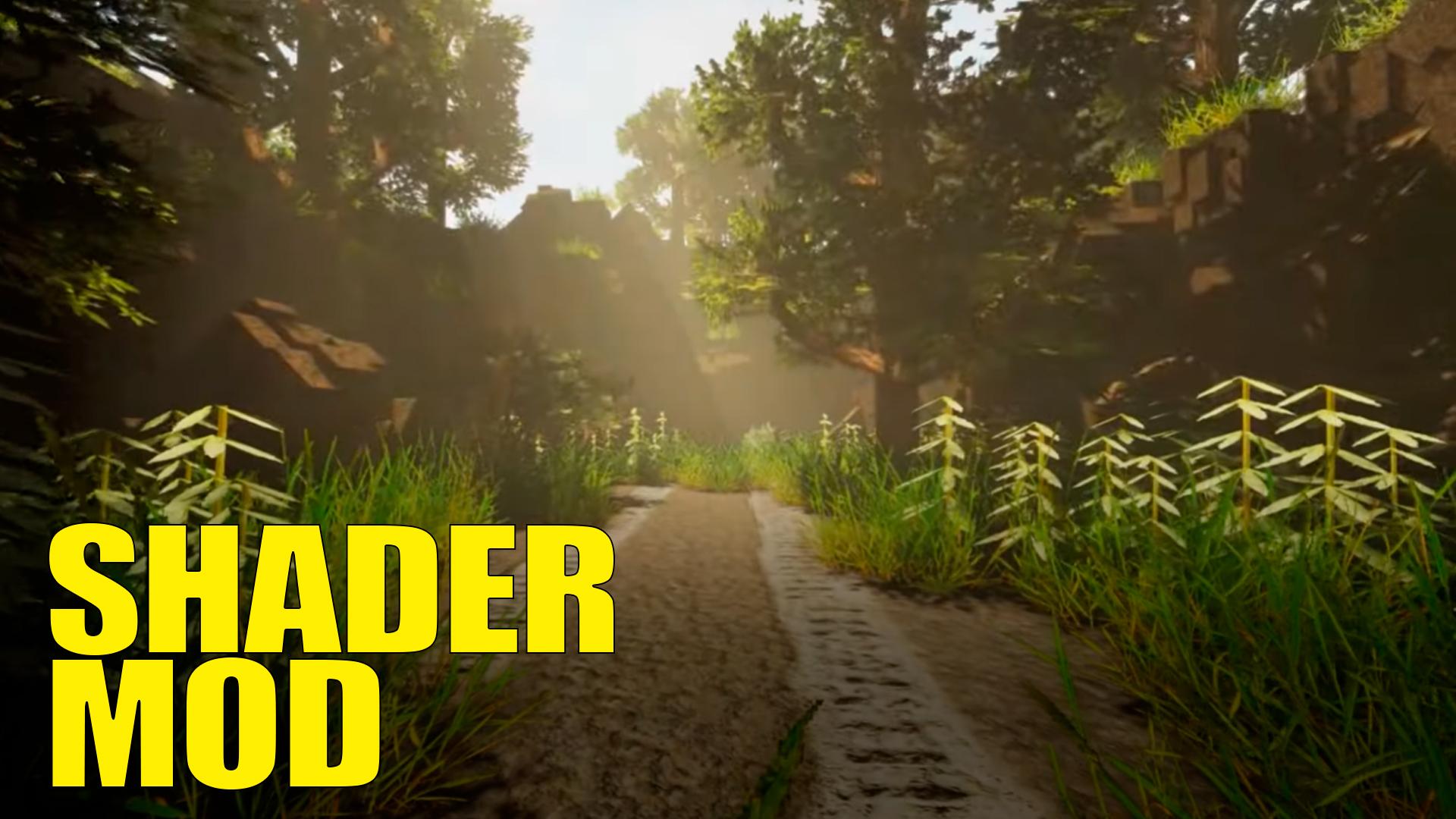
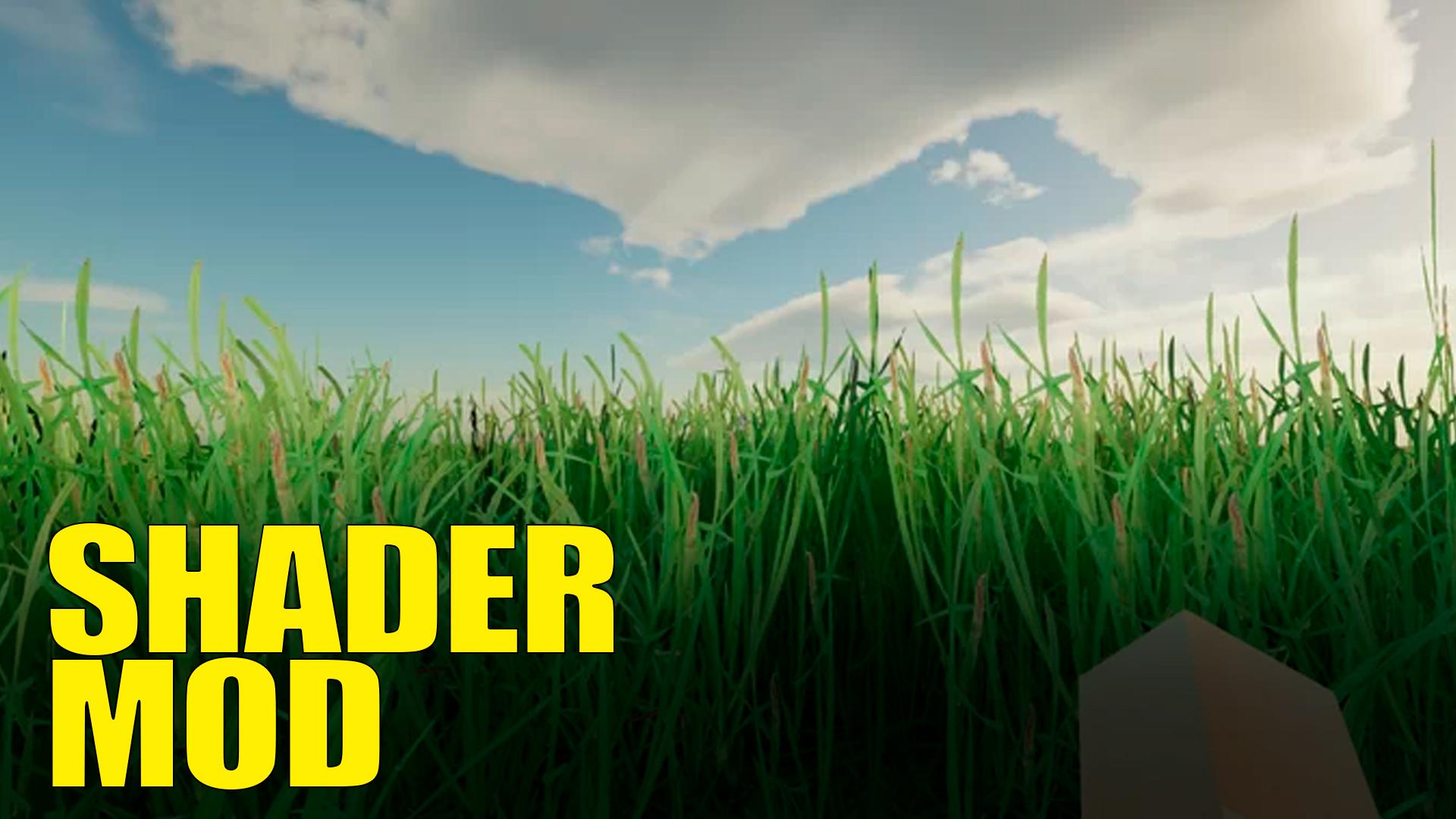
The updated Rtx Shaders mod for Minecraft PE will add many new features to your MCPE world! Items, blocks, textures and everything else is already built into the addon and you can install the current version and get an unforgettable experience of playing with your friends with the Rtx Shaders Addon!
Download now and get a bonus right in the app.
The Rtx Shaders mod is optimized for the latest versions of Minecraft PE and works stably in multiplayer. Create your own world and immerse yourself in a modified MCPE with the Rtx Shaders addon.
Advantages of our application:
1. Support for errors related to the addon
2. Current versions of the Rtx Shaders mod and others.
3. Bonuses when downloading our addons
4. Installation speed
Our mod supports multiplayer and will help you play with your friends in mcpe! Gather a team and go into battle to set yourself a challenge and go through all minecraft PE game in this mod.
DISCLAIMER: This app is an unofficial application for MCPE. This application is not affiliated in any way with Mojang AB. All rights reserved. The Minecraft Name, the MCPE Brand and the Minecraft Assets are all property of Mojang AB or their respectful owner. In accordance with http://account.mojang.com/documents/brand_guidelines
पूर्वावलोकन
जानकारी
डेवलपर
Squid Mods
नवीनतम संस्करण
1.4
आखरी अपडेट
2022-01-28
श्रेणी
मनोरंजन
पर उपलब्ध
Google Play
और दिखाओ
पीसी पर गेमलूप के साथ Rtx Shaders Mod for Minecraft कैसे खेलें
1. आधिकारिक वेबसाइट से GameLoop डाउनलोड करें, फिर GameLoop को स्थापित करने के लिए exe फ़ाइल चलाएँ।
2. गेमलूप खोलें और "Rtx Shaders Mod for Minecraft" खोजें, खोज परिणामों में Rtx Shaders Mod for Minecraft खोजें और "इंस्टॉल करें" पर क्लिक करें।
3. GameLoop पर Rtx Shaders Mod for Minecraft खेलने का आनंद लें।
Minimum requirements
OS
Windows 8.1 64-bit or Windows 10 64-bit
GPU
GTX 1050
CPU
i3-8300
Memory
8GB RAM
Storage
1GB available space
Recommended requirements
OS
Windows 8.1 64-bit or Windows 10 64-bit
GPU
GTX 1050
CPU
i3-9320
Memory
16GB RAM
Storage
1GB available space