Bruno Mars Fake call for PC
PRETTY RAINBOW
GameLoop एमुलेटर के साथ पीसी पर Bruno Mars Fake call डाउनलोड करें
पीसी पर Bruno Mars Fake call
Bruno Mars Fake call, डेवलपर PRETTY RAINBOW से आ रहा है, अतीत में Android सिस्टर्म पर चल रहा है।
अब, आप Bruno Mars Fake call को पीसी पर GameLoop के साथ आसानी से खेल सकते हैं।
इसे GameLoop लाइब्रेरी या खोज परिणामों में डाउनलोड करें। अब और गलत समय पर बैटरी या निराशाजनक कॉलों पर ध्यान नहीं देना चाहिए।
बस मुफ्त में बड़ी स्क्रीन पर Bruno Mars Fake call पीसी का आनंद लें!
Bruno Mars Fake call परिचय
Welcome to Bruno Mars Fake call
,you will get prank call and video call from Bruno Mars
This Call is going to be a funny you know! are you ready enough to get a call from Bruno Mars?
Features of Bruno Mars Fake call :
- Prank calling from Bruno Mars
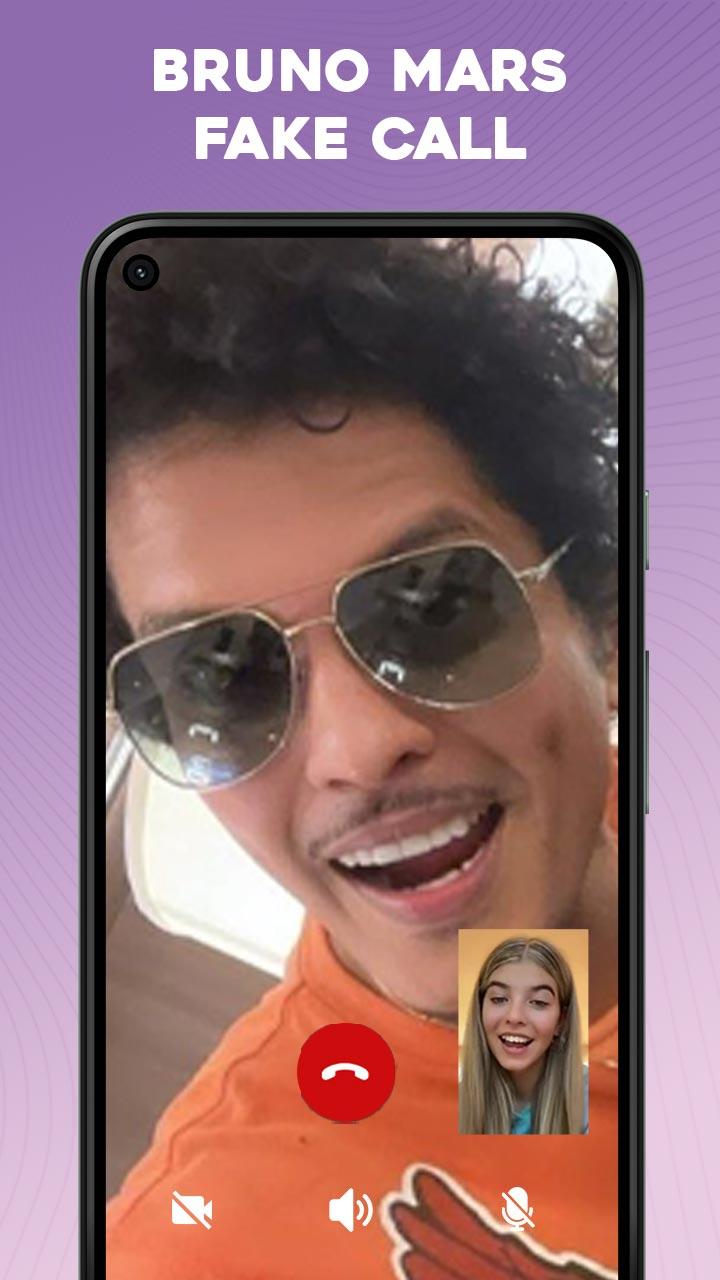
- Prank video call from Bruno Mars
- Chatting with Bruno Mars
- Set timming and theme
- Easy and simple to use
- Clean audio and video
- Realistic chat with Bruno Mars
Prank your friend and amaze them with the call from Bruno Mars, set the timming and theme to get call from Bruno Mars
you can show the Bruno Mars Fake call to your friend. Have fun and enjoy the boring time with your friend
IMPORTANT DISCLAIMER:
This prank calling app is made for fun purpose and doesn’t receive real calls. The copyrighted used in this app is the
authorized copyrights of ‘Bruno Mars’ We respect his copyrights and not competing them in anyway.
पूर्वावलोकन

टैग
मनोरंजनजानकारी
डेवलपर
PRETTY RAINBOW
नवीनतम संस्करण
1.0
आखरी अपडेट
2023-06-13
श्रेणी
मनोरंजन
पर उपलब्ध
Google Play
और दिखाओ
पीसी पर गेमलूप के साथ Bruno Mars Fake call कैसे खेलें
1. आधिकारिक वेबसाइट से GameLoop डाउनलोड करें, फिर GameLoop को स्थापित करने के लिए exe फ़ाइल चलाएँ।
2. गेमलूप खोलें और "Bruno Mars Fake call" खोजें, खोज परिणामों में Bruno Mars Fake call खोजें और "इंस्टॉल करें" पर क्लिक करें।
3. GameLoop पर Bruno Mars Fake call खेलने का आनंद लें।
Minimum requirements
OS
Windows 8.1 64-bit or Windows 10 64-bit
GPU
GTX 1050
CPU
i3-8300
Memory
8GB RAM
Storage
1GB available space
Recommended requirements
OS
Windows 8.1 64-bit or Windows 10 64-bit
GPU
GTX 1050
CPU
i3-9320
Memory
16GB RAM
Storage
1GB available space