Number Matching for PC
Ready Set Learning
GameLoop एमुलेटर के साथ पीसी पर Number Matching डाउनलोड करें
पीसी पर Number Matching
Number Matching, डेवलपर Ready Set Learning से आ रहा है, अतीत में Android सिस्टर्म पर चल रहा है।
अब, आप Number Matching को पीसी पर GameLoop के साथ आसानी से खेल सकते हैं।
इसे GameLoop लाइब्रेरी या खोज परिणामों में डाउनलोड करें। अब और गलत समय पर बैटरी या निराशाजनक कॉलों पर ध्यान नहीं देना चाहिए।
बस मुफ्त में बड़ी स्क्रीन पर Number Matching पीसी का आनंद लें!
Number Matching परिचय
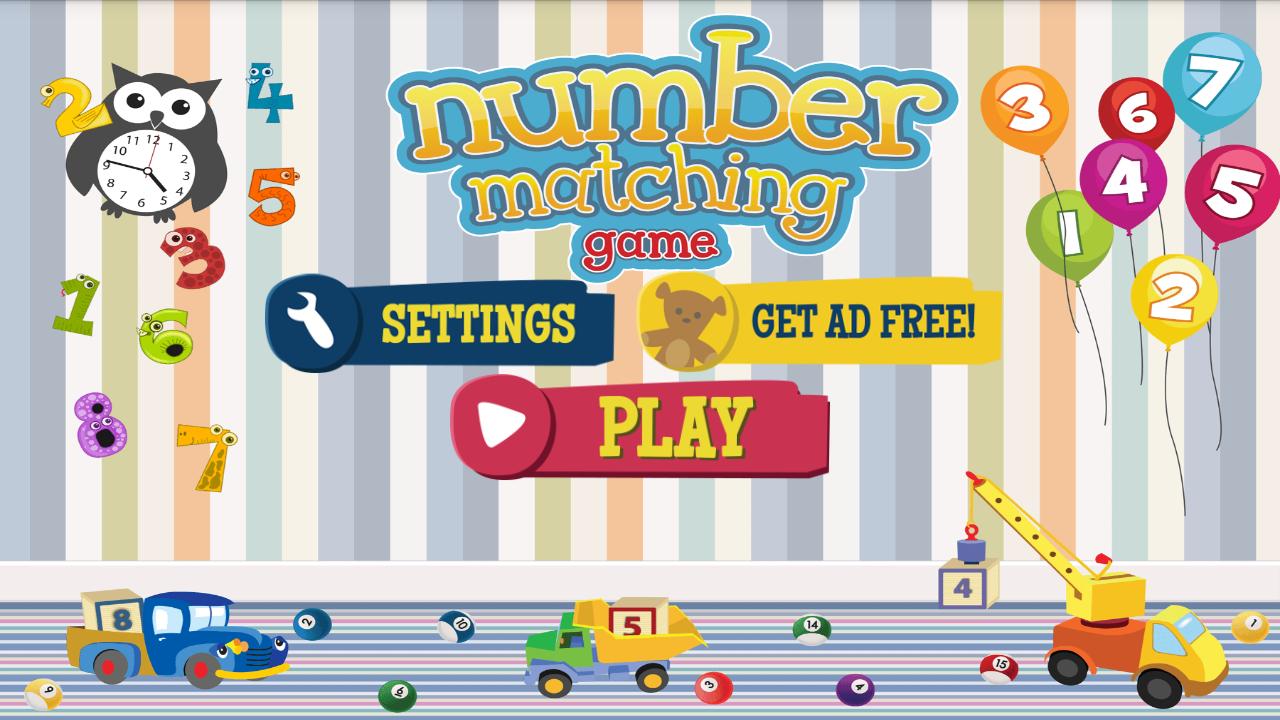
Number Matching is a great game for kids 2 – 7 years old! Kids get to match their favorite numbers in this game designed for children. Kids of all ages will enjoy this game while they discover exciting new things and be entertained for hours.
Your kids will learn a lot too!
While they are playing they will;
• Encounter new numbers
• Match pairs of cards
• Improve their memory
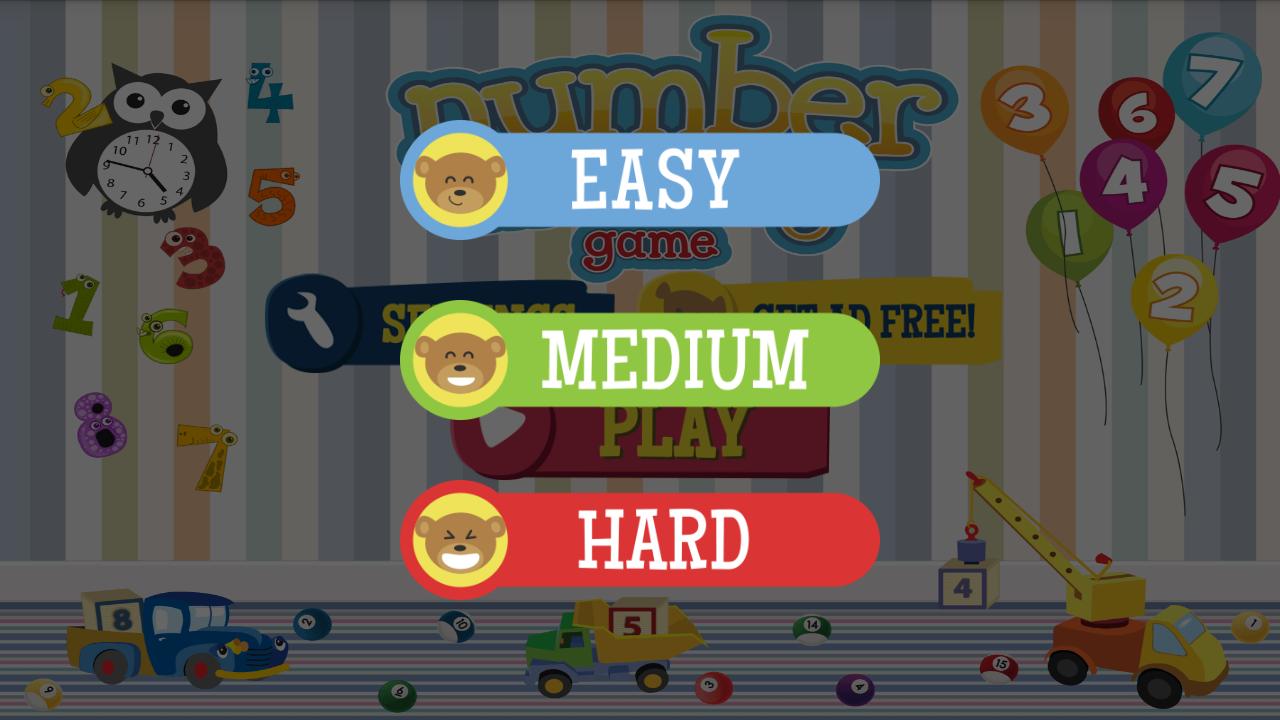
This kids matching game includes 3 difficulty levels to accommodate a wide range of ages. The game will adjust to fit your phone or tablet. Download the Number Matching game for free.
This children's memory game is the best choice for your little loved ones! Give the gift of memory, matching fun! This is the kid's game for you!
पूर्वावलोकन
टैग
शिक्षादेनेवालेजानकारी
डेवलपर
Ready Set Learning
नवीनतम संस्करण
1.0.35
आखरी अपडेट
2017-02-07
श्रेणी
शिक्षादेनेवाले
पर उपलब्ध
Google Play
और दिखाओ
पीसी पर गेमलूप के साथ Number Matching कैसे खेलें
1. आधिकारिक वेबसाइट से GameLoop डाउनलोड करें, फिर GameLoop को स्थापित करने के लिए exe फ़ाइल चलाएँ।
2. गेमलूप खोलें और "Number Matching" खोजें, खोज परिणामों में Number Matching खोजें और "इंस्टॉल करें" पर क्लिक करें।
3. GameLoop पर Number Matching खेलने का आनंद लें।
Minimum requirements
OS
Windows 8.1 64-bit or Windows 10 64-bit
GPU
GTX 1050
CPU
i3-8300
Memory
8GB RAM
Storage
1GB available space
Recommended requirements
OS
Windows 8.1 64-bit or Windows 10 64-bit
GPU
GTX 1050
CPU
i3-9320
Memory
16GB RAM
Storage
1GB available space