
UTS Mobile for PC
University of Technology Sydney (UTS)
GameLoop एमुलेटर के साथ पीसी पर UTS Mobile डाउनलोड करें
पीसी पर UTS Mobile
UTS Mobile, डेवलपर University of Technology Sydney (UTS) से आ रहा है, अतीत में Android सिस्टर्म पर चल रहा है।
अब, आप UTS Mobile को पीसी पर GameLoop के साथ आसानी से खेल सकते हैं।
इसे GameLoop लाइब्रेरी या खोज परिणामों में डाउनलोड करें। अब और गलत समय पर बैटरी या निराशाजनक कॉलों पर ध्यान नहीं देना चाहिए।
बस मुफ्त में बड़ी स्क्रीन पर UTS Mobile पीसी का आनंद लें!
UTS Mobile परिचय
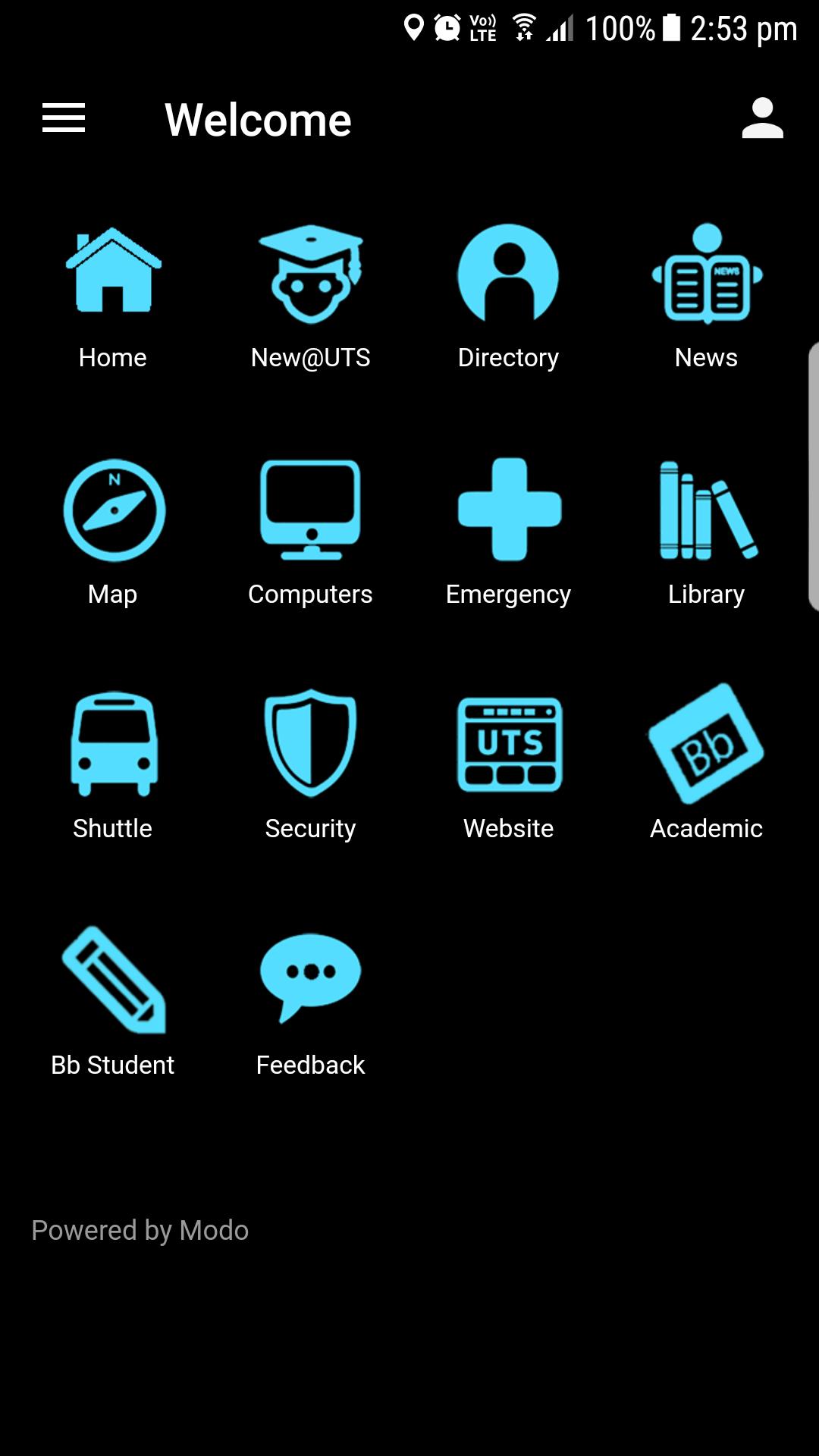
Stay connected with UTS wherever you are. Find out how to get around campus, stay up-to-date with the latest campus news and more.
Features:
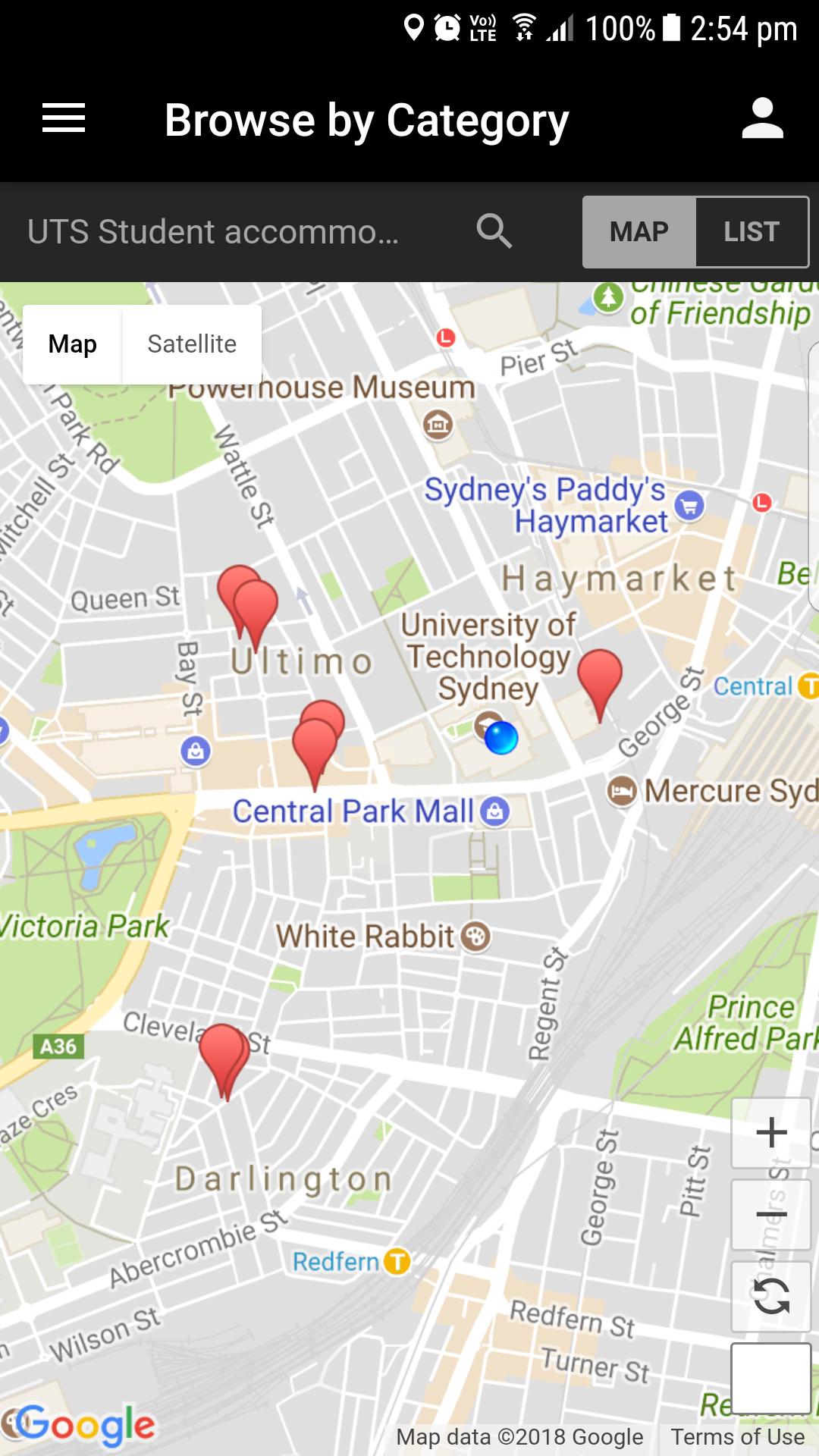
Maps - Find out where you are and where you need to go.
Directory - Search the public staff directory. Send an email, place a call and save contact information right to your phone's address book.
News - Get the latest headlines, and browse and search recent articles to stay on top of the most important campus news.
Library – Visit the UTS Library mobile website on the go.
UTSOnline with BBMobileLearn - Get instant access to all of your UTSOnline content on the go. Check grades, post to discussion forums, view important class announcements, read and download assignments, upload content, and more.
Computers – Find a lab on campus that has a computer available.
Shuttle Timetable – See the timetables for all UTS Campus and Security shuttle busses.
UTS Mobile Website – Visit the UTS Mobile mobile website on the go.
Give Feedback – is there something new that you would like to see in the app? Let us know by providing ideas, feedback or suggestions for future content.
पूर्वावलोकन
जानकारी
डेवलपर
University of Technology Sydney (UTS)
नवीनतम संस्करण
2.0.4
आखरी अपडेट
2019-03-04
श्रेणी
शिक्षा
पर उपलब्ध
Google Play
और दिखाओ
पीसी पर गेमलूप के साथ UTS Mobile कैसे खेलें
1. आधिकारिक वेबसाइट से GameLoop डाउनलोड करें, फिर GameLoop को स्थापित करने के लिए exe फ़ाइल चलाएँ।
2. गेमलूप खोलें और "UTS Mobile" खोजें, खोज परिणामों में UTS Mobile खोजें और "इंस्टॉल करें" पर क्लिक करें।
3. GameLoop पर UTS Mobile खेलने का आनंद लें।
Minimum requirements
OS
Windows 8.1 64-bit or Windows 10 64-bit
GPU
GTX 1050
CPU
i3-8300
Memory
8GB RAM
Storage
1GB available space
Recommended requirements
OS
Windows 8.1 64-bit or Windows 10 64-bit
GPU
GTX 1050
CPU
i3-9320
Memory
16GB RAM
Storage
1GB available space