PHS Hologram Camera App for PC
Planet Hologram Studios Ltd.
GameLoop एमुलेटर के साथ पीसी पर PHS Hologram Camera App डाउनलोड करें
पीसी पर PHS Hologram Camera App
PHS Hologram Camera App, डेवलपर Planet Hologram Studios Ltd. से आ रहा है, अतीत में Android सिस्टर्म पर चल रहा है।
अब, आप PHS Hologram Camera App को पीसी पर GameLoop के साथ आसानी से खेल सकते हैं।
इसे GameLoop लाइब्रेरी या खोज परिणामों में डाउनलोड करें। अब और गलत समय पर बैटरी या निराशाजनक कॉलों पर ध्यान नहीं देना चाहिए।
बस मुफ्त में बड़ी स्क्रीन पर PHS Hologram Camera App पीसी का आनंद लें!
PHS Hologram Camera App परिचय
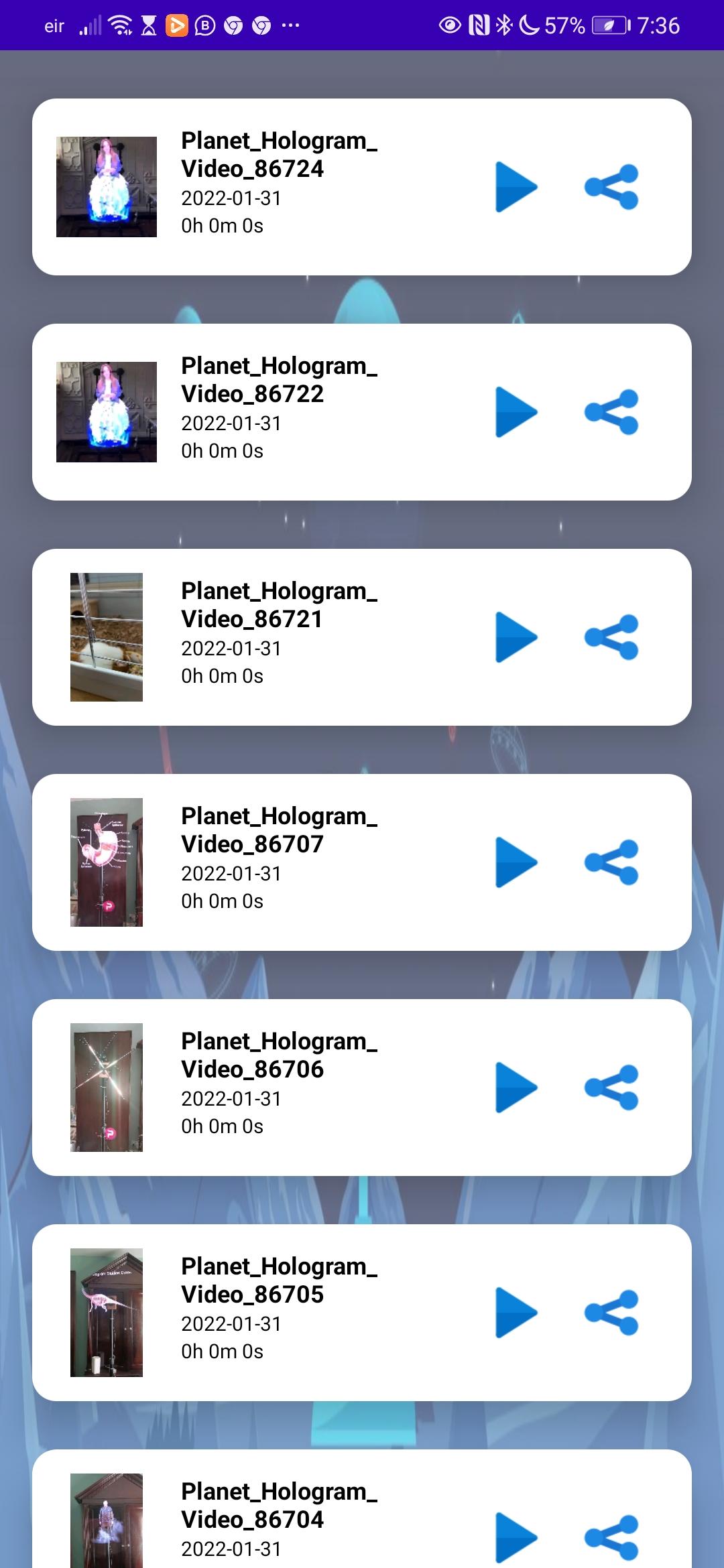
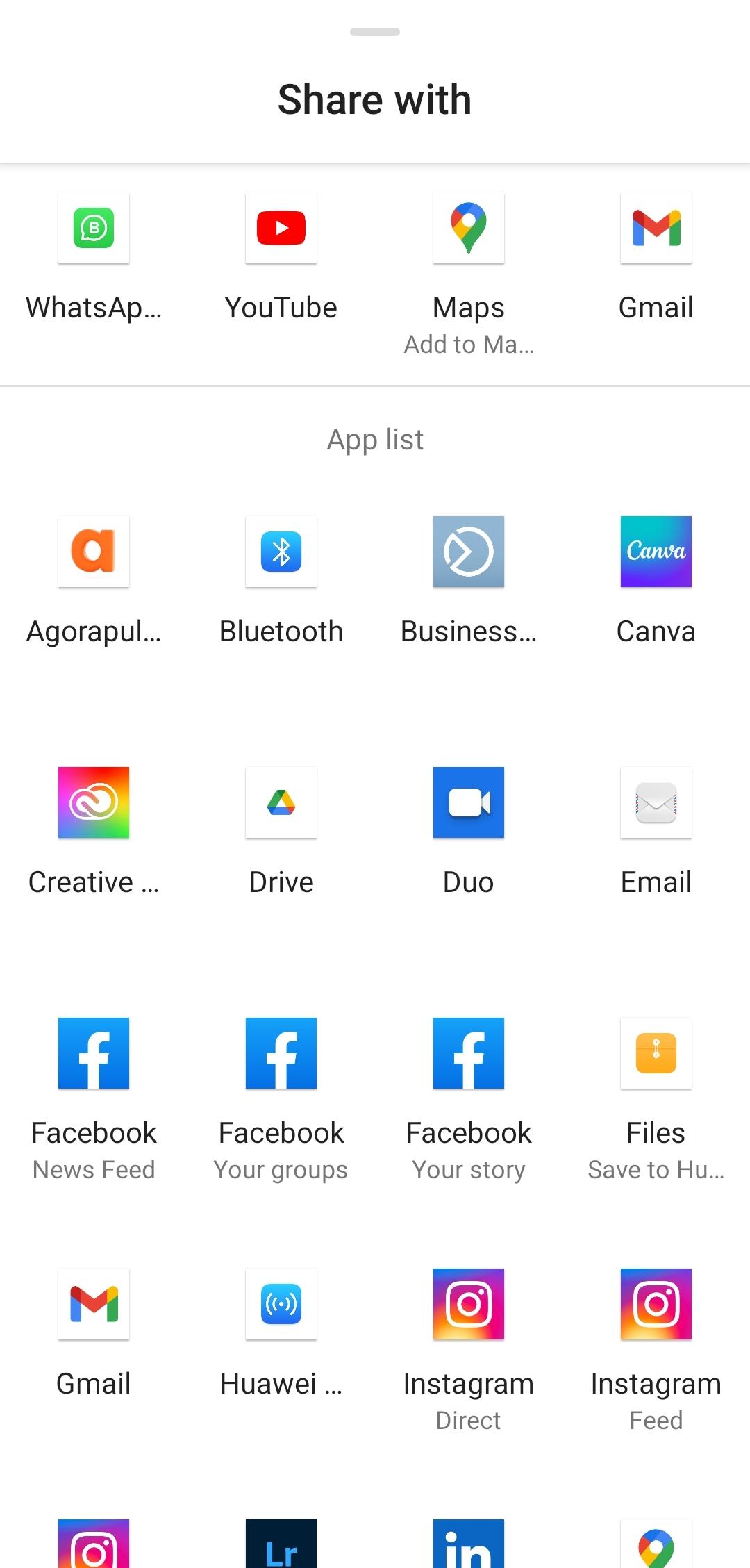
This app was developed by the 3D Hologram production company Planet Hologram Studios Ltd. It will film 3D Hologram content in real time whilst avoiding filming the spinning blades. This results in video footage that can be easily viewed and loaded to social media or websites for re-use in marketing content. Recordings are saved within the app, users can also share to Social Media platforms straight from within the app.
Save, preview and delete functionality available. The app also records sound. Perfect for filming holograms at events or for filming test footage in advance of events. Easy stop start filming button. Press to film, press to stop. Footage is autosaved to device. No advertising within the app. Footage is watermarked. Premium app version is available with extra functionality and no watermark.
https://planethologramstudios.com
पूर्वावलोकन
टैग
शिक्षाजानकारी
डेवलपर
Planet Hologram Studios Ltd.
नवीनतम संस्करण
1.4
आखरी अपडेट
2022-02-23
श्रेणी
शिक्षा
पर उपलब्ध
Google Play
और दिखाओ
पीसी पर गेमलूप के साथ PHS Hologram Camera App कैसे खेलें
1. आधिकारिक वेबसाइट से GameLoop डाउनलोड करें, फिर GameLoop को स्थापित करने के लिए exe फ़ाइल चलाएँ।
2. गेमलूप खोलें और "PHS Hologram Camera App" खोजें, खोज परिणामों में PHS Hologram Camera App खोजें और "इंस्टॉल करें" पर क्लिक करें।
3. GameLoop पर PHS Hologram Camera App खेलने का आनंद लें।
Minimum requirements
OS
Windows 8.1 64-bit or Windows 10 64-bit
GPU
GTX 1050
CPU
i3-8300
Memory
8GB RAM
Storage
1GB available space
Recommended requirements
OS
Windows 8.1 64-bit or Windows 10 64-bit
GPU
GTX 1050
CPU
i3-9320
Memory
16GB RAM
Storage
1GB available space