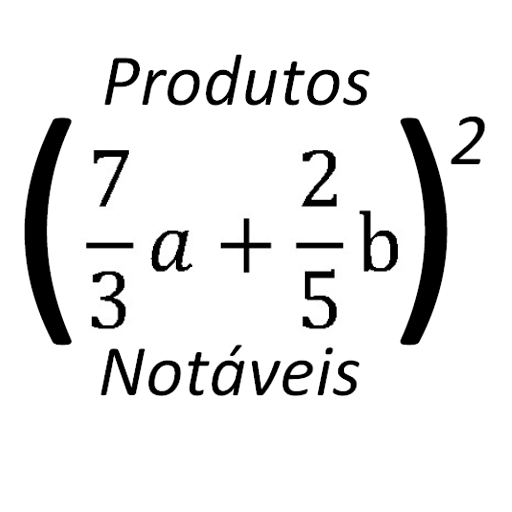
Notable Products basic for PC
Lano Matos
GameLoop एमुलेटर के साथ पीसी पर Notable Products basic डाउनलोड करें
पीसी पर Notable Products basic
Notable Products basic, डेवलपर Lano Matos से आ रहा है, अतीत में Android सिस्टर्म पर चल रहा है।
अब, आप Notable Products basic को पीसी पर GameLoop के साथ आसानी से खेल सकते हैं।
इसे GameLoop लाइब्रेरी या खोज परिणामों में डाउनलोड करें। अब और गलत समय पर बैटरी या निराशाजनक कॉलों पर ध्यान नहीं देना चाहिए।
बस मुफ्त में बड़ी स्क्रीन पर Notable Products basic पीसी का आनंद लें!
Notable Products basic परिचय
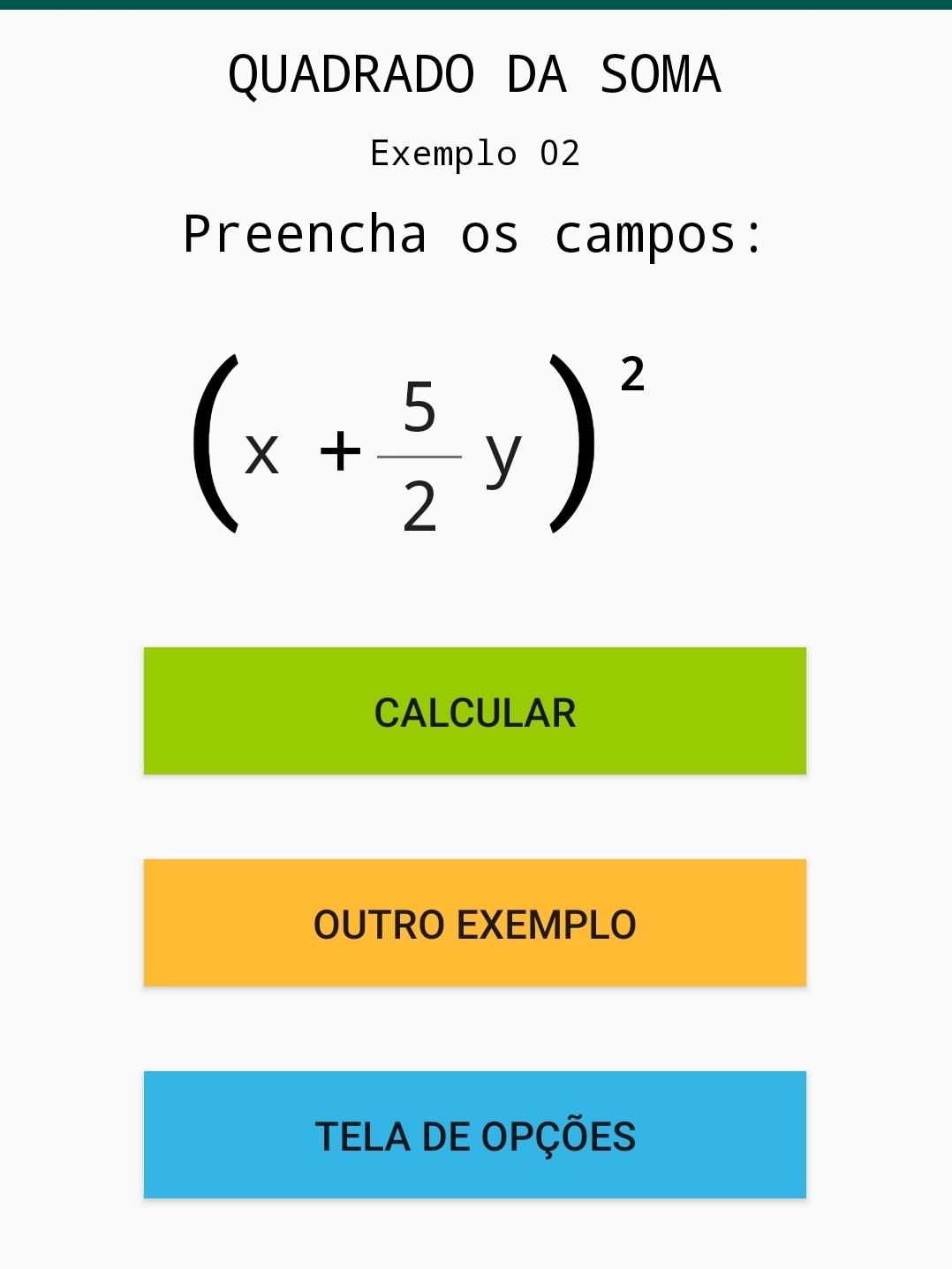
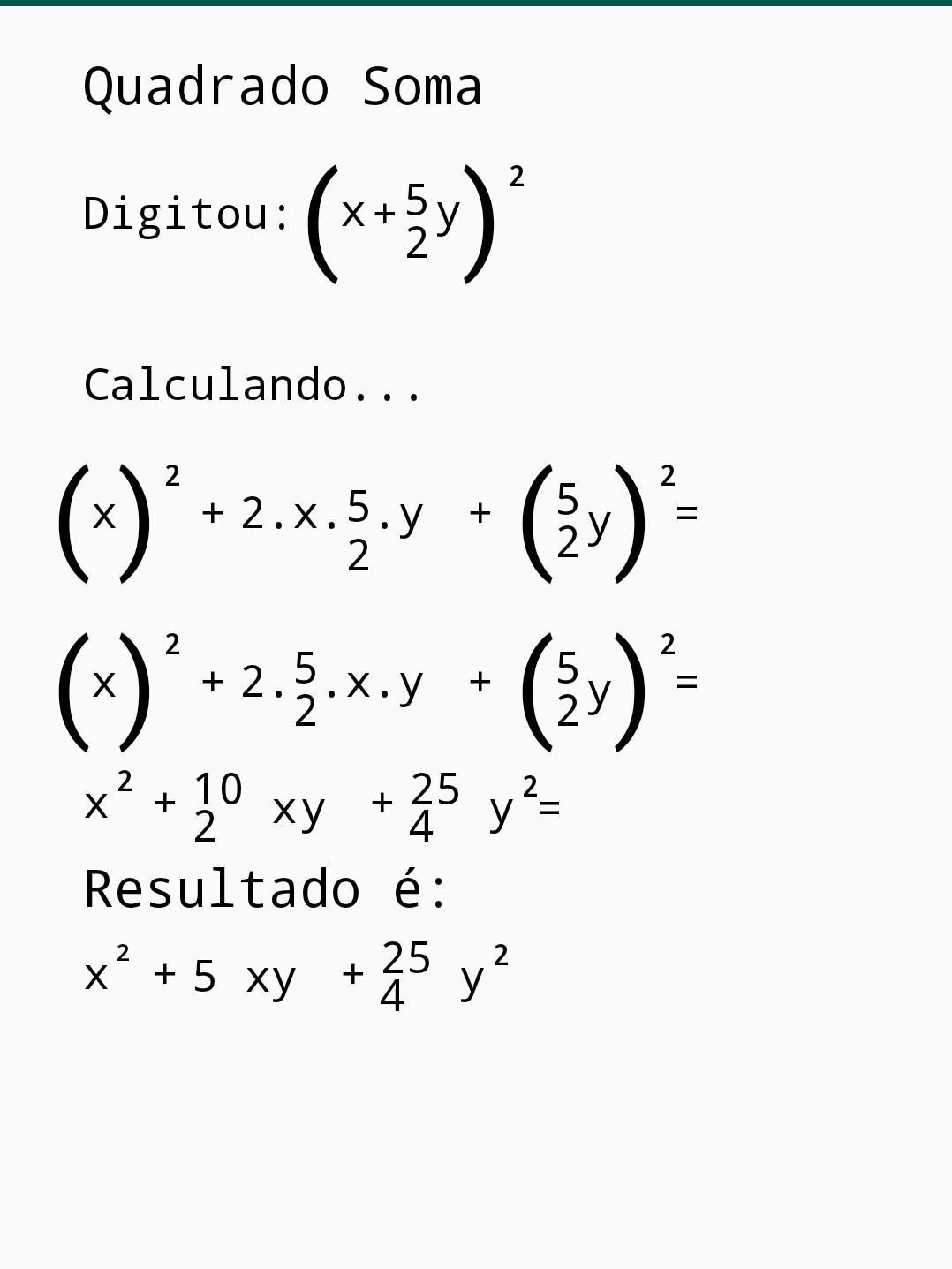
Here you can calculate Notable Products involving fractions, with a very detailed solution, but limited in some calculations, as it is a free version.
Download the paid version so you have free access to all options and calculations.
In each of the options, there are about 19 calculation examples, just fill in as needed, some examples are released.
Available Sum Square, Difference Square, Sum Cube, Difference Cube, and Sum-Difference Product.
In the Cube of Sum and Difference option, if necessary, swipe the screen to view the entire calculation.
It is recommended that you download the Basic Notable Products App.
Practice is learning!
Leave a review, whether useful or not.
Doubts, suggestions, errors in calculations, send an email to:
lanocelio@hotmail.com
Good studies!
पूर्वावलोकन
जानकारी
डेवलपर
Lano Matos
नवीनतम संस्करण
4.0
आखरी अपडेट
2021-10-16
श्रेणी
शिक्षा
पर उपलब्ध
Google Play
और दिखाओ
पीसी पर गेमलूप के साथ Notable Products basic कैसे खेलें
1. आधिकारिक वेबसाइट से GameLoop डाउनलोड करें, फिर GameLoop को स्थापित करने के लिए exe फ़ाइल चलाएँ।
2. गेमलूप खोलें और "Notable Products basic" खोजें, खोज परिणामों में Notable Products basic खोजें और "इंस्टॉल करें" पर क्लिक करें।
3. GameLoop पर Notable Products basic खेलने का आनंद लें।
Minimum requirements
OS
Windows 8.1 64-bit or Windows 10 64-bit
GPU
GTX 1050
CPU
i3-8300
Memory
8GB RAM
Storage
1GB available space
Recommended requirements
OS
Windows 8.1 64-bit or Windows 10 64-bit
GPU
GTX 1050
CPU
i3-9320
Memory
16GB RAM
Storage
1GB available space