
Lexico Cognition for PC
Pappy GmbH Switzerland
GameLoop एमुलेटर के साथ पीसी पर Lexico Cognition डाउनलोड करें
पीसी पर Lexico Cognition
Lexico Cognition, डेवलपर Pappy GmbH Switzerland से आ रहा है, अतीत में Android सिस्टर्म पर चल रहा है।
अब, आप Lexico Cognition को पीसी पर GameLoop के साथ आसानी से खेल सकते हैं।
इसे GameLoop लाइब्रेरी या खोज परिणामों में डाउनलोड करें। अब और गलत समय पर बैटरी या निराशाजनक कॉलों पर ध्यान नहीं देना चाहिए।
बस मुफ्त में बड़ी स्क्रीन पर Lexico Cognition पीसी का आनंद लें!
Lexico Cognition परिचय
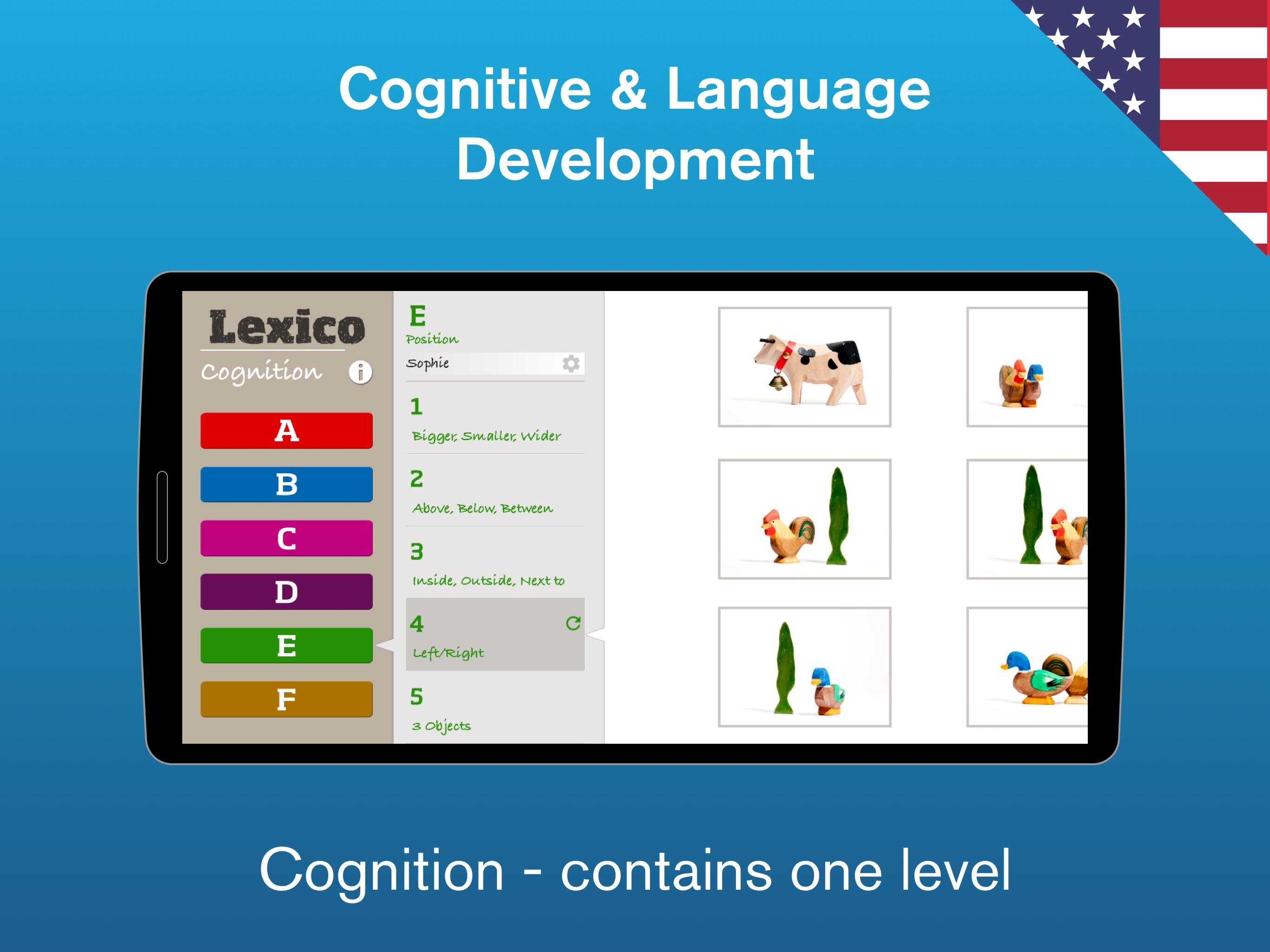
Lexico Cognition is an App to advance language development for children and adults in a playful way. Created by speech therapists, teachers and designers, this app can be used in both in the context of developmental and acquired language disorders. A simple, logical user interface and attractive images motivate even younger children to work independently.
For speech therapy after a stroke or head trauma, Lexico Cognition offers a new approach to understanding concepts and vocabulary. Patients (accompanied or alone) can work with a engaging tool in the rehabilitation of their language skills.
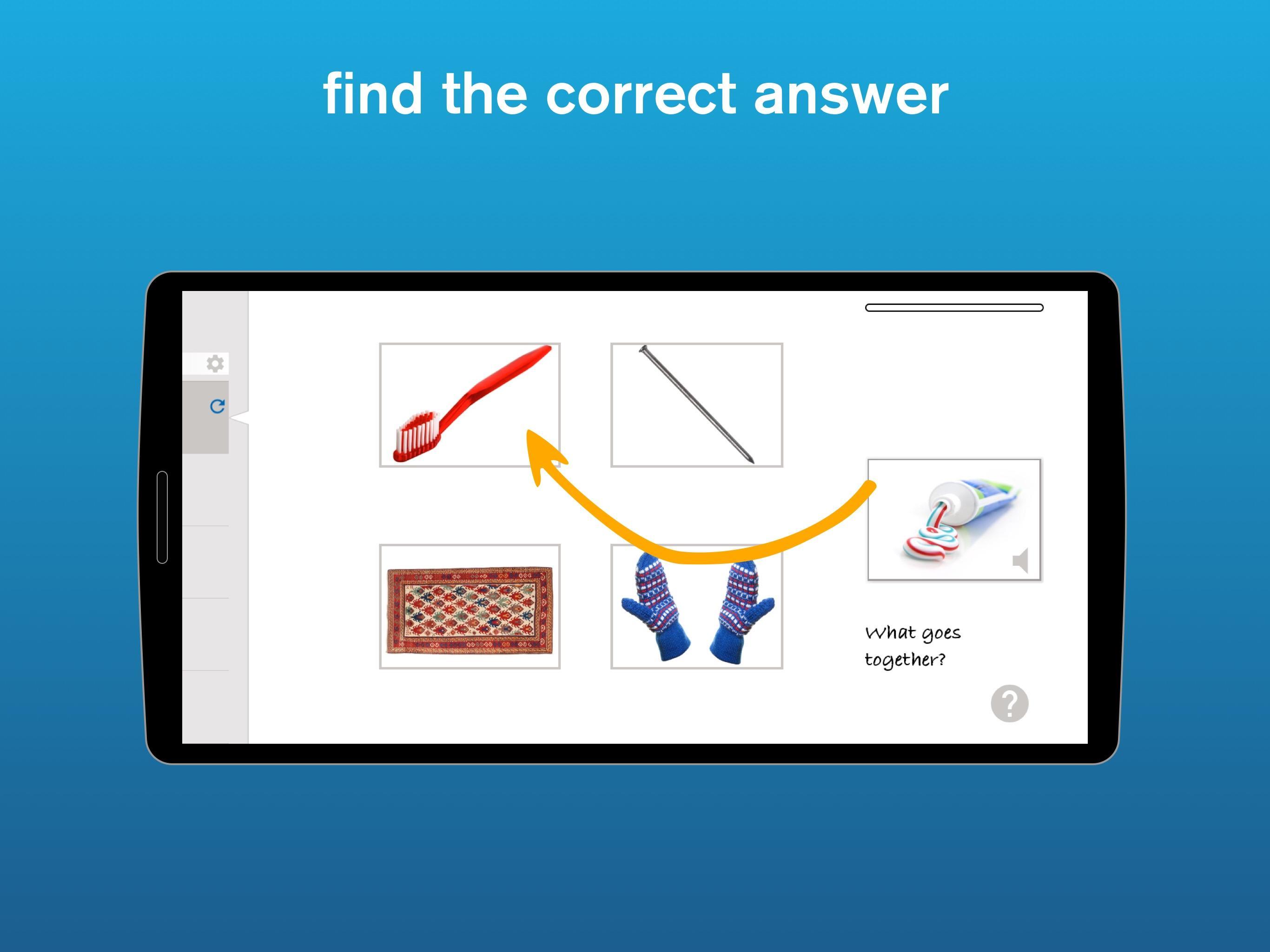
The App focusses on understanding, vocabulary building, cognitive, memory and auditory skills. In the exercises question cards are to be dragged onto the corresponding answer image.
Lexico Cognition is available as a free download in the App Store, containing one level. (The other levels can be purchased through one in-app purchase.) The Pro version contains all levels.
पूर्वावलोकन
टैग
शिक्षाजानकारी
डेवलपर
Pappy GmbH Switzerland
नवीनतम संस्करण
1.0.0
आखरी अपडेट
2020-08-06
श्रेणी
शिक्षा
पर उपलब्ध
Google Play
और दिखाओ
पीसी पर गेमलूप के साथ Lexico Cognition कैसे खेलें
1. आधिकारिक वेबसाइट से GameLoop डाउनलोड करें, फिर GameLoop को स्थापित करने के लिए exe फ़ाइल चलाएँ।
2. गेमलूप खोलें और "Lexico Cognition" खोजें, खोज परिणामों में Lexico Cognition खोजें और "इंस्टॉल करें" पर क्लिक करें।
3. GameLoop पर Lexico Cognition खेलने का आनंद लें।
Minimum requirements
OS
Windows 8.1 64-bit or Windows 10 64-bit
GPU
GTX 1050
CPU
i3-8300
Memory
8GB RAM
Storage
1GB available space
Recommended requirements
OS
Windows 8.1 64-bit or Windows 10 64-bit
GPU
GTX 1050
CPU
i3-9320
Memory
16GB RAM
Storage
1GB available space