
BISE Gujranwala Results for PC
Tech Map
GameLoop एमुलेटर के साथ पीसी पर BISE Gujranwala Results डाउनलोड करें
पीसी पर BISE Gujranwala Results
BISE Gujranwala Results, डेवलपर Tech Map से आ रहा है, अतीत में Android सिस्टर्म पर चल रहा है।
अब, आप BISE Gujranwala Results को पीसी पर GameLoop के साथ आसानी से खेल सकते हैं।
इसे GameLoop लाइब्रेरी या खोज परिणामों में डाउनलोड करें। अब और गलत समय पर बैटरी या निराशाजनक कॉलों पर ध्यान नहीं देना चाहिए।
बस मुफ्त में बड़ी स्क्रीन पर BISE Gujranwala Results पीसी का आनंद लें!
BISE Gujranwala Results परिचय
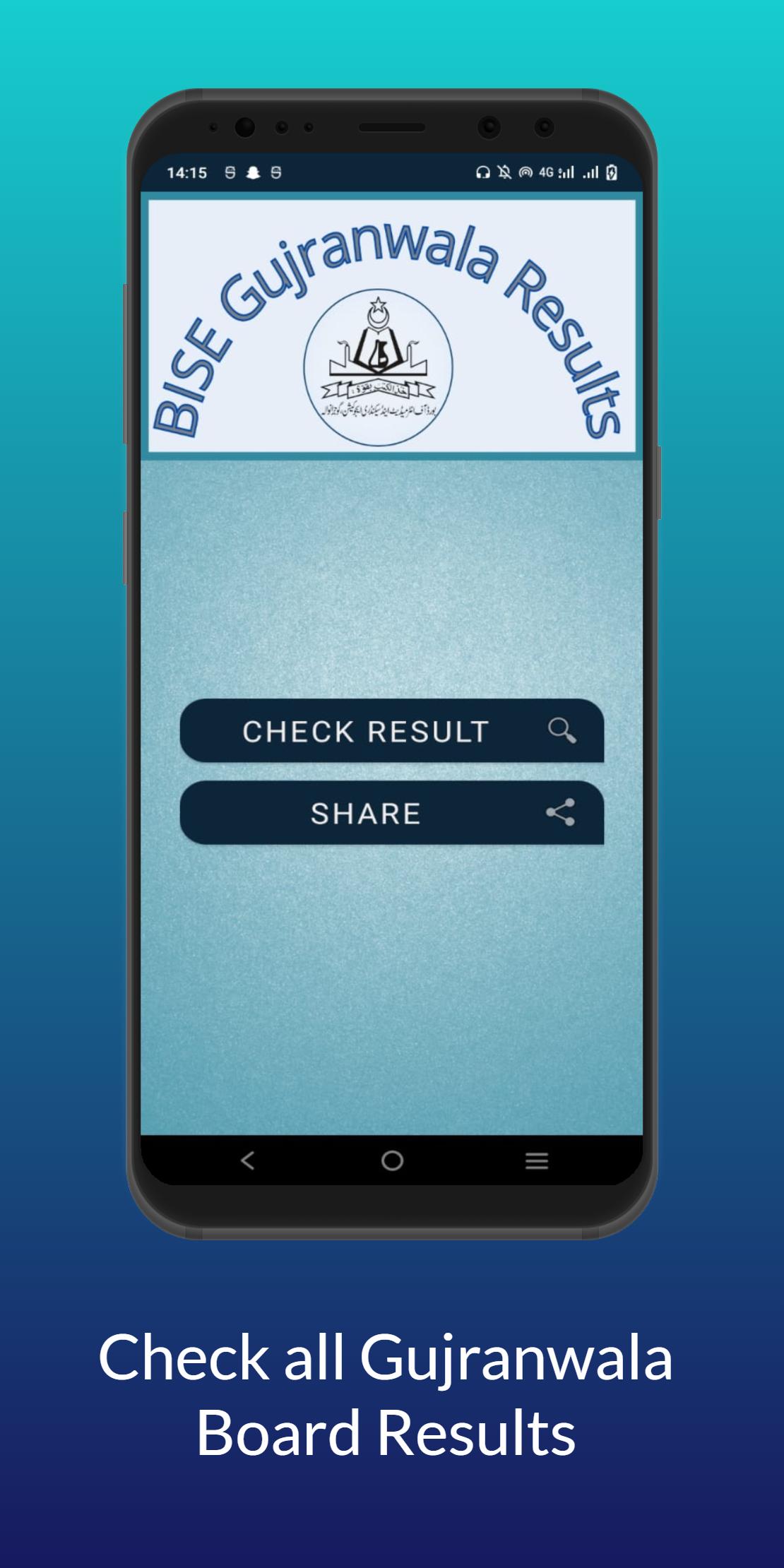
BISE Gujranwala Results is developed for adding ease to the educational era of students. BISE Gujranwala Results App is developed through leading and smooth criteria for comfortable results search. Now students don’t need to roam about the different websites to check their results. This application will provide you a smooth way for getting your results for bise Gujranwala boards. This application will provide you results for all previous and recent exams for the Gujranwala jurisdictions. Gujranwala jurisdictions include the students of Gujranwala, Gujrat, Hafizabad, Mandi Bahauddin, Narowal and Sialkot.
All Gujranwala board results will be available on just one click. Following results can be found by BISE Gujranwala Result app:
• Matric Part I result (Gujranwala Board)
• Matric Part II result (Gujranwala Board)
• FSC Part I result (Gujranwala Board)
• FSC Part II result (Gujranwala Board)
• ICS Part I Result (Gujranwala Board)
• ICS Part II Result (Gujranwala Board)
• I.Com Part II Result (Gujranwala Board)
• I.Com Part II Result (Gujranwala Board)
• FA Part I Result (Gujranwala Board)
• FA Part II Result (Gujranwala Board)
The mentionable feature of this application is that you can find the previous results as well. This application is not only designed for finding the results for the recent exam seasons only. Students can get their 9th class Gujranwala Board Result, 10th Class Gujranwala Board Result, 11th Class Gujranwala Board Result and 12th Class Gujranwala Board result for any year.
Along with these qualities following are the highlighted and summarized features of BISE Gujranwala Result Application:
• BISE Gujranwala Results
• Smooth Layout
• All Gujranwala Board Results
• Beautiful color combinations
• Attractive Layout
• Result card with subject vise Numbers
• BISE Gujranwala All year results
Students don’t need to visit messy websites in search for their annual results 2022 or any year. Just install this application in advance. It will be proved helpful to search the result.
How to check bise Gujranwala results?
• Install this BISE Gujranwala Results Application
• Click Check Results
• Select your class (9th result, 10th result, 11th result or 12th result)
• Scroll down the page
• Hit the button check result online
• Enter your roll number and other details
• And your result is ready
If you like the application hit the share button to help your friends in getting the results.
Please check all the details you entered before hitting the result button. Because wrong details may get an error in return like student not found. So, don’t need to be worried enter your details once again and go for it.
In case of any complain you may contact us at ifih786@gmail.com . We are always looking your guidance in form of rev*ews. This will add encouragement in our consistency for working for the glooming future of our nation.
Disclaimer:
We do not represent any government entity. All the information provided in this application is hosted on public domains and copyright of their respective owners. We do not claim rights on any information provided in the application. We just provide an organized way of surfing and no pledge is given that the information provided is exact.
Source of Information:
bisegrw.edu.pk
पूर्वावलोकन

टैग
शिक्षाजानकारी
डेवलपर
Tech Map
नवीनतम संस्करण
1.1
आखरी अपडेट
2022-08-06
श्रेणी
शिक्षा
पर उपलब्ध
Google Play
और दिखाओ
पीसी पर गेमलूप के साथ BISE Gujranwala Results कैसे खेलें
1. आधिकारिक वेबसाइट से GameLoop डाउनलोड करें, फिर GameLoop को स्थापित करने के लिए exe फ़ाइल चलाएँ।
2. गेमलूप खोलें और "BISE Gujranwala Results" खोजें, खोज परिणामों में BISE Gujranwala Results खोजें और "इंस्टॉल करें" पर क्लिक करें।
3. GameLoop पर BISE Gujranwala Results खेलने का आनंद लें।
Minimum requirements
OS
Windows 8.1 64-bit or Windows 10 64-bit
GPU
GTX 1050
CPU
i3-8300
Memory
8GB RAM
Storage
1GB available space
Recommended requirements
OS
Windows 8.1 64-bit or Windows 10 64-bit
GPU
GTX 1050
CPU
i3-9320
Memory
16GB RAM
Storage
1GB available space