Strawberry Pops- Cooking Games for PC
GameiFun - Educational games
GameLoop एमुलेटर के साथ पीसी पर Strawberry Pops- Cooking Games डाउनलोड करें
पीसी पर Strawberry Pops- Cooking Games
Strawberry Pops- Cooking Games, डेवलपर GameiFun - Educational games से आ रहा है, अतीत में Android सिस्टर्म पर चल रहा है।
अब, आप Strawberry Pops- Cooking Games को पीसी पर GameLoop के साथ आसानी से खेल सकते हैं।
इसे GameLoop लाइब्रेरी या खोज परिणामों में डाउनलोड करें। अब और गलत समय पर बैटरी या निराशाजनक कॉलों पर ध्यान नहीं देना चाहिए।
बस मुफ्त में बड़ी स्क्रीन पर Strawberry Pops- Cooking Games पीसी का आनंद लें!
Strawberry Pops- Cooking Games परिचय
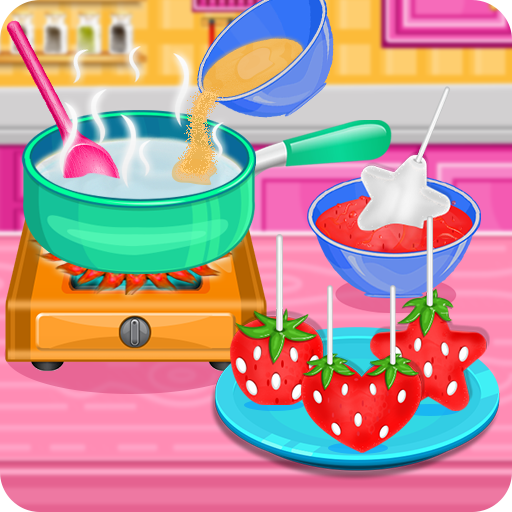
Make them even tastier as candy pops in this fun cooking game
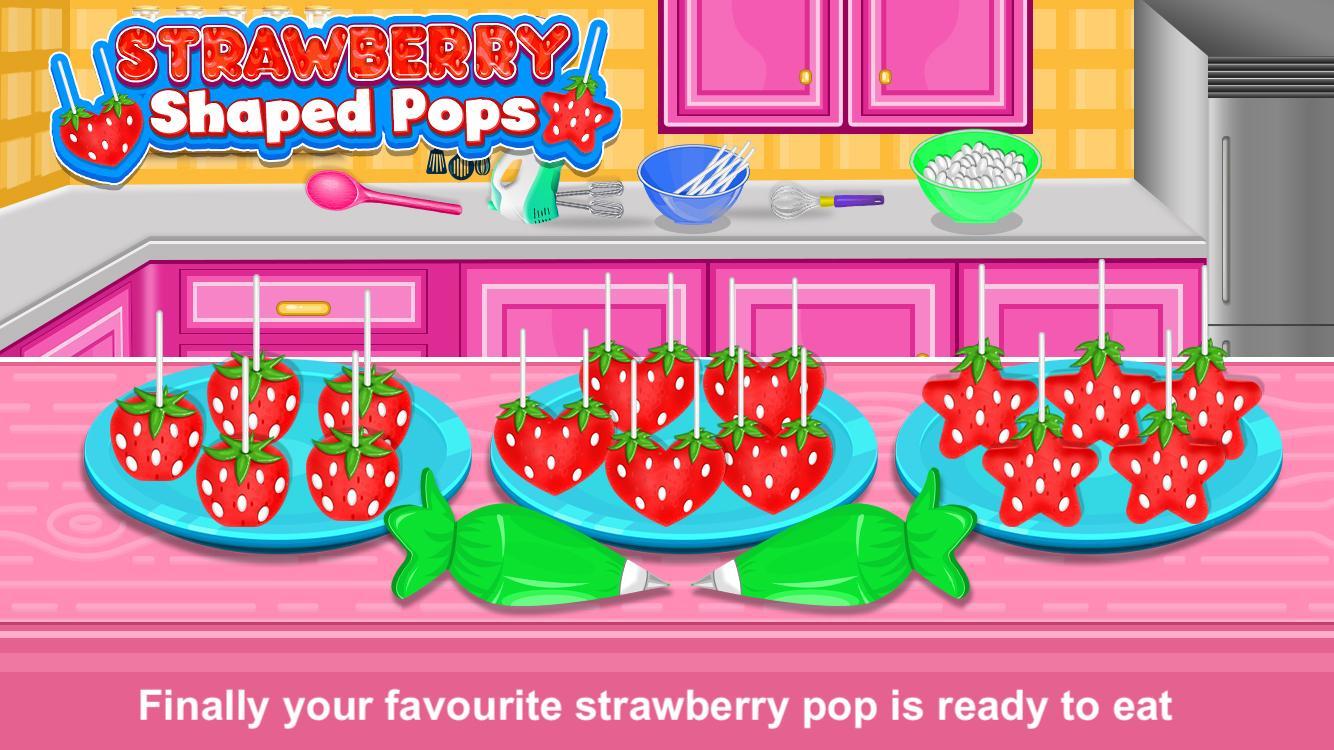
Different types of shaped pop like heart, start and square
How to make strawberry shaped pops:
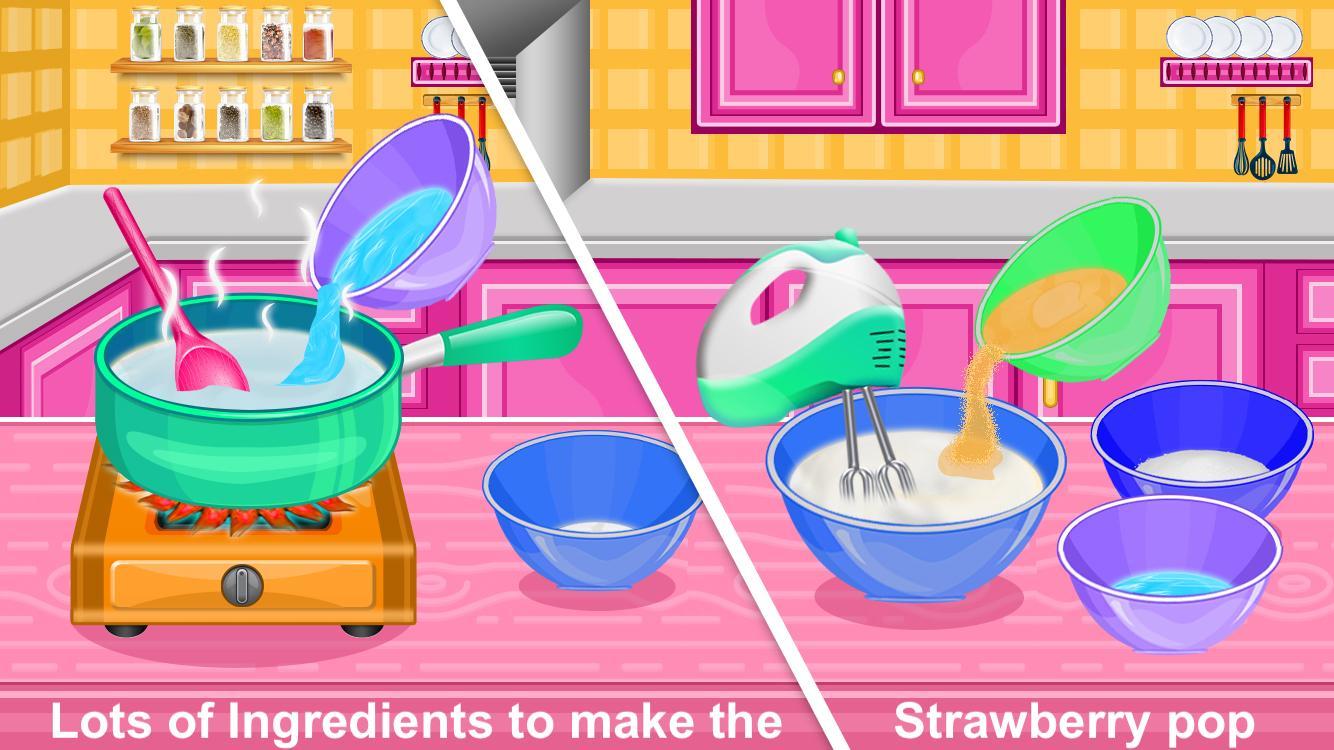
Add water to the pan
Add gelatine to the pan
Use spoon to mix the contents
Pur the mixture to the bowl
Add granulated sugar, corn syrup and water to the bowl and mix it
Add egg to the bowl
Add vanilla to the bowl
Use knife to cut the marshmallows in small pieces
Insert pop sticks into the marshmallows
Dip the pops into the melted red bowl
Decorate the pop and eat it
Do you love cooking? Download Now and Have a lot of fun!
पूर्वावलोकन
टैग
हल्के-फुल्केजानकारी
डेवलपर
GameiFun - Educational games
नवीनतम संस्करण
2.0.2
आखरी अपडेट
2025-08-18
श्रेणी
हल्के-फुल्के
पर उपलब्ध
Google Play
और दिखाओ
पीसी पर गेमलूप के साथ Strawberry Pops- Cooking Games कैसे खेलें
1. आधिकारिक वेबसाइट से GameLoop डाउनलोड करें, फिर GameLoop को स्थापित करने के लिए exe फ़ाइल चलाएँ।
2. गेमलूप खोलें और "Strawberry Pops- Cooking Games" खोजें, खोज परिणामों में Strawberry Pops- Cooking Games खोजें और "इंस्टॉल करें" पर क्लिक करें।
3. GameLoop पर Strawberry Pops- Cooking Games खेलने का आनंद लें।
Minimum requirements
OS
Windows 8.1 64-bit or Windows 10 64-bit
GPU
GTX 1050
CPU
i3-8300
Memory
8GB RAM
Storage
1GB available space
Recommended requirements
OS
Windows 8.1 64-bit or Windows 10 64-bit
GPU
GTX 1050
CPU
i3-9320
Memory
16GB RAM
Storage
1GB available space