
Dolfin for PC
DOLFIN AUTO & ADV TUBES
GameLoop एमुलेटर के साथ पीसी पर Dolfin डाउनलोड करें
पीसी पर Dolfin
Dolfin, डेवलपर DOLFIN AUTO & ADV TUBES से आ रहा है, अतीत में Android सिस्टर्म पर चल रहा है।
अब, आप Dolfin को पीसी पर GameLoop के साथ आसानी से खेल सकते हैं।
इसे GameLoop लाइब्रेरी या खोज परिणामों में डाउनलोड करें। अब और गलत समय पर बैटरी या निराशाजनक कॉलों पर ध्यान नहीं देना चाहिए।
बस मुफ्त में बड़ी स्क्रीन पर Dolfin पीसी का आनंद लें!
Dolfin परिचय
Dolfin - Loyalty management system is an application though which users can scan QR Code to check the authenticity of the product. After successful scanning, points associated with the scanned QR code will be transferred in the user's e-wallet.
User can also check his/her product scanned history from the scan log option provided.
Passbook feature is also provided for users to check points earned or redeemed by the user.
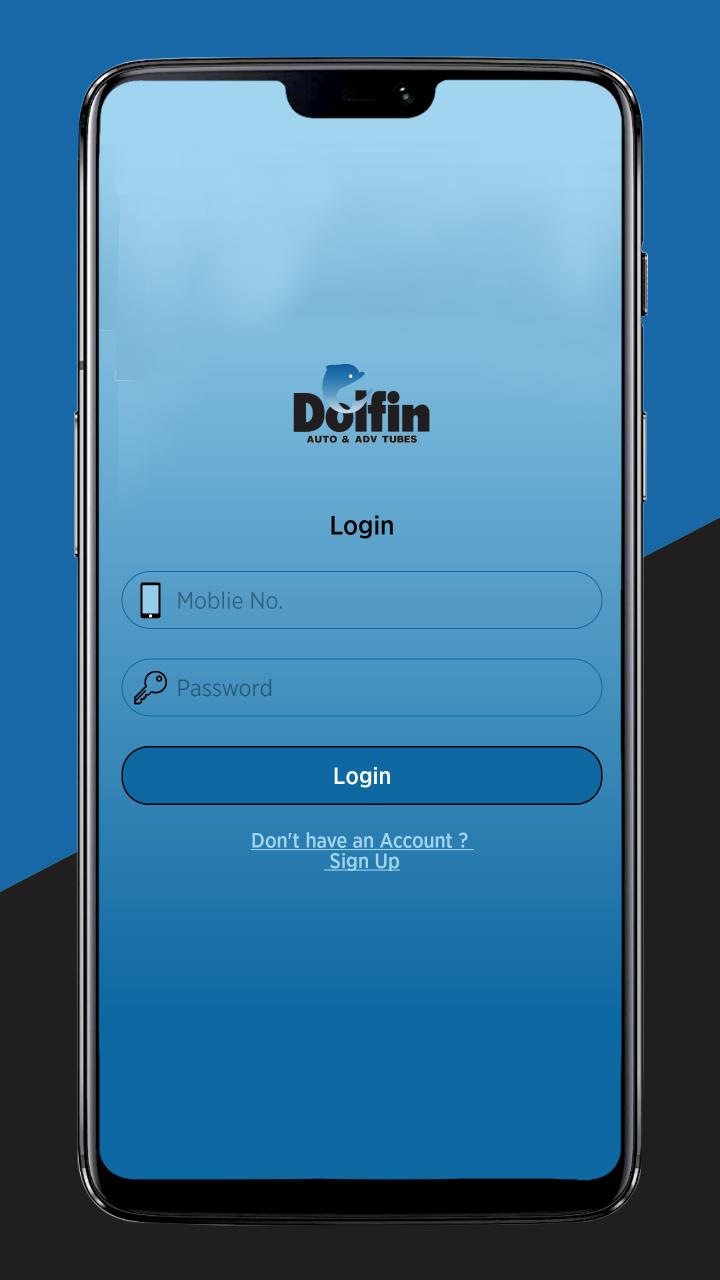
New users can create new account and register into the application by clicking on the signup option provided on the login page.
Users can change their password by clicking on the menu option and select change password. This will direct users to change password screen where old password and new password are needed to be entered by the user.
For any help or query, users can call on the helpline number provided at the home page or dashboard.
पूर्वावलोकन
टैग
कारोबारजानकारी
डेवलपर
DOLFIN AUTO & ADV TUBES
नवीनतम संस्करण
1.2
आखरी अपडेट
2019-05-20
श्रेणी
कारोबार
पर उपलब्ध
Google Play
और दिखाओ
पीसी पर गेमलूप के साथ Dolfin कैसे खेलें
1. आधिकारिक वेबसाइट से GameLoop डाउनलोड करें, फिर GameLoop को स्थापित करने के लिए exe फ़ाइल चलाएँ।
2. गेमलूप खोलें और "Dolfin" खोजें, खोज परिणामों में Dolfin खोजें और "इंस्टॉल करें" पर क्लिक करें।
3. GameLoop पर Dolfin खेलने का आनंद लें।
Minimum requirements
OS
Windows 8.1 64-bit or Windows 10 64-bit
GPU
GTX 1050
CPU
i3-8300
Memory
8GB RAM
Storage
1GB available space
Recommended requirements
OS
Windows 8.1 64-bit or Windows 10 64-bit
GPU
GTX 1050
CPU
i3-9320
Memory
16GB RAM
Storage
1GB available space