
Meme Editor for PC
Suman Shil
GameLoop एमुलेटर के साथ पीसी पर Meme Editor डाउनलोड करें
पीसी पर Meme Editor
Meme Editor, डेवलपर Suman Shil से आ रहा है, अतीत में Android सिस्टर्म पर चल रहा है।
अब, आप Meme Editor को पीसी पर GameLoop के साथ आसानी से खेल सकते हैं।
इसे GameLoop लाइब्रेरी या खोज परिणामों में डाउनलोड करें। अब और गलत समय पर बैटरी या निराशाजनक कॉलों पर ध्यान नहीं देना चाहिए।
बस मुफ्त में बड़ी स्क्रीन पर Meme Editor पीसी का आनंद लें!
Meme Editor परिचय
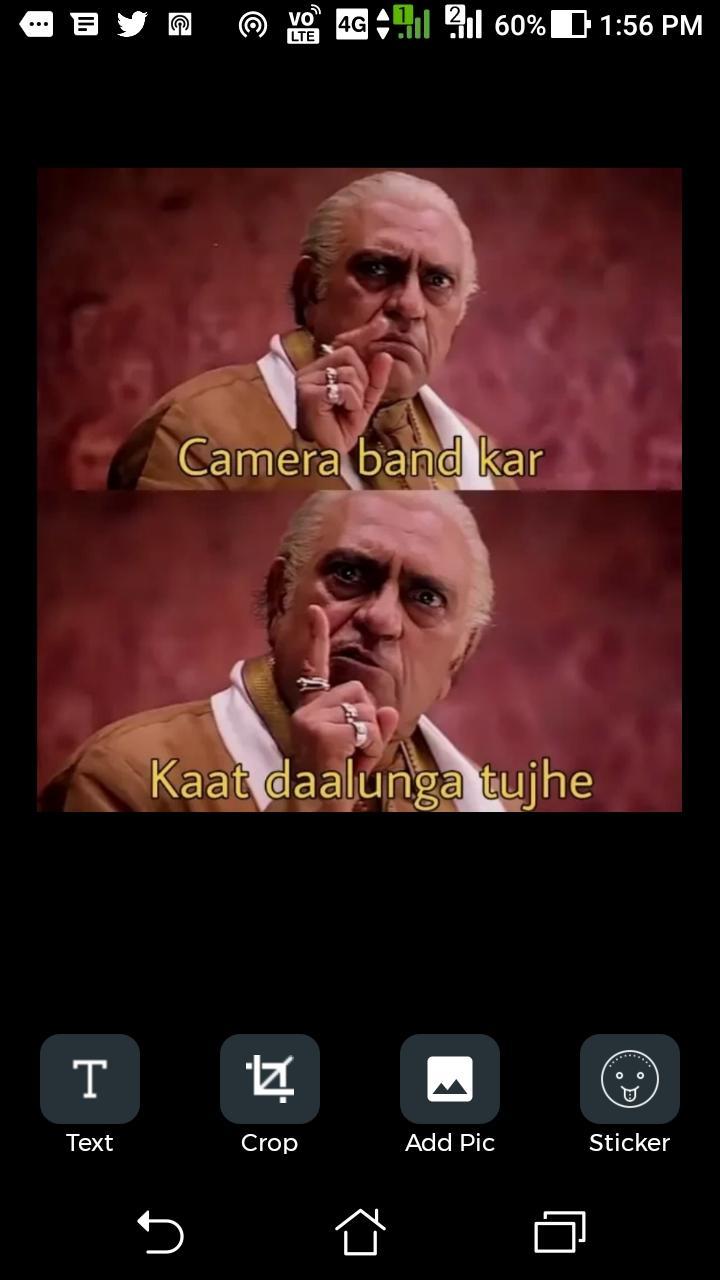
● Adding text in image with dragging feature
● Adding image over image
● Cropping images
● Templates features
First, I would like to say something about the use of computers. Today in every area a computer makes its own image, without it, we can’t imagine our life because today it is an essential component of our life. Actually computers have so many components like hardware, software etc. Among them software is a very essential component. Software is a collection of programs, which is made for doing a specific task. Software development is not an easy task.
पूर्वावलोकन

टैग
Art-&जानकारी
डेवलपर
Suman Shil
नवीनतम संस्करण
1.0
आखरी अपडेट
2020-06-25
श्रेणी
Art-design
पर उपलब्ध
Google Play
और दिखाओ
पीसी पर गेमलूप के साथ Meme Editor कैसे खेलें
1. आधिकारिक वेबसाइट से GameLoop डाउनलोड करें, फिर GameLoop को स्थापित करने के लिए exe फ़ाइल चलाएँ।
2. गेमलूप खोलें और "Meme Editor" खोजें, खोज परिणामों में Meme Editor खोजें और "इंस्टॉल करें" पर क्लिक करें।
3. GameLoop पर Meme Editor खेलने का आनंद लें।
Minimum requirements
OS
Windows 8.1 64-bit or Windows 10 64-bit
GPU
GTX 1050
CPU
i3-8300
Memory
8GB RAM
Storage
1GB available space
Recommended requirements
OS
Windows 8.1 64-bit or Windows 10 64-bit
GPU
GTX 1050
CPU
i3-9320
Memory
16GB RAM
Storage
1GB available space