Label Maker : Print Master for PC
Harris Shabbir
GameLoop एमुलेटर के साथ पीसी पर Label Maker : Print Master डाउनलोड करें
पीसी पर Label Maker : Print Master
Label Maker : Print Master, डेवलपर Harris Shabbir से आ रहा है, अतीत में Android सिस्टर्म पर चल रहा है।
अब, आप Label Maker : Print Master को पीसी पर GameLoop के साथ आसानी से खेल सकते हैं।
इसे GameLoop लाइब्रेरी या खोज परिणामों में डाउनलोड करें। अब और गलत समय पर बैटरी या निराशाजनक कॉलों पर ध्यान नहीं देना चाहिए।
बस मुफ्त में बड़ी स्क्रीन पर Label Maker : Print Master पीसी का आनंद लें!
Label Maker : Print Master परिचय
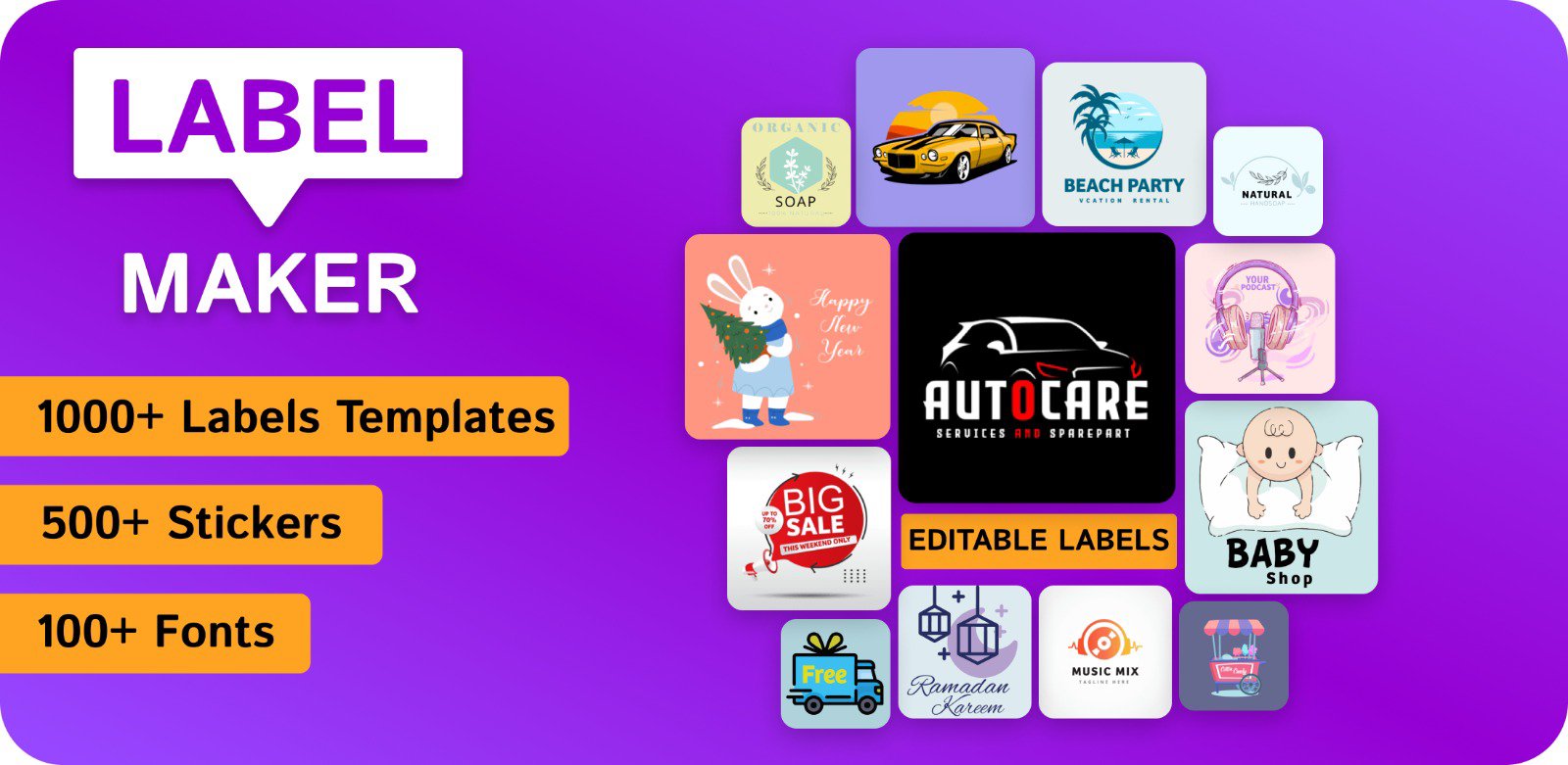
Label Maker App really important to building your business brand reputation. When you’re ready to create a logo for your business, this app gonna help you a lot to create your very own original and impressive logo.
Label Maker and tags designer App is also useful to create promotional posters, advertisement, offer announcements, cover photos, brochure, news letter & other branding material for your shop, restaurant, office or social sites.
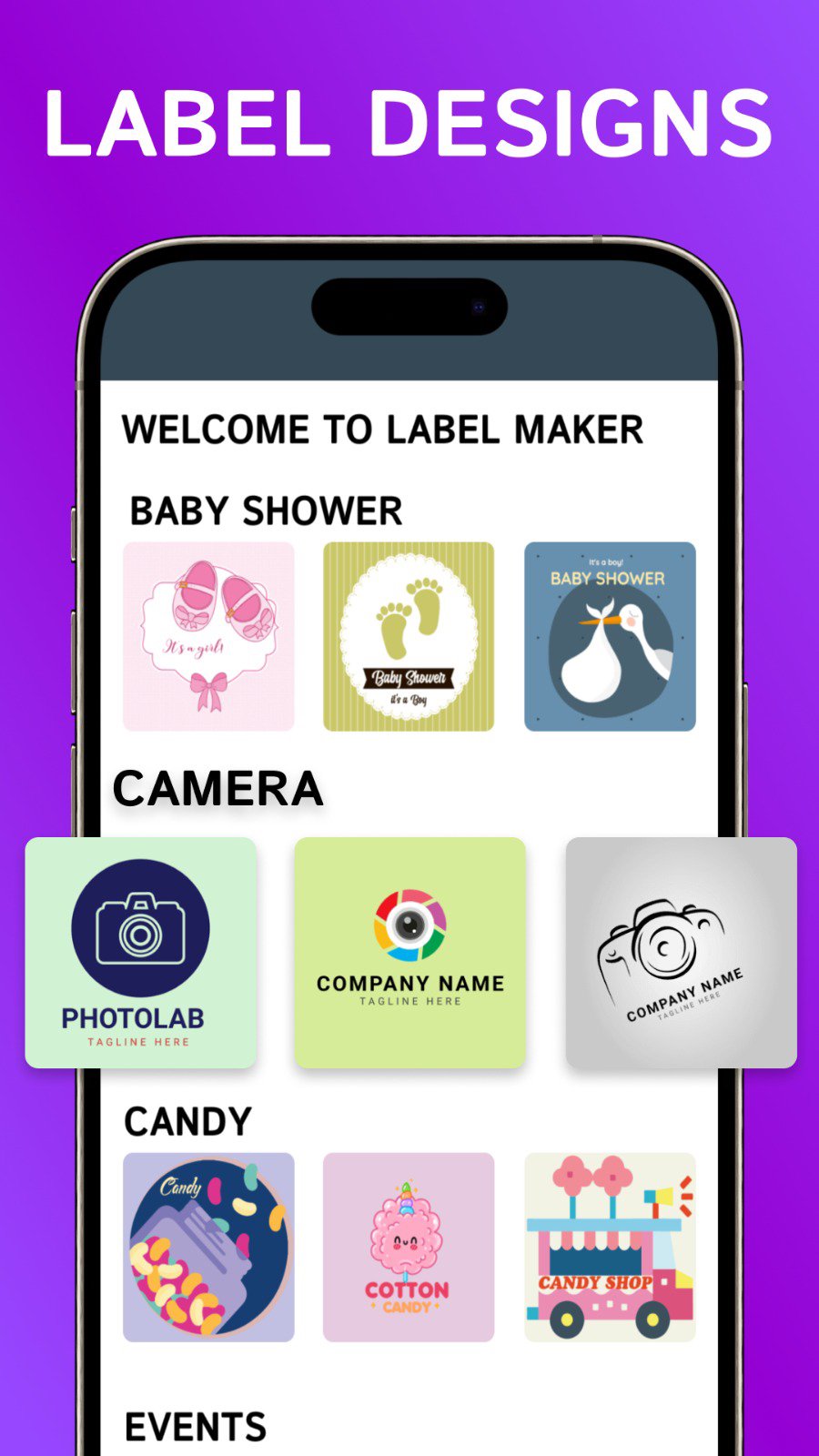
Label Maker & avery labels includes a huge collection of categorised Art (Stickers), Graphic Elements, Shapes, Backgrounds & Textures to create a Printable Label tags & Logos in no time.
Label Maker is fast and easy to use app with tons of avery labels, Arts, Textures, Background & Colors. Logo Designer App comes with all professional photo editing tools to create a professional LOGO. All you need beside is an Idea to build your very own avery templates.
Label Maker app for business also provides professional photo editing and text editing tools like: Font, Flip, Rotate, Resize, Color, Hue and lots more that you'll need to create beautiful original logos.
Key Features:
1. Your Label & logo can be customized with text
2. Pre Designed Editable Avery Label Templates
3. Backgrounds & stickers OR add your own
4. Fonts OR add your own option
5. Crop images in various shapes
6. Text Arts
7. Multiple Layers
8. Print your brand label
9. Save On SD Card
10. SHARE on Social Media
Download Label Maker & Designer App NOW and instantly discover cool logo design ideas.
पूर्वावलोकन
टैग
Art-&जानकारी
डेवलपर
Harris Shabbir
नवीनतम संस्करण
50.0
आखरी अपडेट
2025-12-22
श्रेणी
Art-design
पर उपलब्ध
Google Play
और दिखाओ
पीसी पर गेमलूप के साथ Label Maker : Print Master कैसे खेलें
1. आधिकारिक वेबसाइट से GameLoop डाउनलोड करें, फिर GameLoop को स्थापित करने के लिए exe फ़ाइल चलाएँ।
2. गेमलूप खोलें और "Label Maker : Print Master" खोजें, खोज परिणामों में Label Maker : Print Master खोजें और "इंस्टॉल करें" पर क्लिक करें।
3. GameLoop पर Label Maker : Print Master खेलने का आनंद लें।
Minimum requirements
OS
Windows 8.1 64-bit or Windows 10 64-bit
GPU
GTX 1050
CPU
i3-8300
Memory
8GB RAM
Storage
1GB available space
Recommended requirements
OS
Windows 8.1 64-bit or Windows 10 64-bit
GPU
GTX 1050
CPU
i3-9320
Memory
16GB RAM
Storage
1GB available space