Coloring Book FingerPaint HD for PC
breaker
GameLoop एमुलेटर के साथ पीसी पर Coloring Book FingerPaint HD डाउनलोड करें
पीसी पर Coloring Book FingerPaint HD
Coloring Book FingerPaint HD, डेवलपर breaker से आ रहा है, अतीत में Android सिस्टर्म पर चल रहा है।
अब, आप Coloring Book FingerPaint HD को पीसी पर GameLoop के साथ आसानी से खेल सकते हैं।
इसे GameLoop लाइब्रेरी या खोज परिणामों में डाउनलोड करें। अब और गलत समय पर बैटरी या निराशाजनक कॉलों पर ध्यान नहीं देना चाहिए।
बस मुफ्त में बड़ी स्क्रीन पर Coloring Book FingerPaint HD पीसी का आनंद लें!
Coloring Book FingerPaint HD परिचय
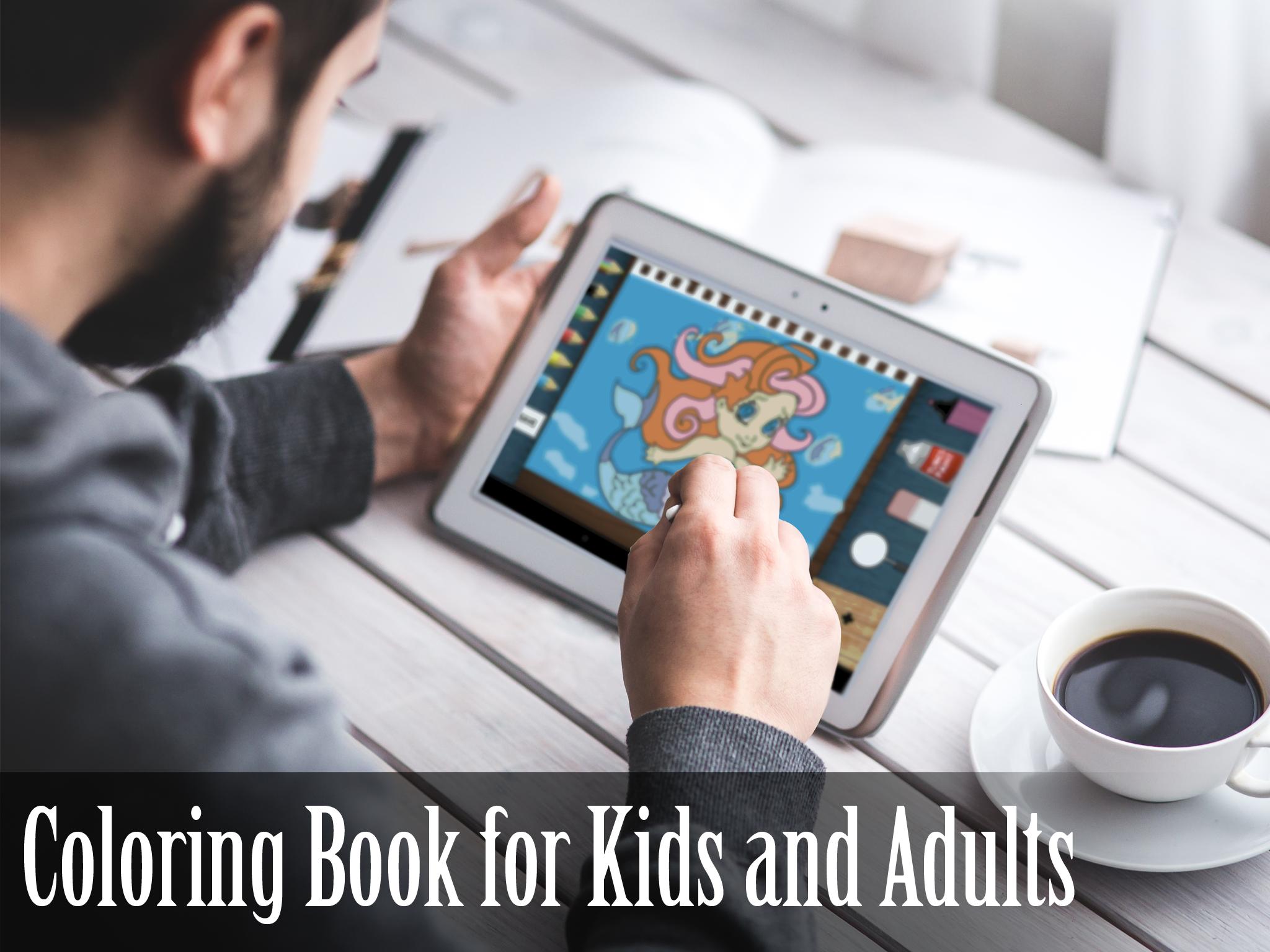
This game is the prettiest coloring book application. Lots of beautiful FREE new coloring pages. Take a look how to involve your child! If your kid is good at drawing or loves drawing Coloring Book FingerPaint is for him! Use finger as pen and draw! Doodle is so easy. Let child be creative and make him a great artist. This ColoringBook is great for boys and girls.
Use fingers and make a beautiful artwork and painting in Picture Book. Just paint and draw. It's so simple, fast and easy. We want to make beautiful, simple, clean and user friendly game. Everything is so obvious that you kid don't even have to read tutorial. Coloring book may be use for adults and kids. Most of coloring page line are animals.
MORE coloring pages in future updates!
FEATURES
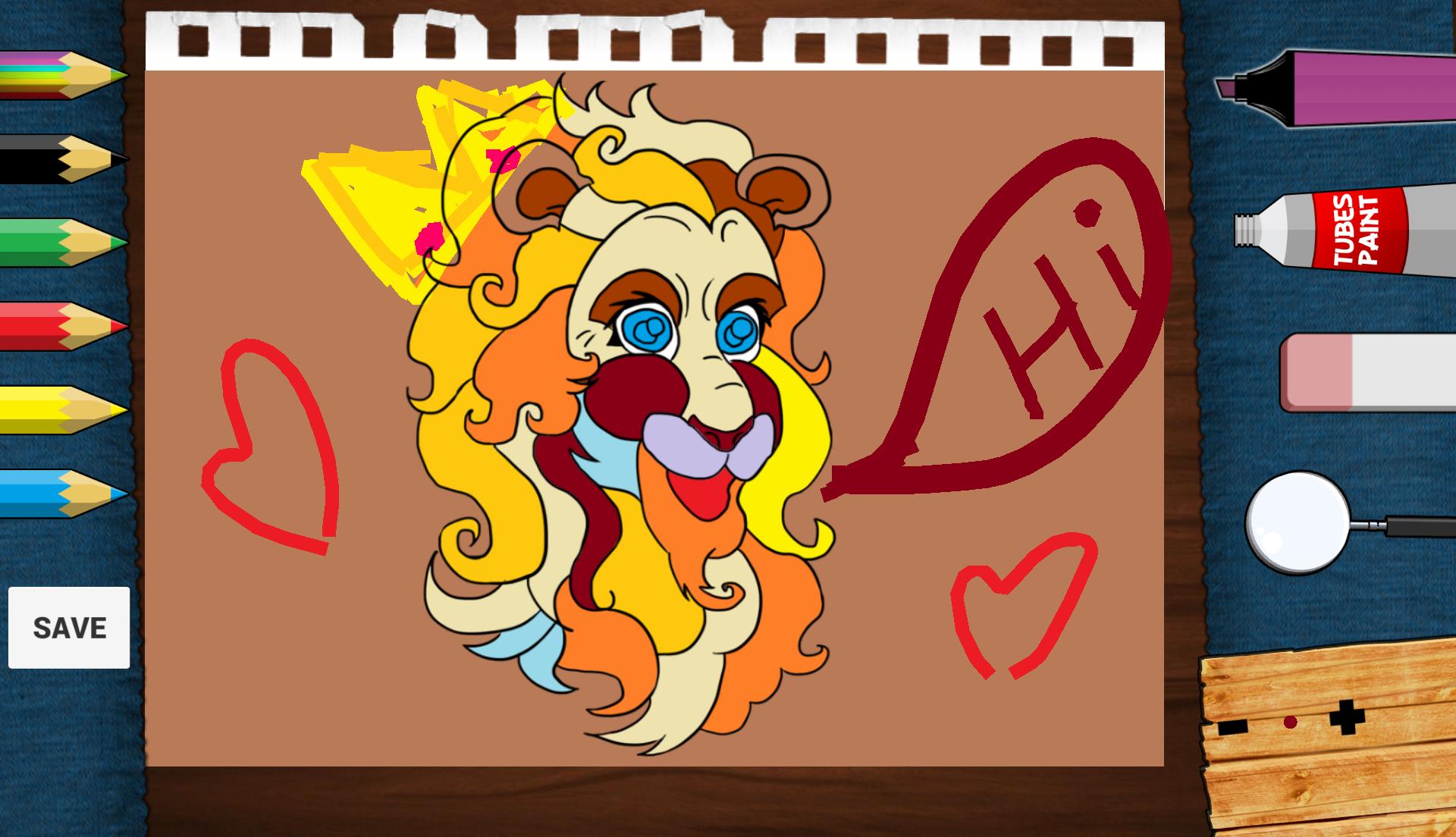
• Save you artwork! You can later view it in application.
• Fill color option tool.
• Doodling.
• Painter tool.
• Draw brush option tool.
• Increase/decrease brush option.
• Eraser option tool.
• 24 color to use.
• Advanced color picker.
• High Definition design (looks wonderfully on HD display) .
• Nice, chill out music in theme.
• Great game design.
• Great on a phone or tablet alike.
• ZOOM function to color tiny details on detailed pictures.
• Paint animation.
• Multi-touch.
पूर्वावलोकन
जानकारी
डेवलपर
breaker
नवीनतम संस्करण
1.1
आखरी अपडेट
2015-10-29
श्रेणी
Art-design
पर उपलब्ध
Google Play
और दिखाओ
पीसी पर गेमलूप के साथ Coloring Book FingerPaint HD कैसे खेलें
1. आधिकारिक वेबसाइट से GameLoop डाउनलोड करें, फिर GameLoop को स्थापित करने के लिए exe फ़ाइल चलाएँ।
2. गेमलूप खोलें और "Coloring Book FingerPaint HD" खोजें, खोज परिणामों में Coloring Book FingerPaint HD खोजें और "इंस्टॉल करें" पर क्लिक करें।
3. GameLoop पर Coloring Book FingerPaint HD खेलने का आनंद लें।
Minimum requirements
OS
Windows 8.1 64-bit or Windows 10 64-bit
GPU
GTX 1050
CPU
i3-8300
Memory
8GB RAM
Storage
1GB available space
Recommended requirements
OS
Windows 8.1 64-bit or Windows 10 64-bit
GPU
GTX 1050
CPU
i3-9320
Memory
16GB RAM
Storage
1GB available space