
Sqube for PC
RH POSITIVE
GameLoop एमुलेटर के साथ पीसी पर Sqube डाउनलोड करें
पीसी पर Sqube
Sqube, डेवलपर RH POSITIVE से आ रहा है, अतीत में Android सिस्टर्म पर चल रहा है।
अब, आप Sqube को पीसी पर GameLoop के साथ आसानी से खेल सकते हैं।
इसे GameLoop लाइब्रेरी या खोज परिणामों में डाउनलोड करें। अब और गलत समय पर बैटरी या निराशाजनक कॉलों पर ध्यान नहीं देना चाहिए।
बस मुफ्त में बड़ी स्क्रीन पर Sqube पीसी का आनंद लें!
Sqube परिचय
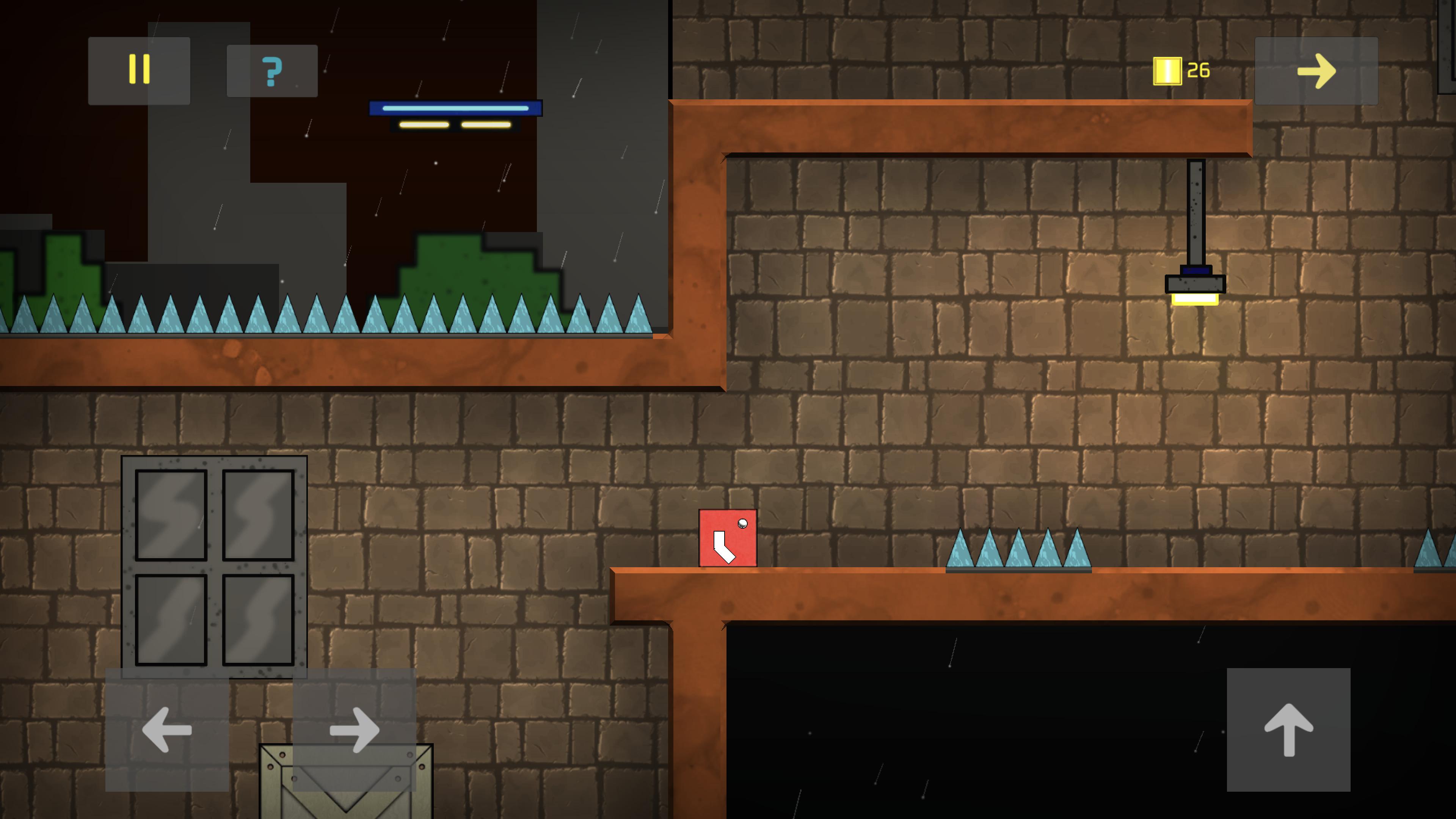
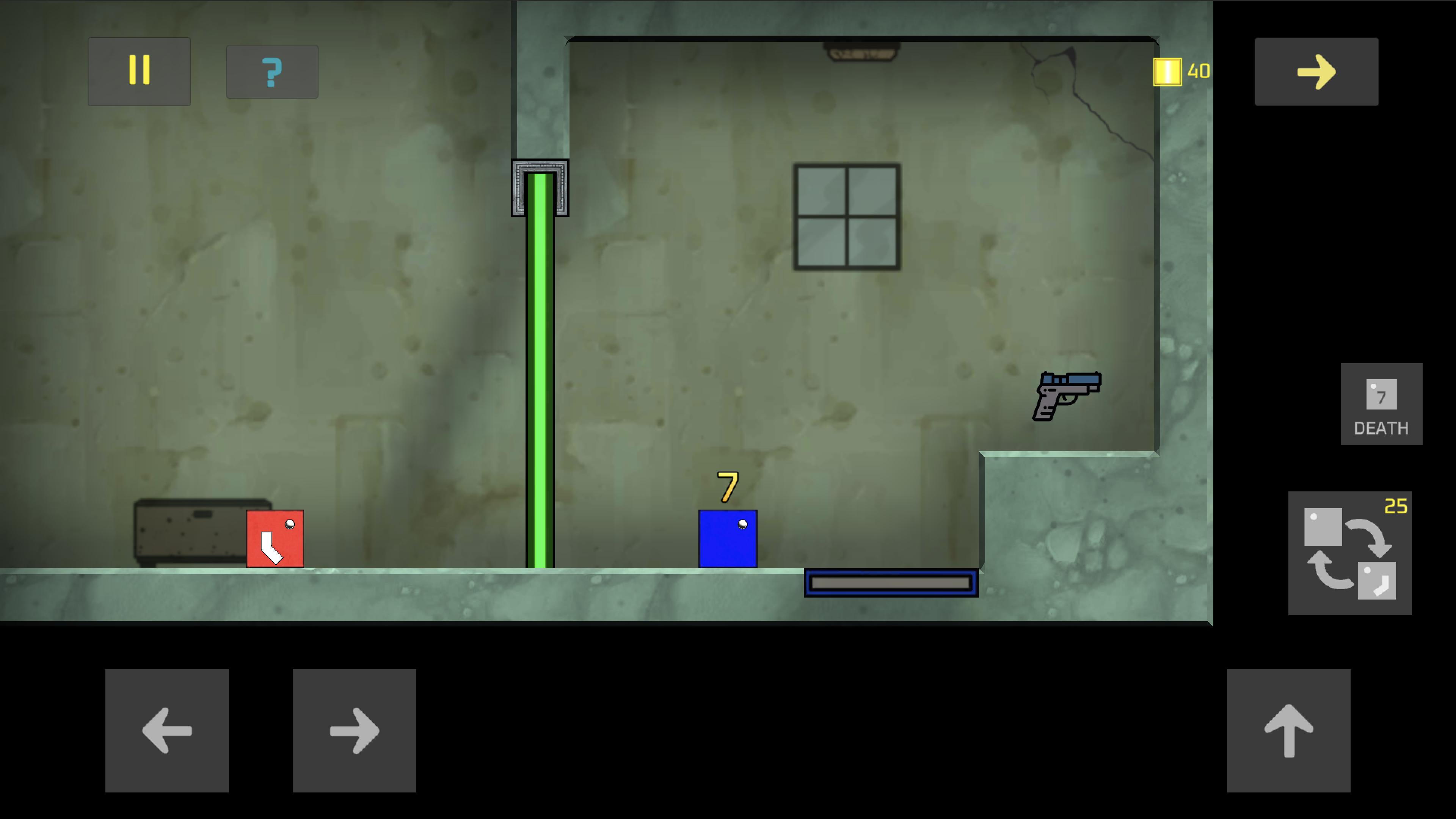
Help Sqube finish his journey to find the truth and get out of his predicament.
A game with a great balance of action and puzzle. You will be surprised when you solve the mystery of the world you live in.
What's in this early access version?
* First 8 Levels.. (More than 25+)
* Scenes that tell the story of the game have not been added.
* You can let us know your opinions and suggestions about the difficulty and fun of the game.
Have Fun :)
पूर्वावलोकन
टैग
आर्केडजानकारी
डेवलपर
RH POSITIVE
नवीनतम संस्करण
0.3
आखरी अपडेट
2021-06-11
श्रेणी
आर्केड
पर उपलब्ध
Google Play
और दिखाओ
पीसी पर गेमलूप के साथ Sqube कैसे खेलें
1. आधिकारिक वेबसाइट से GameLoop डाउनलोड करें, फिर GameLoop को स्थापित करने के लिए exe फ़ाइल चलाएँ।
2. गेमलूप खोलें और "Sqube" खोजें, खोज परिणामों में Sqube खोजें और "इंस्टॉल करें" पर क्लिक करें।
3. GameLoop पर Sqube खेलने का आनंद लें।
Minimum requirements
OS
Windows 8.1 64-bit or Windows 10 64-bit
GPU
GTX 1050
CPU
i3-8300
Memory
8GB RAM
Storage
1GB available space
Recommended requirements
OS
Windows 8.1 64-bit or Windows 10 64-bit
GPU
GTX 1050
CPU
i3-9320
Memory
16GB RAM
Storage
1GB available space