MaxCraft : Exploration Story for PC
Fowlsandox
GameLoop एमुलेटर के साथ पीसी पर MaxCraft : Exploration Story डाउनलोड करें
पीसी पर MaxCraft : Exploration Story
MaxCraft : Exploration Story, डेवलपर Fowlsandox से आ रहा है, अतीत में Android सिस्टर्म पर चल रहा है।
अब, आप MaxCraft : Exploration Story को पीसी पर GameLoop के साथ आसानी से खेल सकते हैं।
इसे GameLoop लाइब्रेरी या खोज परिणामों में डाउनलोड करें। अब और गलत समय पर बैटरी या निराशाजनक कॉलों पर ध्यान नहीं देना चाहिए।
बस मुफ्त में बड़ी स्क्रीन पर MaxCraft : Exploration Story पीसी का आनंद लें!
MaxCraft : Exploration Story परिचय
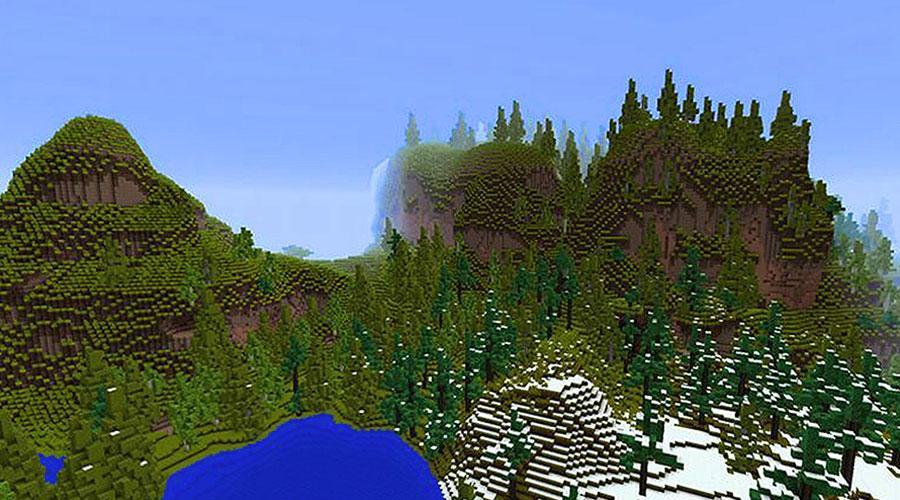
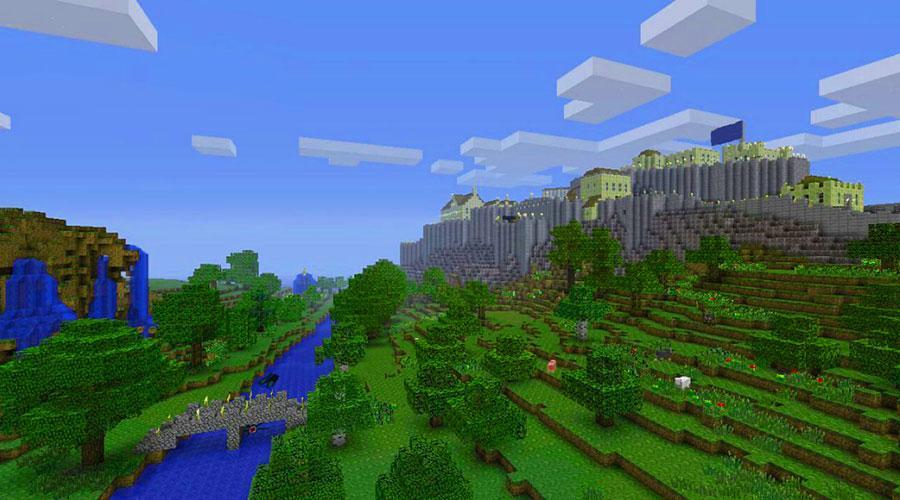
MaxCraft - the best game with creative multiplayer modes and survival modes! Plunge into the magical world of crafts. Discover the maximum opportunities for building and exciting adventures.
Explore all the places of the world, gather resources, hunt, plant animals and grow plants. Create tools and weapons for construction and complete protection from predators and monsters.
Multiplayer for you and your friend on one Wi-Fi
Create your own worlds and upload them to multiplayer mode for others.
You can turn off monsters and predators.
There is a flight mode and much more.
Graphics Super HD !!!
पूर्वावलोकन
जानकारी
डेवलपर
Fowlsandox
नवीनतम संस्करण
4.1.3.1
आखरी अपडेट
2018-06-12
श्रेणी
आर्केड
पर उपलब्ध
Google Play
और दिखाओ
पीसी पर गेमलूप के साथ MaxCraft : Exploration Story कैसे खेलें
1. आधिकारिक वेबसाइट से GameLoop डाउनलोड करें, फिर GameLoop को स्थापित करने के लिए exe फ़ाइल चलाएँ।
2. गेमलूप खोलें और "MaxCraft : Exploration Story" खोजें, खोज परिणामों में MaxCraft : Exploration Story खोजें और "इंस्टॉल करें" पर क्लिक करें।
3. GameLoop पर MaxCraft : Exploration Story खेलने का आनंद लें।
Minimum requirements
OS
Windows 8.1 64-bit or Windows 10 64-bit
GPU
GTX 1050
CPU
i3-8300
Memory
8GB RAM
Storage
1GB available space
Recommended requirements
OS
Windows 8.1 64-bit or Windows 10 64-bit
GPU
GTX 1050
CPU
i3-9320
Memory
16GB RAM
Storage
1GB available space