Magic Craft: Crafting Game for PC
ogojur
GameLoop एमुलेटर के साथ पीसी पर Magic Craft: Crafting Game डाउनलोड करें
पीसी पर Magic Craft: Crafting Game
Magic Craft: Crafting Game, डेवलपर ogojur से आ रहा है, अतीत में Android सिस्टर्म पर चल रहा है।
अब, आप Magic Craft: Crafting Game को पीसी पर GameLoop के साथ आसानी से खेल सकते हैं।
इसे GameLoop लाइब्रेरी या खोज परिणामों में डाउनलोड करें। अब और गलत समय पर बैटरी या निराशाजनक कॉलों पर ध्यान नहीं देना चाहिए।
बस मुफ्त में बड़ी स्क्रीन पर Magic Craft: Crafting Game पीसी का आनंद लें!
Magic Craft: Crafting Game परिचय
Welcome to the world of vivid sensations!
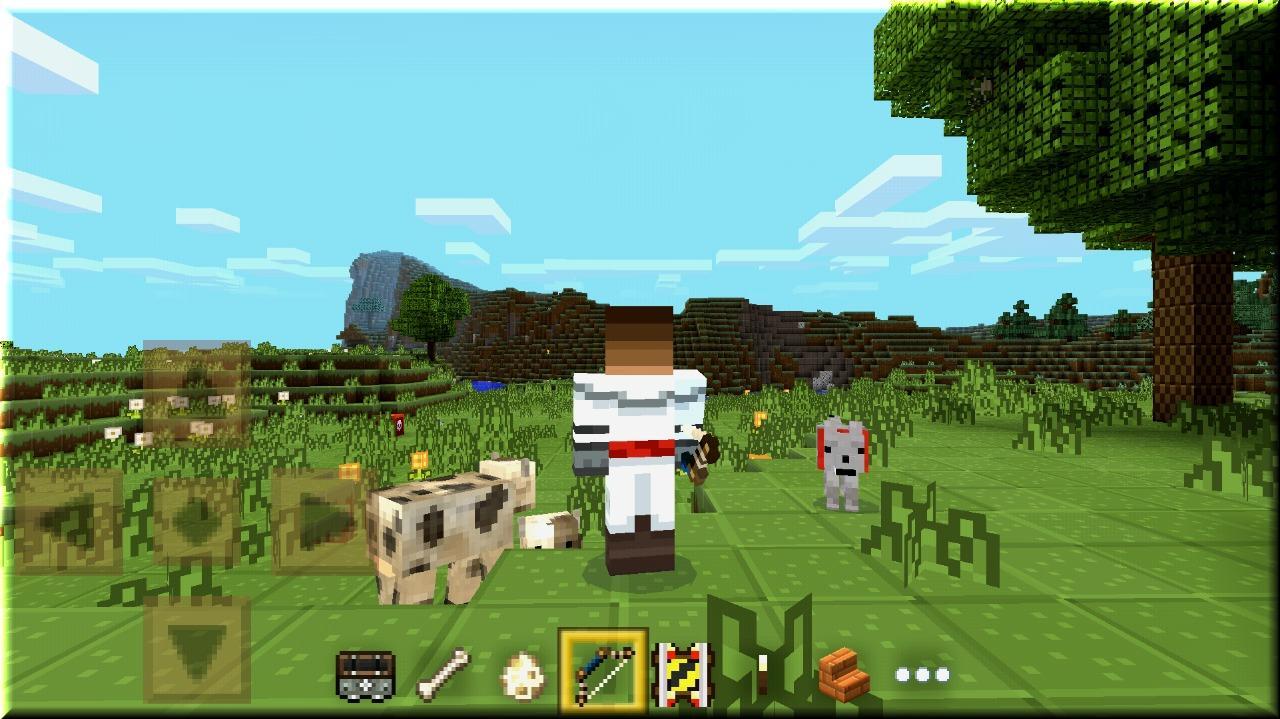
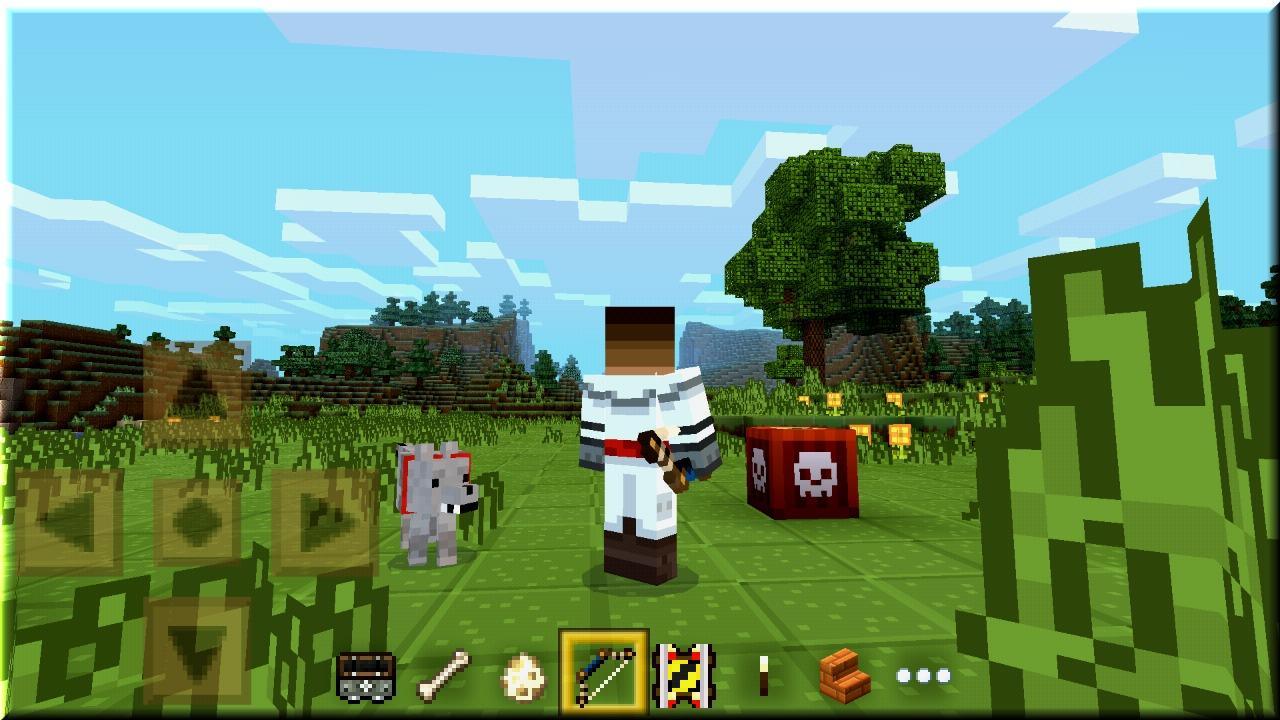
Plunge into a mysterious forest, inspect all of the island, Manage to conquer all the mountain tops and swim all the rivers and the sea! Learn to fly above the beautiful cubic world! Advanced colorful graphics, even more gaming opportunities, more interesting and more fun! Come into the role of a brave traveler, hunter, builder, architect, researcher, expert in survival!
This game will reveal your creativity, and contribute to the development of your creativity!
Benefits:
- Very nice texture in high resolution
- Unsurpassed interface
- Very handy and convenient game controls
- High FPS, without compromise
- Even more options for creativity without limits
- For children and adults
पूर्वावलोकन
जानकारी
डेवलपर
ogojur
नवीनतम संस्करण
1.000.1.12
आखरी अपडेट
2018-02-11
श्रेणी
आर्केड
पर उपलब्ध
Google Play
और दिखाओ
पीसी पर गेमलूप के साथ Magic Craft: Crafting Game कैसे खेलें
1. आधिकारिक वेबसाइट से GameLoop डाउनलोड करें, फिर GameLoop को स्थापित करने के लिए exe फ़ाइल चलाएँ।
2. गेमलूप खोलें और "Magic Craft: Crafting Game" खोजें, खोज परिणामों में Magic Craft: Crafting Game खोजें और "इंस्टॉल करें" पर क्लिक करें।
3. GameLoop पर Magic Craft: Crafting Game खेलने का आनंद लें।
Minimum requirements
OS
Windows 8.1 64-bit or Windows 10 64-bit
GPU
GTX 1050
CPU
i3-8300
Memory
8GB RAM
Storage
1GB available space
Recommended requirements
OS
Windows 8.1 64-bit or Windows 10 64-bit
GPU
GTX 1050
CPU
i3-9320
Memory
16GB RAM
Storage
1GB available space