
Bubble Shooter Panda for PC
wu game and apps
GameLoop एमुलेटर के साथ पीसी पर Bubble Shooter Panda डाउनलोड करें
पीसी पर Bubble Shooter Panda
Bubble Shooter Panda, डेवलपर wu game and apps से आ रहा है, अतीत में Android सिस्टर्म पर चल रहा है।
अब, आप Bubble Shooter Panda को पीसी पर GameLoop के साथ आसानी से खेल सकते हैं।
इसे GameLoop लाइब्रेरी या खोज परिणामों में डाउनलोड करें। अब और गलत समय पर बैटरी या निराशाजनक कॉलों पर ध्यान नहीं देना चाहिए।
बस मुफ्त में बड़ी स्क्रीन पर Bubble Shooter Panda पीसी का आनंद लें!
Bubble Shooter Panda परिचय
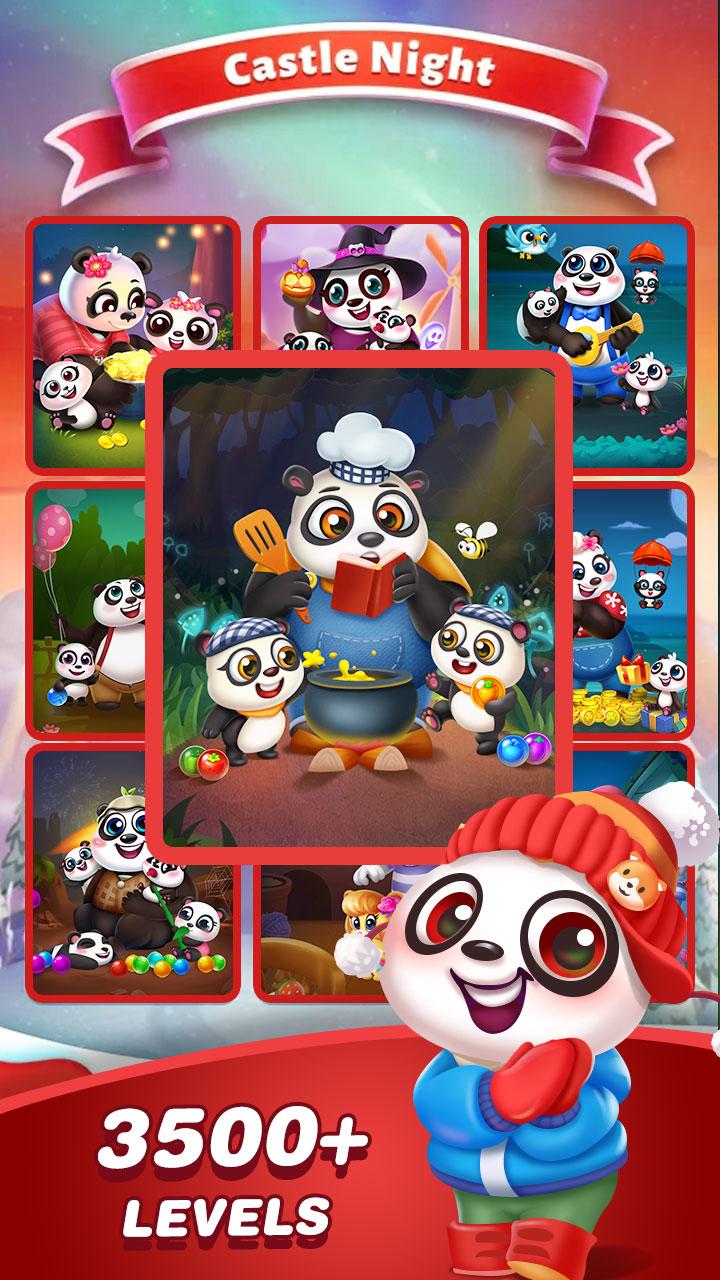
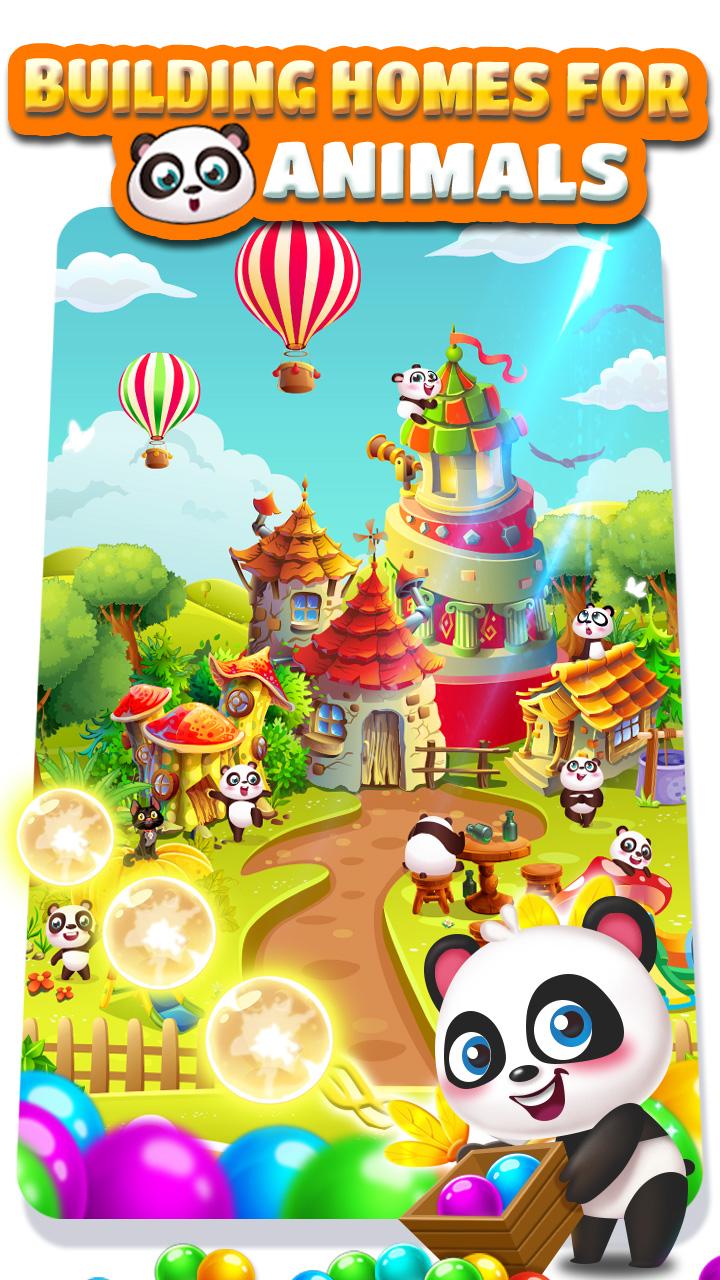
Bubble Shooter is the #1 addictive bubble shooting puzzle game on Android. Aim, fire and pop your way through this enchanting bubble shooter adventure today!
Shoot and match 3 or more bubbles in this tasty game for sweet winning feeling! Pop and burst with quick thinking and smart tactics to progress to the next challenging level and be awarded with powerful boosters. Are you ready to pop and blast now?
Bubble Shooter Features:
- Never-ending fun with THOUSANDS of unique levels
- Match 3 bubbles of the same color and use combos to pop bubbles
- Easy and fun to play yet challenging to master
- Enchanting graphics that will leave you spellbound
- Play anytime and anywhere, no WiFi connection is required!
पूर्वावलोकन
टैग
पहेलीबुलबुलो पे निशाने लगाने वालाहल्के-फुल्केअकेला खिलाडीशैलीकार्टूनऑफलाइनजानकारी
डेवलपर
wu game and apps
नवीनतम संस्करण
1.0.63
आखरी अपडेट
2021-10-16
श्रेणी
आर्केड
पर उपलब्ध
Google Play
और दिखाओ
पीसी पर गेमलूप के साथ Bubble Shooter Panda कैसे खेलें
1. आधिकारिक वेबसाइट से GameLoop डाउनलोड करें, फिर GameLoop को स्थापित करने के लिए exe फ़ाइल चलाएँ।
2. गेमलूप खोलें और "Bubble Shooter Panda" खोजें, खोज परिणामों में Bubble Shooter Panda खोजें और "इंस्टॉल करें" पर क्लिक करें।
3. GameLoop पर Bubble Shooter Panda खेलने का आनंद लें।
Minimum requirements
OS
Windows 8.1 64-bit or Windows 10 64-bit
GPU
GTX 1050
CPU
i3-8300
Memory
8GB RAM
Storage
1GB available space
Recommended requirements
OS
Windows 8.1 64-bit or Windows 10 64-bit
GPU
GTX 1050
CPU
i3-9320
Memory
16GB RAM
Storage
1GB available space