Brotato for PC
QUICK PICK
GameLoop एमुलेटर के साथ पीसी पर Brotato डाउनलोड करें
पीसी पर Brotato
Brotato, डेवलपर QUICK PICK से आ रहा है, अतीत में Android सिस्टर्म पर चल रहा है।
अब, आप Brotato को पीसी पर GameLoop के साथ आसानी से खेल सकते हैं।
इसे GameLoop लाइब्रेरी या खोज परिणामों में डाउनलोड करें। अब और गलत समय पर बैटरी या निराशाजनक कॉलों पर ध्यान नहीं देना चाहिए।
बस मुफ्त में बड़ी स्क्रीन पर Brotato पीसी का आनंद लें!
Brotato परिचय
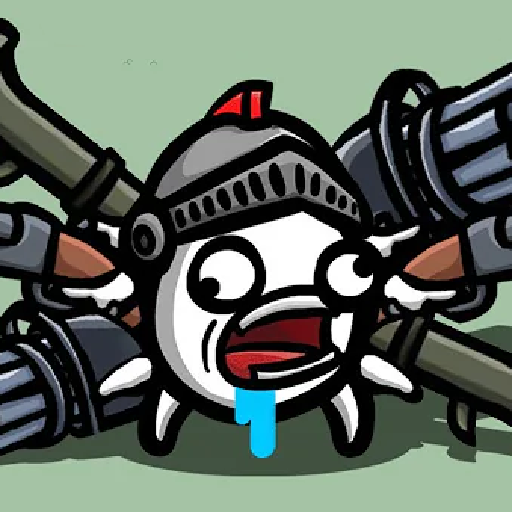
A spaceship from Potato World crashes onto an alien planet. The sole survivor: Brotato, the only potato capable of handling 6 weapons at the same time. Waiting to be rescued by his mates, Brotato must survive in this hostile environment.
⭐️Auto-firing weapons by default with a manual aiming option
Fast runs (under 30 minutes)
⭐️Dozens of characters available to customize your runs (one-handed, crazy, lucky, mage and many more)
⭐️Hundreds of items and weapons to choose from (flamethrowers, SMGs, rocket launchers or sticks and stones)
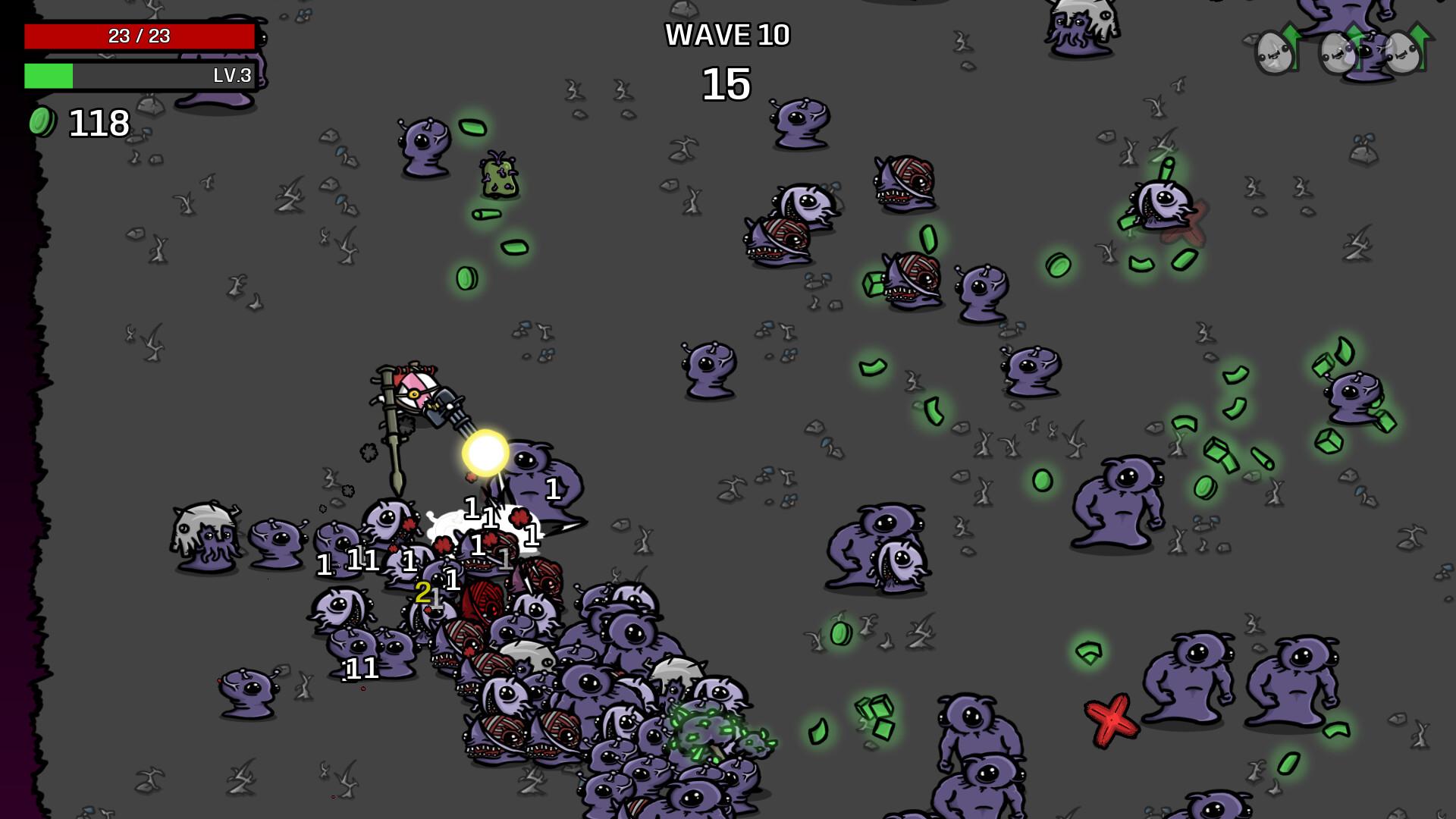
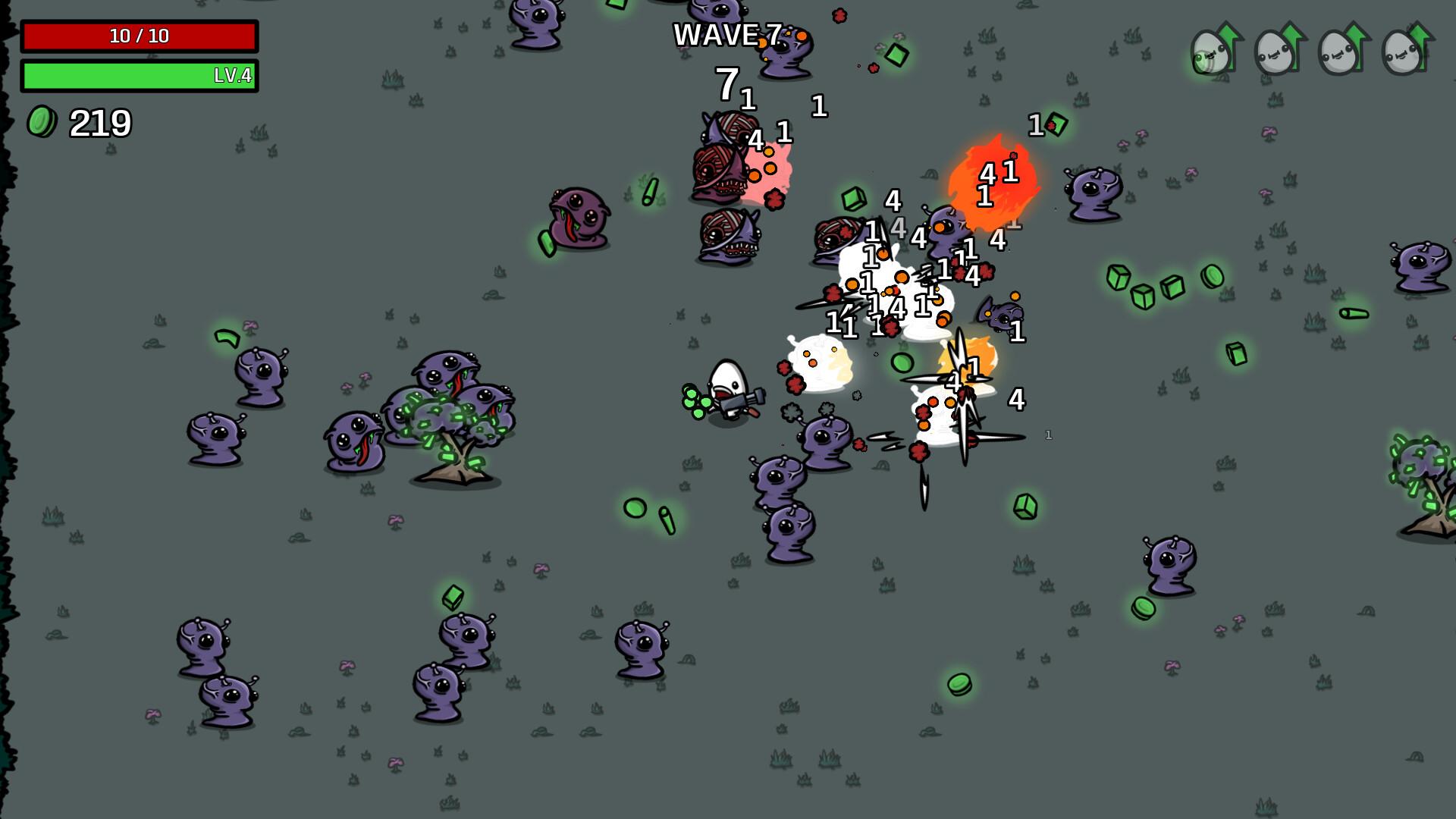
⭐️Survive waves lasting 20 to 90 seconds each and kill off as many aliens as you can during that time
⭐️Collect materials to gain experience and get items from the shop between waves of enemies
⭐️Accessibility options: tweak the health, damage and speed of enemies so the difficulty is right for you
पूर्वावलोकन
टैग
आर्केडजानकारी
डेवलपर
QUICK PICK
नवीनतम संस्करण
2
आखरी अपडेट
2023-01-09
श्रेणी
आर्केड
पर उपलब्ध
Google Play
और दिखाओ
पीसी पर गेमलूप के साथ Brotato कैसे खेलें
1. आधिकारिक वेबसाइट से GameLoop डाउनलोड करें, फिर GameLoop को स्थापित करने के लिए exe फ़ाइल चलाएँ।
2. गेमलूप खोलें और "Brotato" खोजें, खोज परिणामों में Brotato खोजें और "इंस्टॉल करें" पर क्लिक करें।
3. GameLoop पर Brotato खेलने का आनंद लें।
Minimum requirements
OS
Windows 8.1 64-bit or Windows 10 64-bit
GPU
GTX 1050
CPU
i3-8300
Memory
8GB RAM
Storage
1GB available space
Recommended requirements
OS
Windows 8.1 64-bit or Windows 10 64-bit
GPU
GTX 1050
CPU
i3-9320
Memory
16GB RAM
Storage
1GB available space