Prism N V for PC
Sunchugashev Kirill
GameLoop एमुलेटर के साथ पीसी पर Prism N V डाउनलोड करें
पीसी पर Prism N V
Prism N V, डेवलपर Sunchugashev Kirill से आ रहा है, अतीत में Android सिस्टर्म पर चल रहा है।
अब, आप Prism N V को पीसी पर GameLoop के साथ आसानी से खेल सकते हैं।
इसे GameLoop लाइब्रेरी या खोज परिणामों में डाउनलोड करें। अब और गलत समय पर बैटरी या निराशाजनक कॉलों पर ध्यान नहीं देना चाहिए।
बस मुफ्त में बड़ी स्क्रीन पर Prism N V पीसी का आनंद लें!
Prism N V परिचय
🎮 Install GBC This Crystal P & Prism Ruby & Silver Classic Now and immersed in a Color Sapphire Cristal. Come and enjoy it, hope it might remind you of the Emerald good old days when you were a young boy!
Go Go Fight Silver & Sapphire
👊 Game Features 👊
💪 Crystal Emerald & Silver Classic play, graphic and sound
💪 Gold Ruby play, graphic and sound Sapphire.
💪 Classical Silver and Cristal classic style
💪 Smooth Emerald
💪 Silvers Ruby play,
💪 Graphic and sound With Sapphire Mode
💪 You can use Cheats
💪 New Arcade Emerald Color Boy classic mini vivid image, nice effects
💪 Creative and exciting entertainment and suitable for all ages
💪 Many levels and you can play old online or offline
💪 User-friendly interface
💪 Pk Boy Game GBC and Classic Game Crystal
💪 Boy Game Color game!
💪 Crystal Boy!
💪 Crystal color and Silver too and Gold.
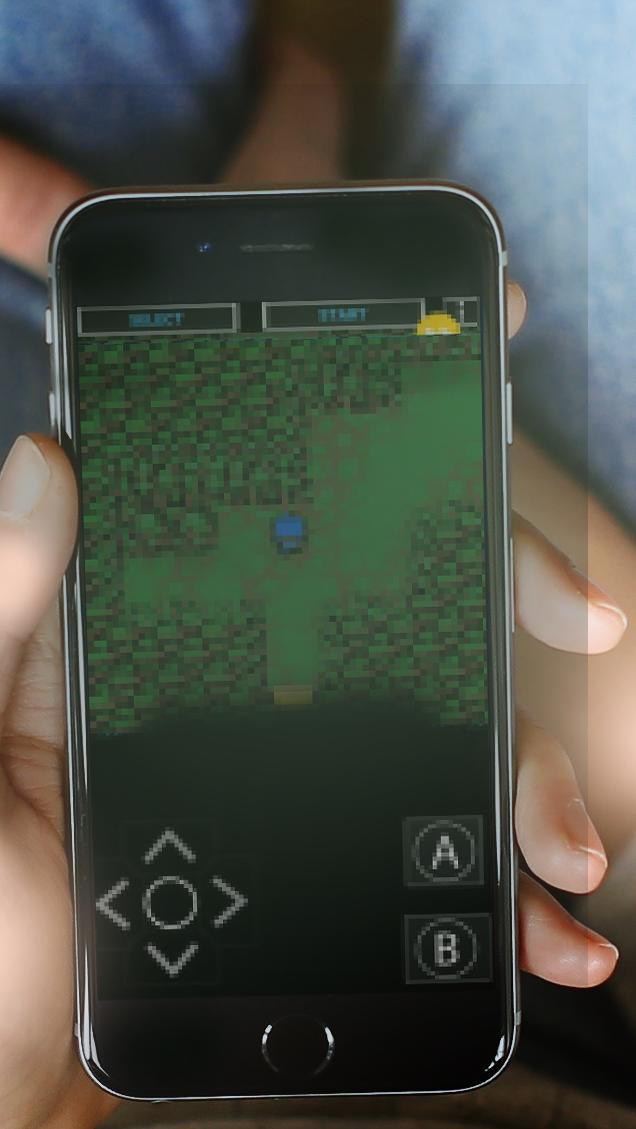
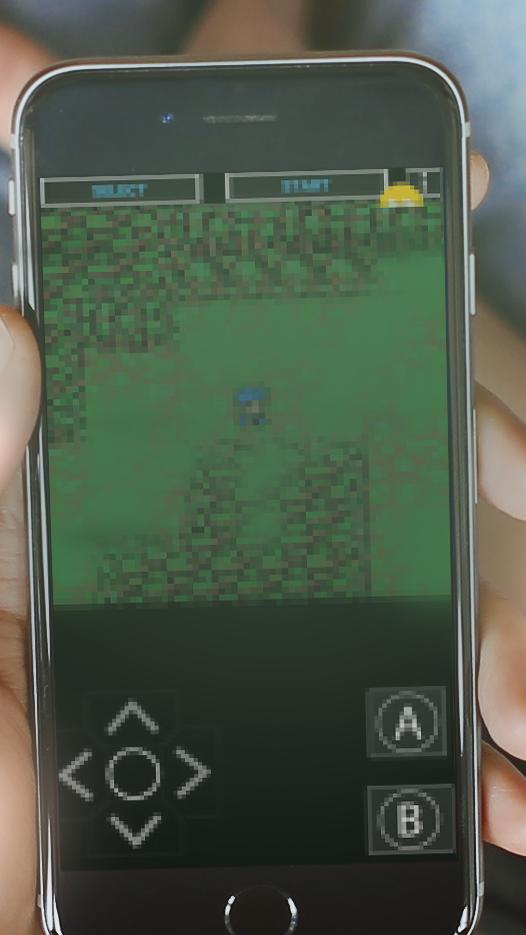
पूर्वावलोकन
जानकारी
डेवलपर
Sunchugashev Kirill
नवीनतम संस्करण
1.1.0
आखरी अपडेट
2020-08-27
श्रेणी
रोमांच
पर उपलब्ध
Google Play
और दिखाओ
पीसी पर गेमलूप के साथ Prism N V कैसे खेलें
1. आधिकारिक वेबसाइट से GameLoop डाउनलोड करें, फिर GameLoop को स्थापित करने के लिए exe फ़ाइल चलाएँ।
2. गेमलूप खोलें और "Prism N V" खोजें, खोज परिणामों में Prism N V खोजें और "इंस्टॉल करें" पर क्लिक करें।
3. GameLoop पर Prism N V खेलने का आनंद लें।
Minimum requirements
OS
Windows 8.1 64-bit or Windows 10 64-bit
GPU
GTX 1050
CPU
i3-8300
Memory
8GB RAM
Storage
1GB available space
Recommended requirements
OS
Windows 8.1 64-bit or Windows 10 64-bit
GPU
GTX 1050
CPU
i3-9320
Memory
16GB RAM
Storage
1GB available space