Nextbots Scary Obunga for PC
문운룡
GameLoop एमुलेटर के साथ पीसी पर Nextbots Scary Obunga डाउनलोड करें
पीसी पर Nextbots Scary Obunga
Nextbots Scary Obunga, डेवलपर 문운룡 से आ रहा है, अतीत में Android सिस्टर्म पर चल रहा है।
अब, आप Nextbots Scary Obunga को पीसी पर GameLoop के साथ आसानी से खेल सकते हैं।
इसे GameLoop लाइब्रेरी या खोज परिणामों में डाउनलोड करें। अब और गलत समय पर बैटरी या निराशाजनक कॉलों पर ध्यान नहीं देना चाहिए।
बस मुफ्त में बड़ी स्क्रीन पर Nextbots Scary Obunga पीसी का आनंद लें!
Nextbots Scary Obunga परिचय
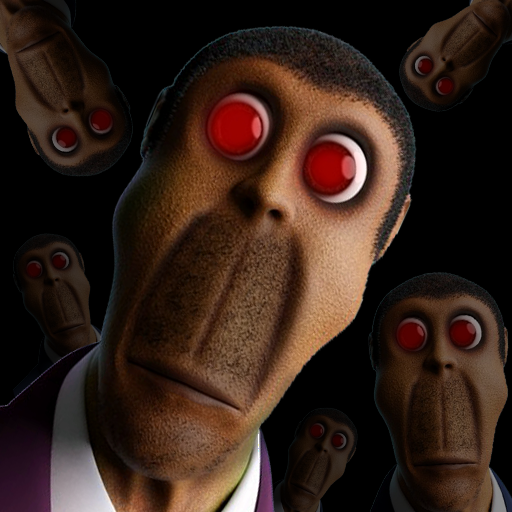
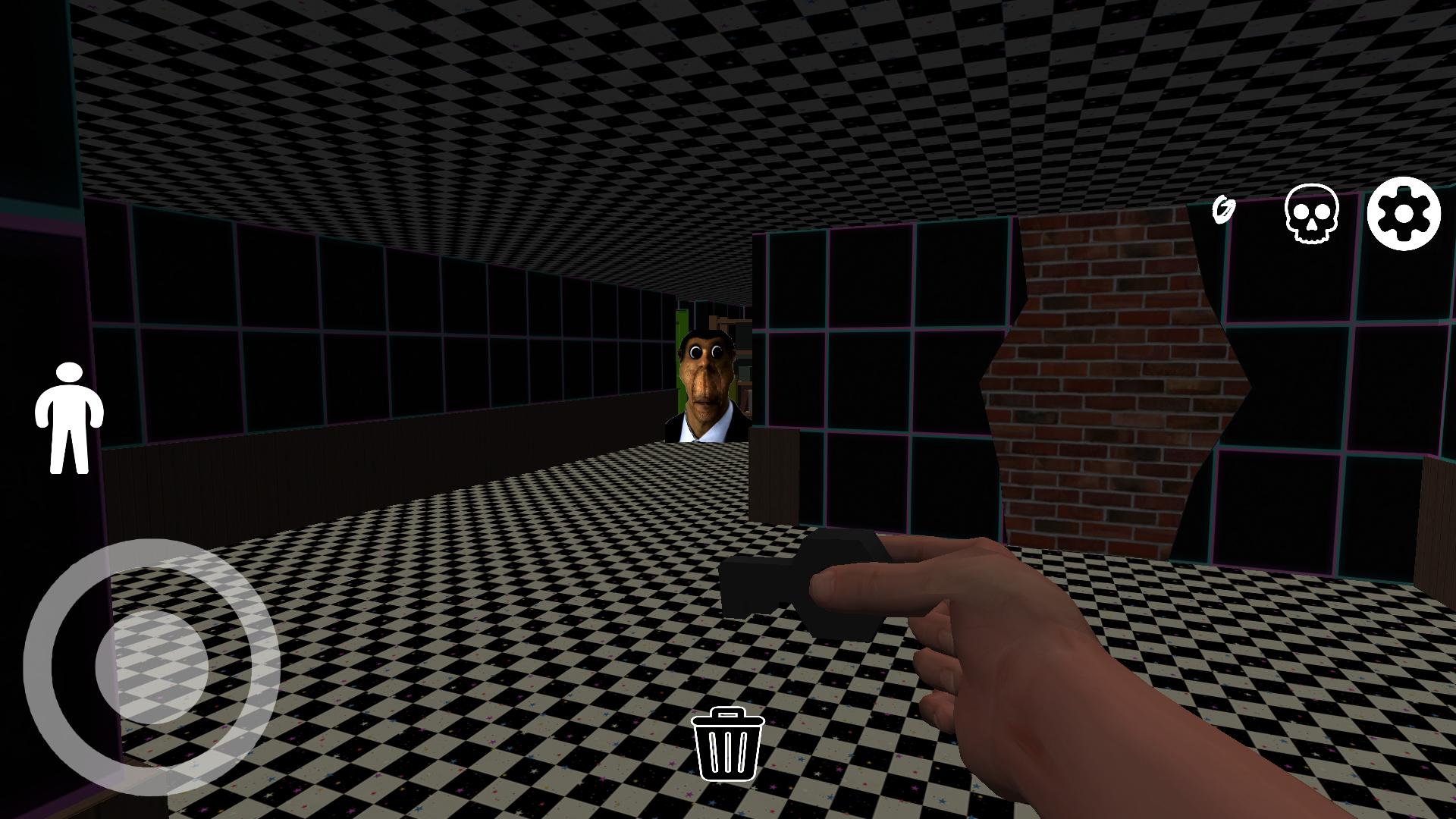
Obunga is very angry and tries to catch up with you, What will you do in escape |NEXTBOTS| game? Will you be able to make escape. Let's see if you can escape scary Obunga chase in nextbots game
We worked very hard to provide you the best gameplay that will make you feel the fear and horror of Obunga follow us games.
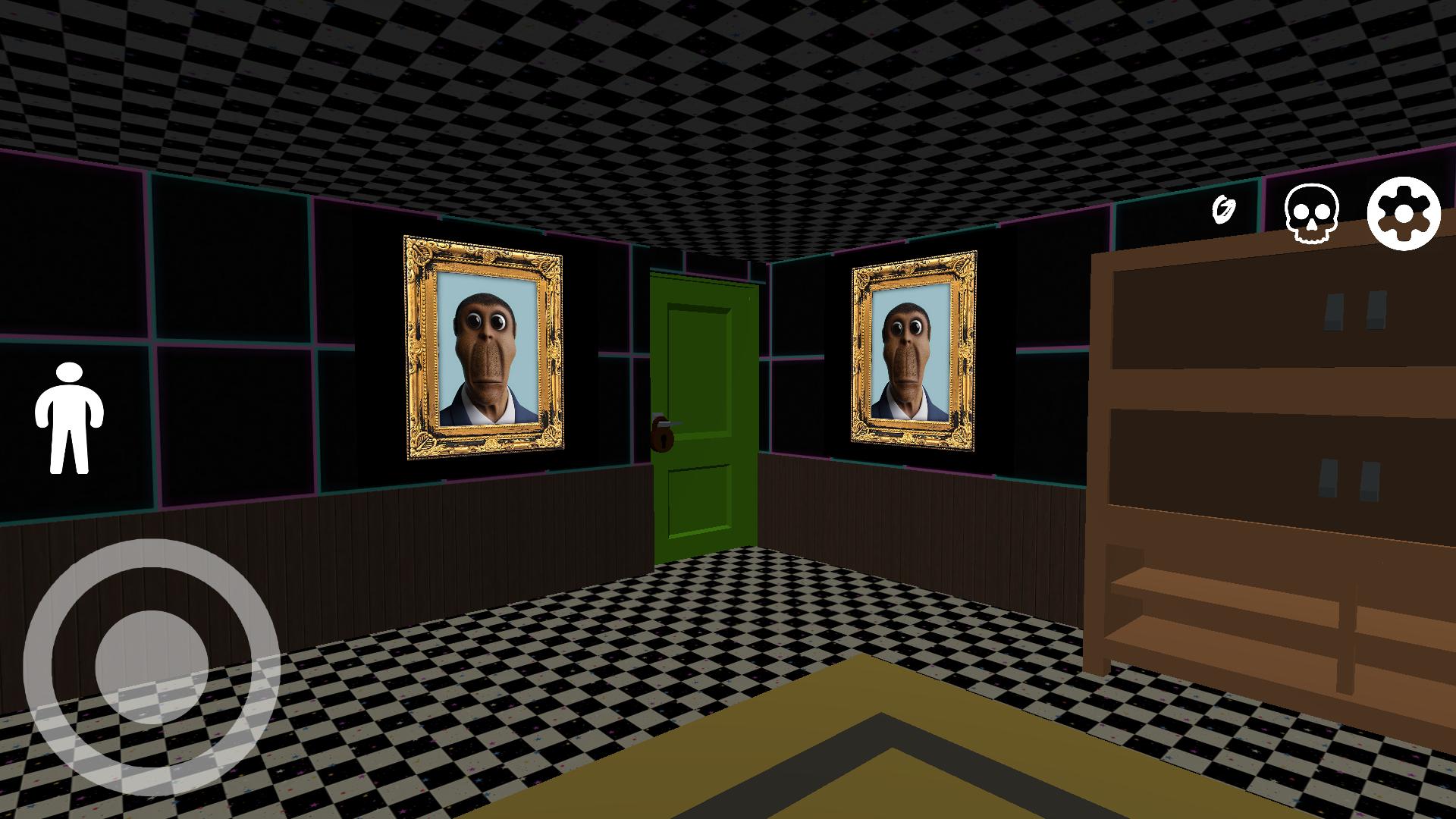
You’ll see creepy locations and completely dark rooms. But don't be afraid, just keep running from Obunga follow us monster.
So If you’re into scary games like: Granny, Nexbots and scary Clown. Well, this game is the right choice for you.
Have you ever been face Obunga, if not so let's escape the obunga chase in |NEXTBOTS| game.
Download now and enjoy the best obby game
पूर्वावलोकन
टैग
रोमांचजानकारी
डेवलपर
문운룡
नवीनतम संस्करण
1.0
आखरी अपडेट
2022-08-25
श्रेणी
रोमांच
पर उपलब्ध
Google Play
और दिखाओ
पीसी पर गेमलूप के साथ Nextbots Scary Obunga कैसे खेलें
1. आधिकारिक वेबसाइट से GameLoop डाउनलोड करें, फिर GameLoop को स्थापित करने के लिए exe फ़ाइल चलाएँ।
2. गेमलूप खोलें और "Nextbots Scary Obunga" खोजें, खोज परिणामों में Nextbots Scary Obunga खोजें और "इंस्टॉल करें" पर क्लिक करें।
3. GameLoop पर Nextbots Scary Obunga खेलने का आनंद लें।
Minimum requirements
OS
Windows 8.1 64-bit or Windows 10 64-bit
GPU
GTX 1050
CPU
i3-8300
Memory
8GB RAM
Storage
1GB available space
Recommended requirements
OS
Windows 8.1 64-bit or Windows 10 64-bit
GPU
GTX 1050
CPU
i3-9320
Memory
16GB RAM
Storage
1GB available space