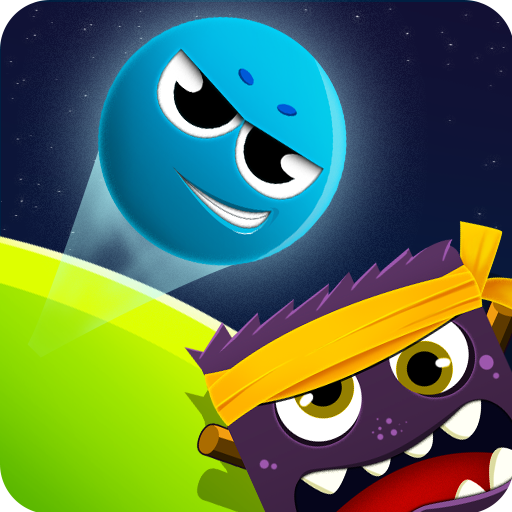
Funny Ball 1 for PC
Condors Team
GameLoop एमुलेटर के साथ पीसी पर Funny Ball 1 डाउनलोड करें
पीसी पर Funny Ball 1
Funny Ball 1, डेवलपर Condors Team से आ रहा है, अतीत में Android सिस्टर्म पर चल रहा है।
अब, आप Funny Ball 1 को पीसी पर GameLoop के साथ आसानी से खेल सकते हैं।
इसे GameLoop लाइब्रेरी या खोज परिणामों में डाउनलोड करें। अब और गलत समय पर बैटरी या निराशाजनक कॉलों पर ध्यान नहीं देना चाहिए।
बस मुफ्त में बड़ी स्क्रीन पर Funny Ball 1 पीसी का आनंद लें!
Funny Ball 1 परिचय
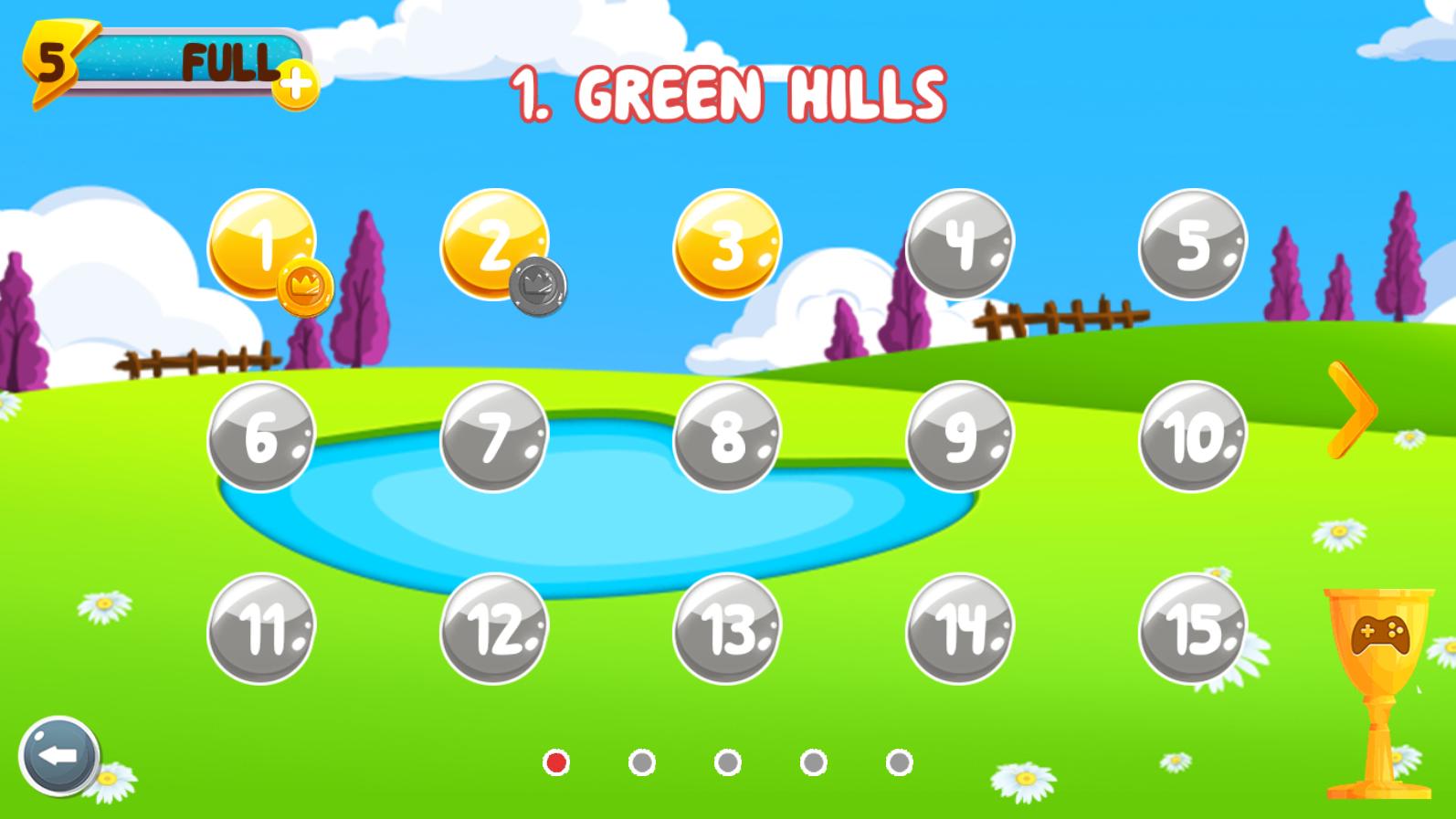
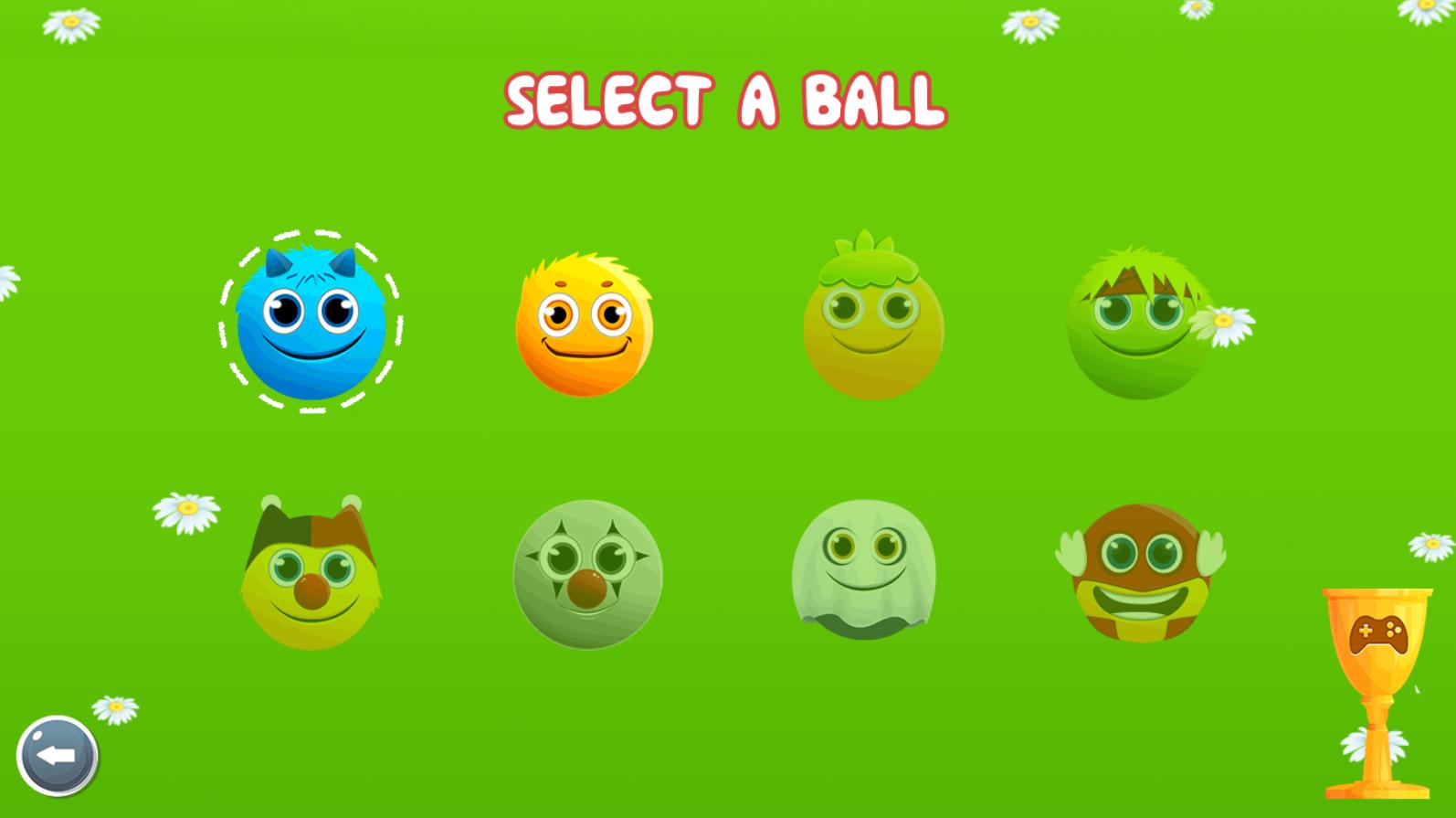
Roll, jump and bounce through 75 exciting levels full of adventure with Funny Ball 1.
Make your way through tricky traps and defeat all monsters.
Features:
- Puzzle-adventure game
- 75 challenging levels
- Physics based platform
- Intuitive touch interface
- Indie game
Let's start the red ball adventure to discover all the amazing rolling ball challenges!
पूर्वावलोकन
जानकारी
डेवलपर
Condors Team
नवीनतम संस्करण
1.2
आखरी अपडेट
2019-11-27
श्रेणी
रोमांच
पर उपलब्ध
Google Play
और दिखाओ
पीसी पर गेमलूप के साथ Funny Ball 1 कैसे खेलें
1. आधिकारिक वेबसाइट से GameLoop डाउनलोड करें, फिर GameLoop को स्थापित करने के लिए exe फ़ाइल चलाएँ।
2. गेमलूप खोलें और "Funny Ball 1" खोजें, खोज परिणामों में Funny Ball 1 खोजें और "इंस्टॉल करें" पर क्लिक करें।
3. GameLoop पर Funny Ball 1 खेलने का आनंद लें।
Minimum requirements
OS
Windows 8.1 64-bit or Windows 10 64-bit
GPU
GTX 1050
CPU
i3-8300
Memory
8GB RAM
Storage
1GB available space
Recommended requirements
OS
Windows 8.1 64-bit or Windows 10 64-bit
GPU
GTX 1050
CPU
i3-9320
Memory
16GB RAM
Storage
1GB available space