
WordsMatch In Bloom for PC
Ahmed IT Labs
Unduh WordsMatch In Bloom di PC Dengan Emulator GameLoop
WordsMatch In Bloom di PC
WordsMatch In Bloom, berasal dari pengembang Ahmed IT Labs, berjalan di sistem Android di masa lalu.
Sekarang, Anda dapat memainkan WordsMatch In Bloom di PC dengan GameLoop dengan lancar.
Unduh di perpustakaan GameLoop atau hasil pencarian. Tidak ada lagi memperhatikan baterai atau panggilan frustasi pada waktu yang salah lagi.
Nikmati saja WordsMatch In Bloom PC di layar besar secara gratis!
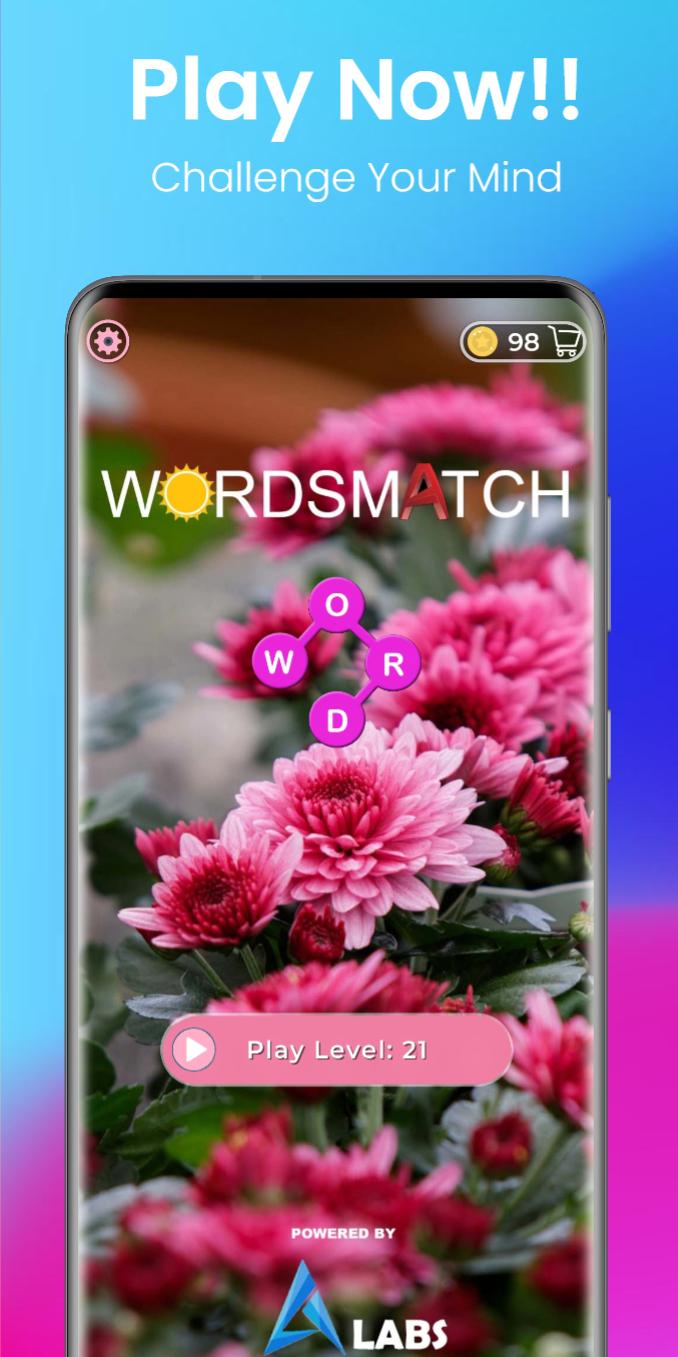
WordsMatch In Bloom Pengantar
By Playing WordsMatch In Bloom 10 mins a day You can Sharpen your mind and can prepare your self for daily life challenges.
Challenge yourself to connect letters and find the hidden words easily!
Unlock beautiful backgrounds and relax your mind!
There is no dull moment in our game..
You enjoy word Connect and word connecting games?So we have an interesting game for You named as WordsMatch In Bloom.
> Relax your brain by unlocking beautiful backgrounds.
> Dictionary Button Included to boost your knowledge.
> Enjoy 10000+ levels offline.
How to play :
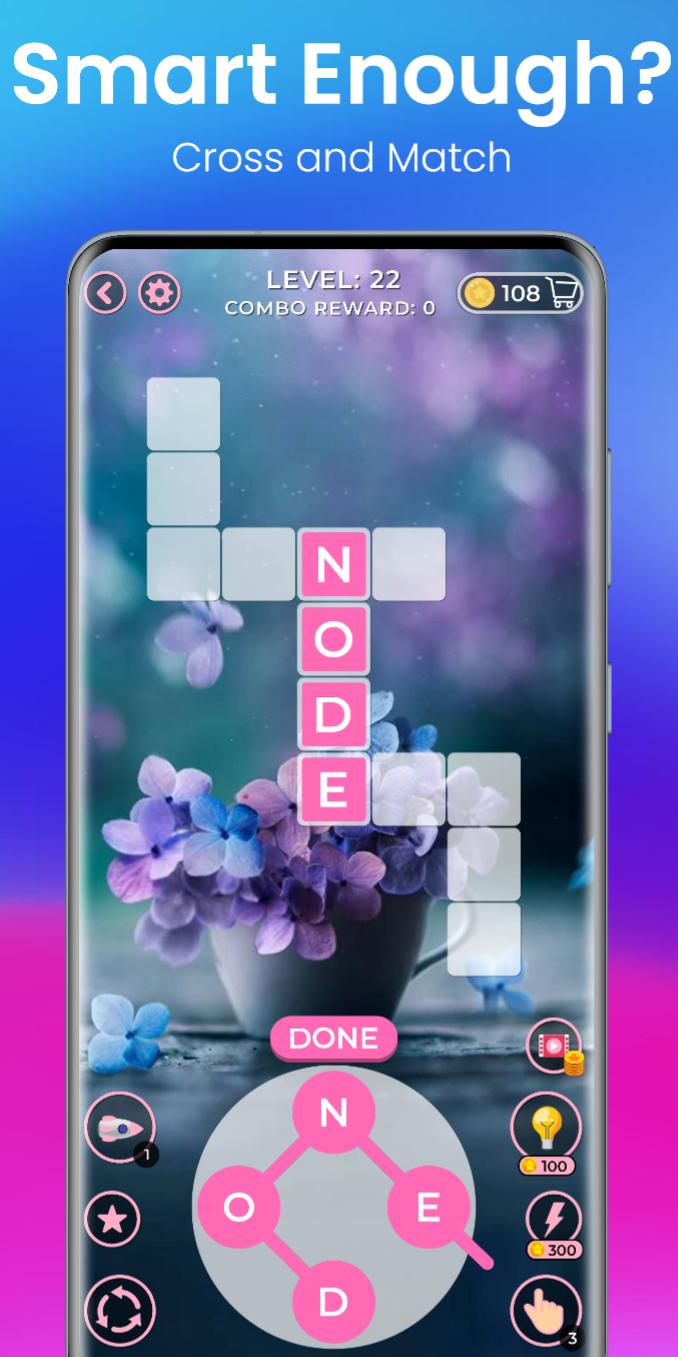
> Swipe letters together to make words.
> Make a combo to get more coins.
> Find All words in word boxes.
It Will sharpens your mind and relax with the amazing crossword experience and beautiful backgrounds.
If you find any error feel free to contact on asial6760@gmail.com
For privacy policy do visit : https://ahmedali7866.blogspot.com/
Pratinjau
Tag
KataInformasi
Pengembang
Ahmed IT Labs
Versi Terbaru
1.0.0
Terakhir Diperbarui
2022-07-09
Kategori
Kata
Tersedia di
Google Play
Menampilkan lebih banyak
Cara memainkan WordsMatch In Bloom dengan GameLoop di PC
1. Download GameLoop dari situs resminya, lalu jalankan file exe untuk menginstal GameLoop.
2. Buka GameLoop dan cari “WordsMatch In Bloom”, temukan WordsMatch In Bloom di hasil pencarian dan klik “Install”.
3. Nikmati bermain WordsMatch In Bloom di GameLoop.
Minimum requirements
OS
Windows 8.1 64-bit or Windows 10 64-bit
GPU
GTX 1050
CPU
i3-8300
Memory
8GB RAM
Storage
1GB available space
Recommended requirements
OS
Windows 8.1 64-bit or Windows 10 64-bit
GPU
GTX 1050
CPU
i3-9320
Memory
16GB RAM
Storage
1GB available space